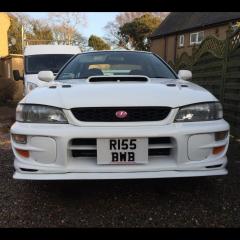
February 27, 201610 yr So my classic '98 STI has a horrible cheapo cone filter fitted at the mo and I've just been up to my local scrap yard and there's a turbo 2000 up there with the standard air box not sure on the year but are the airbox's the same or am I better off getting an STI one off fleabay? thank you! 😁
February 27, 201610 yr Makes no difference as far as I'm aware, however have a look at second hand k&n filters and the get the special cleaning kit , I did that with my blitz one, paid a tenner and cleaned it up :) no issues from mine and it sounds great Sent from my iPhone using Tapatalk
February 27, 201610 yr Sti and uk /wrx use the same airbox, it's the inlet phases that change the airbox shape . 93 (v1) to early 96 (v2) are the same . Then The turbo intake changes to run under the inlet for v3 onwards and they use a different air box Late 96 v3 to early 98 v4 are the same as each other but I'm unsure if they differ from v5/v6 . What version is your scoob ? If it's not broke .....upgrade it 😊
February 27, 201610 yr Author Cheers guys! Mines a v4 its purely just to tidy it up and I'd rather have a nice panel filter than a cone is all 😊 And it's literally just the box I need I think as my cone is where the airbox should be so should be dead easy if it's the same
February 27, 201610 yr Any v3 / v4 one will be a straight swap . This is probably the best pic I've got of the standard v3/v4 airbox . If it's not broke .....upgrade it 😊
February 27, 201610 yr Author Never mind that didn't work haha but that looks similar to the one I'm going to get



Create an account or sign in to comment