September 22, 20169 yr Afternoon all, i have been offered a forge adjustable dv from one of the guys at work, he had it on his audi tt for a couple of months but took it off because he did'nt like it and now he wants to sell it and says he will do it for 60 squid. I currently have a baileys dv on the scoob but it only dumps to atmosphere so my question is what are peoples thoughts on this would it be better and worth getting for the price he's asking thanks in advance for any advice, stu
September 22, 20169 yr If you experience no bad side effects to the VTA there really is no point to change it, unless you want less noise obviously :D
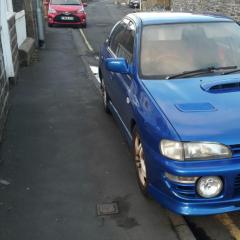
September 22, 20169 yr Author Theres no bad side effects from my current dv just a bit of turbo lag as its vta which is annoying sometimes but i also like the noise, was just thinking bout it to see if theres a happy medium or should i just forget it if the only choices are vta or recirculate?
September 22, 20169 yr If it's adjustable you can go 50/50... or whatever adjustment you need to get rid of the lag and keep some noise!
September 22, 20169 yr Author Cool i'm still getting up to speed with the scoob as don't have much experience with them on the modification side can do all the run of the mill oiley stuff. Do u think the price he is asking is reasonable coz may possibly take it and see what its like
September 22, 20169 yr Author Sound cheers for the info bud think i'll give it a go and see what its like 👍



Create an account or sign in to comment