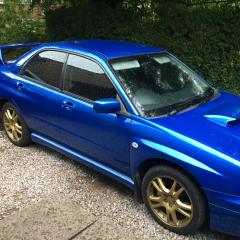
June 6, 20178 yr Hi Everyone, I'm new to this, I've recently just got my 2005 Subaru Impreza WRX absolutely loving it 😊 I was told these are the best places to meet people, also get help and advice. The bulbs have gone in my heating dials (pic attached) I've also attached a pic of the bulb I've removed. Was wondering if anyone could help with what bulbs I need I've tried looking but some people are saying I need a 12v led bulb with a resister but there was no resister on the old bulb. Sorry if i sound stupid but any help would be great. Thanks
June 7, 20178 yr If you upgrade to led's sometimes you need to fit a resistor to trick the canbus system . Tbh i dont know if yours has canbus but that bulb looks non led and therfore probably readily available at any motor factors or halfrauds .
June 7, 20178 yr Author I have tried literally everywhere even Halfords and they just don't do these little bulbs so i'm just go to try getting something on eBay if it don't work then go back to the drawing board lol. Who would of thought something so simple would be such a pain. Thanks for responding.
June 8, 20178 yr Just looks like a normal dash bulb removed from its holder ,strange . Maybe try subaru main stealers



Create an account or sign in to comment