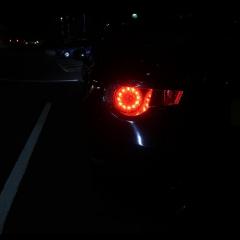
September 28, 20178 yr Hi! My name is Adrian. I'm from Poland. Im 22. From past 2year's im living in Coventry. I'm a engineer, employed as a PSV mechanic but also working sometimes on normal cars. From 17.09 I am happy owner of 2012 Black Subaru BRZ. I am a member of Polish Subaru Forum from long time, but my dream come true just now. Wish to have nice time here, get lots of information and share them as well. Sorry for my english, still learning and trying to get better. :) See you soon!
September 28, 20178 yr Hello & welcome always nice to see another brz, were all friendly here feel free to get involved Sent from my SM-G930F using Tapatalk
September 29, 20178 yr Wotcha and welcome - Your English is way better than my Polish - Polski Sklep is about it, trying to learn German at the moment and it is hard work so fair play to you



Create an account or sign in to comment