bang
Members
-
Joined
-
Last visited
Everything posted by bang
-
thanks for your pics ;)
-
Good meet and if possible you add pics or video Thanks ;)
-
Yes I 'd like combine a holiday with this event
-
-
where is this meets ? country and town
-
hi , I used acrylic paint glossy transparent (the one used for car body) for my carbon interior
-
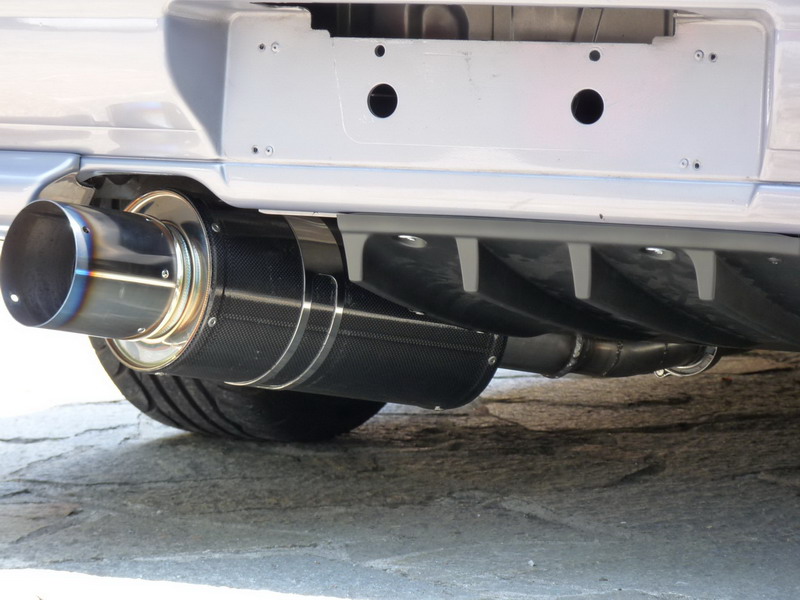
hi , i have attached the STI rear diffuser in my gc8 on the front side of the diffuser I used 2 "P" clips I am attached to the rear sway bar on the back of the diffuser I used two threaded screws on the bumper
-
i hope to find also video and pics in this discussion :) a good track day at all ;)
-
-
how often have to do the MOT? in Italy the first four years and then every two
-
now , you need this items lol http://uk.subaruownersclub.com/forums/index.php?/topic/5926-large-bonnet-vents-wrc-style-for-gc8
-
new production http://www.ebay.it/itm/subaru-impreza-gc8-wrx-sti-p1-22b-replica-large-bonnet-vents-wrc-style-/141447097757?
-
nice video:D
-
the final price and the total is 98 GBP for the states
-
later you can tell if there is a difference on the cost of shipping offered here on the forum
-
I have a copy in 15 days if you are interested. in short I'm writing the cost of shipping. let me know if you are interested
-
thanks ! :D
-
cool pics
-
hi , you know a mobile application that shows all of the counties in uk webcam?
-
my favorites are the rota g-force. 18 inch :D
-
aspect photos of this event :D
-
very nice car i love gc8
-
wow hahaha :D
-
welcome
-