
Skip to content
View in the app

A better way to browse. Learn more.

Subaru Owners Club UK | Subaru Forums

A full-screen app on your home screen with push notifications, badges and more.

To install this app on iOS and iPadOS
  1. Tap the Share icon in Safari
  2. Scroll the menu and tap Add to Home Screen.
  3. Tap Add in the top-right corner.
To install this app on Android
  1. Tap the 3-dot menu (⋮) in the top-right corner of the browser.
  2. Tap Add to Home screen or Install app.
  3. Confirm by tapping Install.

chris1978

Members
  • Joined

  • Last visited

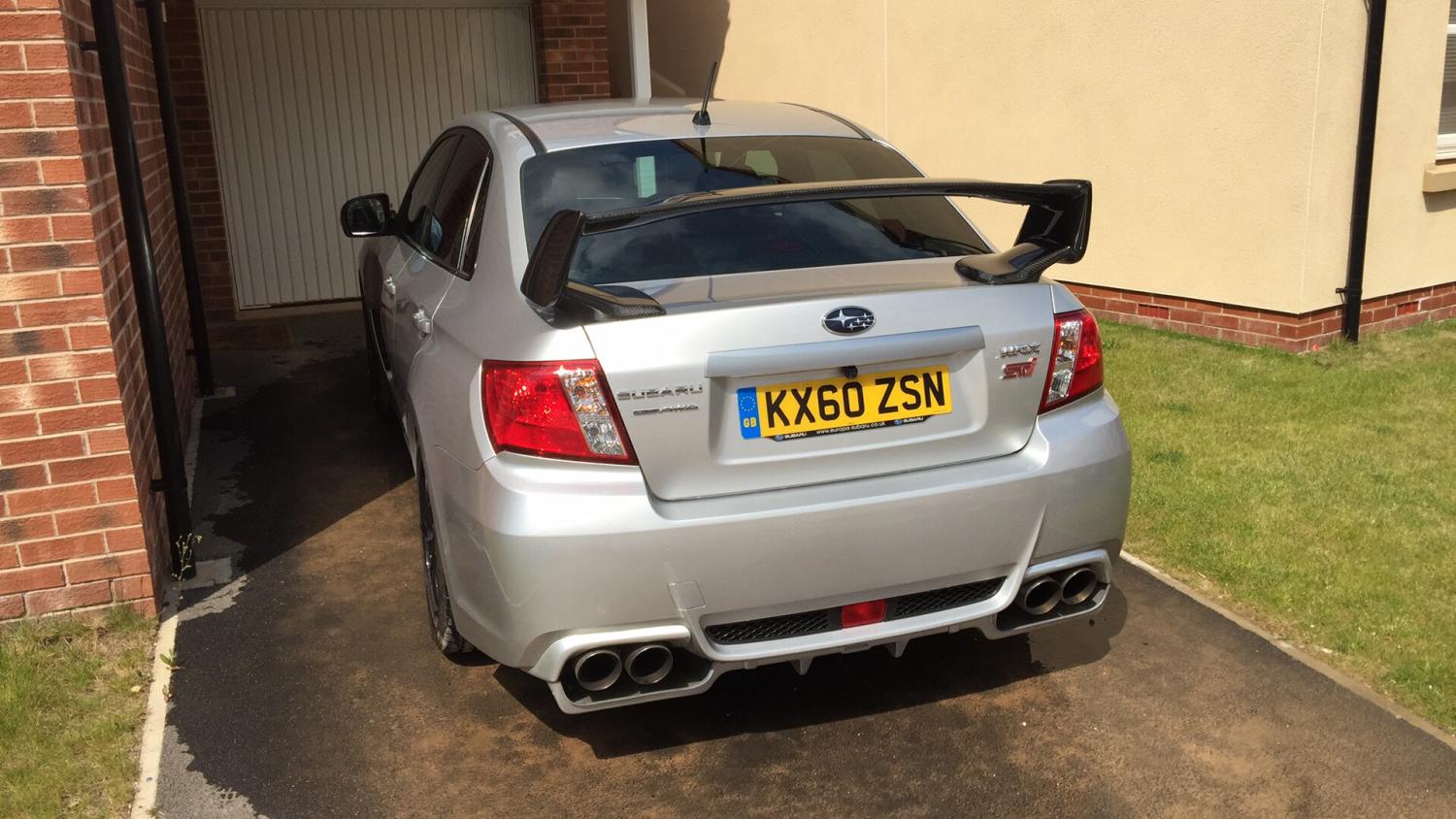
  1. Stunning looking car.
  2. Ah hope this is just a glitch. It's a great discount. I managed to get £80 of my Sony head unit the other week, made it a lot cheaper than even Amazon so it makes quite a difference; despite the odd looks from staff !
  3. chris1978 changed their profile photo
  4. Im 39 so thats middle aged i guess. Im on my second scooby now, first one I was 32. I don't really think age comes into car ownership. Although I have one friend who is continually telling me I'm too old for a boy-racer "chav" car, which is a bit nasty, probably down to their total lack of interest in cars. I use mine as my daily drive for the 20 miles to work each day and its great :0)

Background Picker
Customize Layout

Account

Navigation

Search

Search

Configure browser push notifications

Chrome (Android)
  1. Tap the lock icon next to the address bar.
  2. Tap Permissions → Notifications.
  3. Adjust your preference.
Chrome (Desktop)
  1. Click the padlock icon in the address bar.
  2. Select Site settings.
  3. Find Notifications and adjust your preference.