
Skip to content
View in the app

A better way to browse. Learn more.

Subaru Owners Club UK | Subaru Forums

A full-screen app on your home screen with push notifications, badges and more.

To install this app on iOS and iPadOS
  1. Tap the Share icon in Safari
  2. Scroll the menu and tap Add to Home Screen.
  3. Tap Add in the top-right corner.
To install this app on Android
  1. Tap the 3-dot menu (⋮) in the top-right corner of the browser.
  2. Tap Add to Home screen or Install app.
  3. Confirm by tapping Install.

KlassicSubi

Members
  • Joined

  • Last visited

Everything posted by KlassicSubi

  1. Cheers guys, really appreciate it. I've just got my ticket to the Japshowfinale, I pop by and say hello.
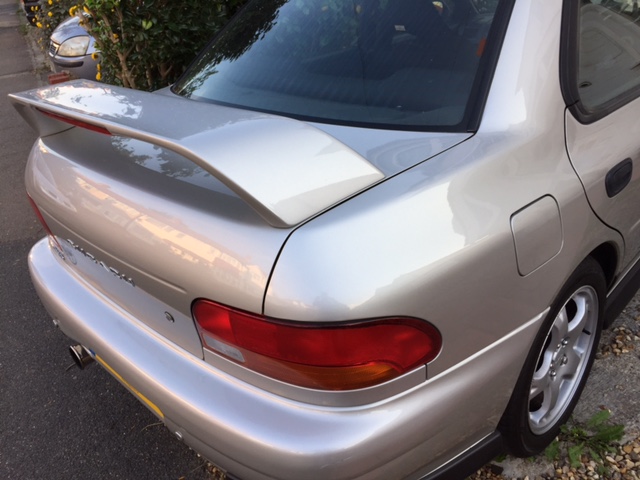
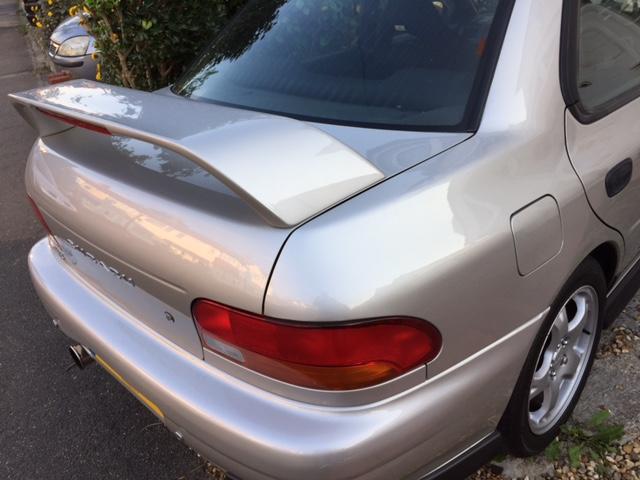
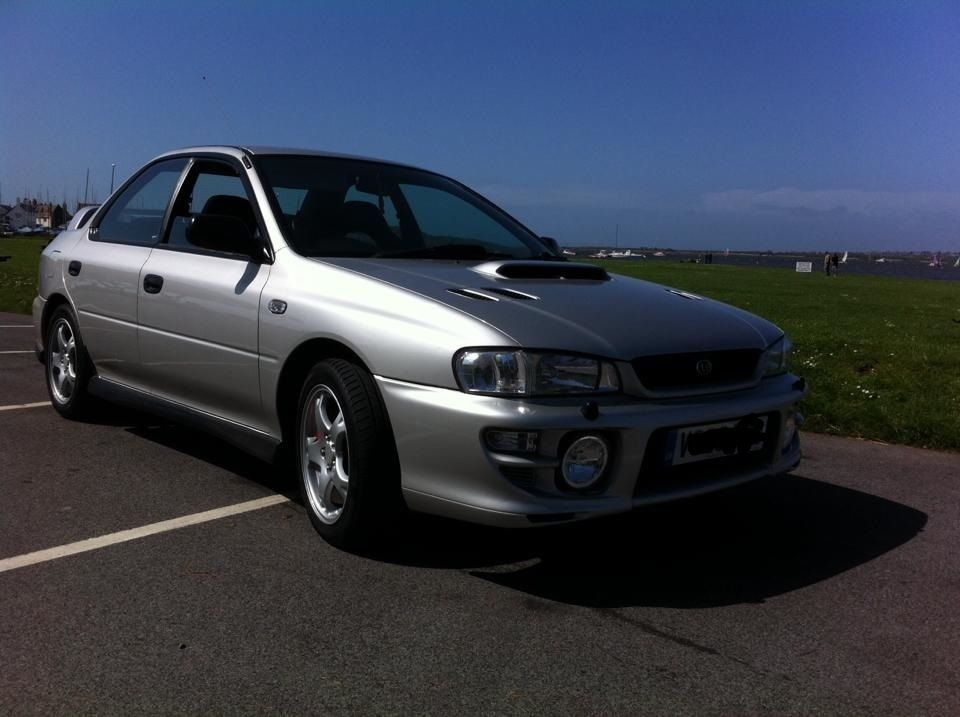
  2. Hi Guys n Girls Just thought I'd say "hello" and yes I've finally managed to buy myself a Classic Subaru & to join this club!!!!!! Fell in love with them many many years ago, but circumstances and the image (insurance was a nightmare) made it not possible. I am currently the proud owner of a very clean Subaru Impreza UK 2000 Turbo, Version 5, model GC8, which is totally stock at the moment. Looking forward to car meets (JapShowFinale), etc. so please be patient if I ask some really daft questions :) First port of call for me though is Mapping, just to see some stats. Anyway, enjoy your day. KlassicSubi
Background Picker
Customize Layout

Account

Navigation

Search

Search

Configure browser push notifications

Chrome (Android)
  1. Tap the lock icon next to the address bar.
  2. Tap Permissions → Notifications.
  3. Adjust your preference.
Chrome (Desktop)
  1. Click the padlock icon in the address bar.
  2. Select Site settings.
  3. Find Notifications and adjust your preference.
