stants
Members
-
Joined
-
Last visited
Everything posted by stants
-
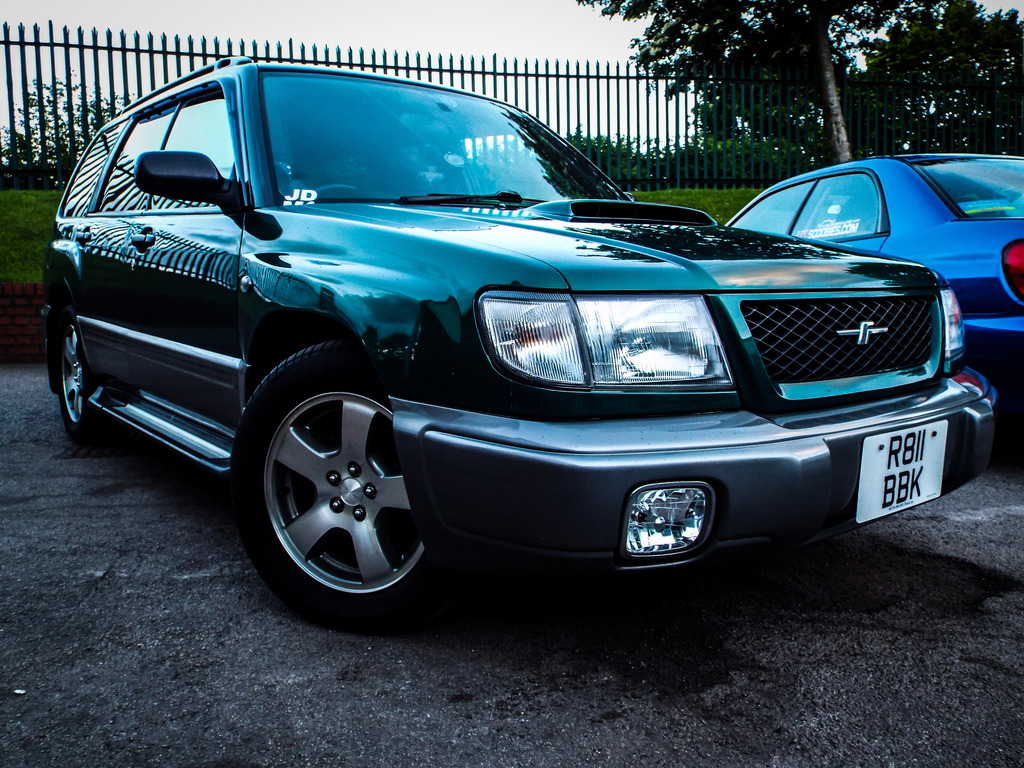
As the title suggests I've done a few searches but you end up with so much info you never asked for, the car didn't come with anything in the way of a user manual or anything helpful so... it's a 97 turbo, 1, what oil does it like ? 2, where are the trolley jack/axle stand points or somewhere suitable for jacking the car up without using the factory scissor jack, how do i remove the transmission console gear surround ? gear gaiter's knackered and I've ordered a nice new one, I've read somewhere that getting the knob separated from the boot is a bit of a struggle i'm sure i'll add to this when I've thought of some more Cheers
-
it decided to p**s it down half way through cleaning so hence the indoor shots
-
haha at least you have a manual ! off to clean it now : )
-
done a search and i seem to be coming up with lots of conflicting info. As the little sticker on the door jamb is all in japanese and imperial i'm a bit lost, at the mo i have 215/60/16 on front and rear. it looks like the sticker either says that's for the rear and 205/60/16 for the front. Or is the 205/60/16 an alternate tyre size azailable ? pressure 2.0 bar front 1.8 rear ? cheers