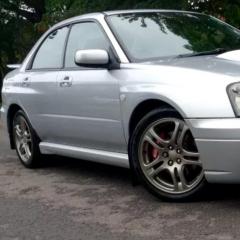
July 18, 20169 yr Hi all, now I've only had my 2005 wrx for a couple weeks now, and the last couple of days I've noticed the electric fan is kicking in very soon after starting. I'm guess this is because of the hot weather, so the water is at temp before turning the key, would this sound about right? Temp gauge is normal, when it gets to temp it just stays there. Everything under bonnet seems normal. Or could it be a faulty sensor? many thanks
July 18, 20169 yr Author Doh! I feel stupid now. Can I please delete this post lol just went out to check the car. All if fine and normal, but the fan was on with ignition on, engine not running. Scratches head, AC was on so switched it of and fan stopped. Put ac back on and fan started. Think i found what it was lol
July 22, 20169 yr Lol, you won't be the first or last mate, I did exactly the same thing with my first scoobyroo 👍



Create an account or sign in to comment