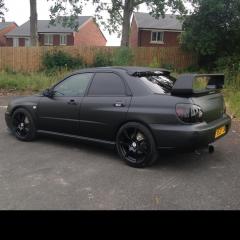
February 3, 20188 yr Hey up I'm after some advice I feel possible. I'm upgrading my 2003wrx to a VF 35 turbo plus all sti mods. Can somebody please advise on the oil feed line do I buy a new with new banjo bolt and does it need to be a sti oil feed line do they differ the info online is a little sparadic ur help would be appreciated pretty new to the forum cheers
February 3, 20188 yr I know that the tdo4 banjo bolt, oil and water lines differ from the tdo5's ones but fortunately my old tdo5 came with everything needed .I recently upgraded to a stock location gt28 and didn't have any idea whether i needed a more restrictive, less restrictive or the same size banjo bolt as the td05's one [emoji53]I didn't want to take a chance on fitting the wrong size banjo bolt as to little flow and you'll run the turbo core dry and cause a spike in engine oil pressure . To much flow and you'll pop the turbo core seals and reduce engine oil pressure .So to be on the safe side , I bought a kinugwa fitting kit , which was cheap (even incl the import tax) and although its less than half the price of uk suppliers, its been working fine for 10 k miles .
February 4, 20188 yr Author Cheers for the info I have now purchased uprated oil feed line plus banjo needed so should be good to go plus all new gaskets.



Create an account or sign in to comment