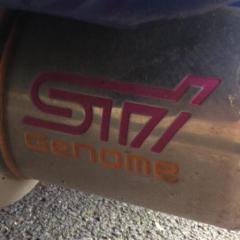
June 22, 201411 yr Used these to fit my exhaust and do my remap. Garry did an absolutely fantastic and thorough job. Got great gains from my car too and it runs sooooo much better than on the old map - much smoother and cleaner throughout the rev range and easier to drive. Great guys work there too - kept me topped up on cuppas the entire time I've been there over 2 Saturdays and even had a BBQ last time I went when some Evo owners turned up. Can't recommend him enough if you need some parts fitting and a remap. He's really informative too - talked me through everything he did included the ins and outs of the map and what options I could do in future. Reasonably priced as well, especially for the work he did for me. Even chucked in a couple of freebies.
June 22, 201411 yr Nice one mate if I get chance this week I will see if it's ok to get them on here and I will do a post like I did for Martin :)
June 22, 201411 yr like it - always good to know when great service has been had I agree mate it's easy to find the bad ones or when a customers had a bad experience. :(
June 22, 201411 yr yup unfortunately the norm is to criticise but very few take the time to pass on positive feedback
June 22, 201411 yr I've used GR performance a few times and Gaz is always helpful and knows his stuff, he runs a couple of time attack cars too
June 28, 201411 yr used them to remap my bugeye, and the Scooby is booked in there for its first map when its back together.
June 28, 201411 yr Author Cheers Dave :D yea I'm well happy with the sound :) . I was indeed, just got higher grade spark plugs fitted to go with the new map. Good timing at lights when I left ;) Yea, he's spot on. Thanks for recommending him Ash!



Create an account or sign in to comment