majik_thighs
Members
-
Joined
-
Last visited
Everything posted by majik_thighs
-
Therein lie the problem!.........Galaxsy S 5 also has an ultra power saving mode which can last nearly a fortnight.
-
Problem with Subaru wheel bearing that i`ve had done (front, never had a rear one go before) they do have a tendency to eat the hub, twice i`ve had to have the hubs sleeved because they were chewed to bits, you dont get much notice, as soon as you know i`ts a bearing get it sorted!
-
Wheel bearing?.......mine sounds like an old chuff-chuff, one of my rears, new bearing being fitted on Friday!
-
All the time!..................and the best thing for it is? Answers on a postcard please!
-
Don`t ask Gambit what oil he uses!
-
And to add insult, it`s a crappy old Vauxhall "Phenomenon"
-
Now why would you??? Sent from my Galaxy S 5 using Tapatalk
-
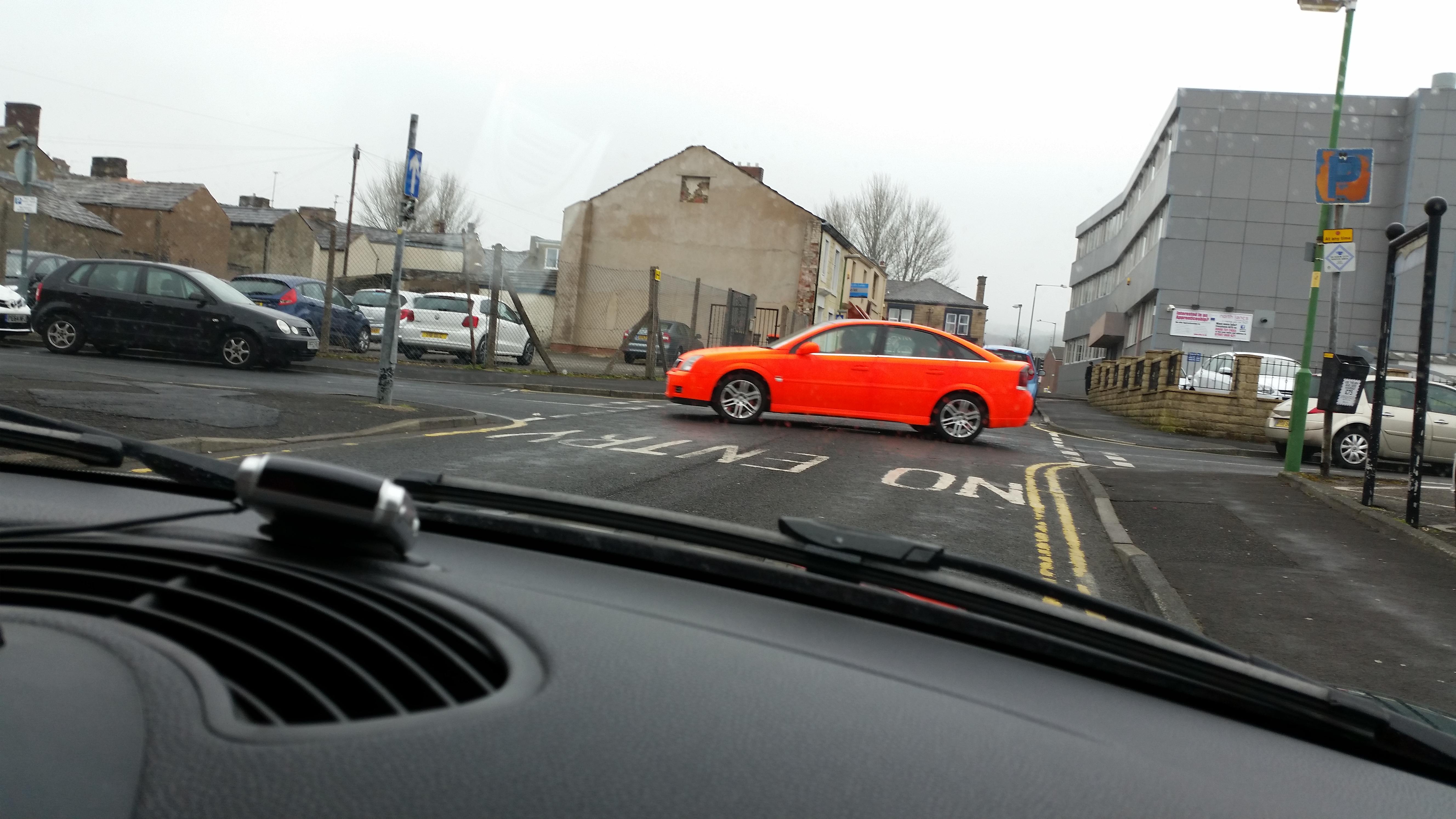
Remember the clip of the "visible from space" car I posted up a few weeks ago? Spotted again 5 minutes ago. Sent from my Galaxy S 5 using Tapatalk

-
Fitted my front mud-flaps....all round matching now :D
-
I had a word with a local mapper near to where I live and he told me I would get more horses but probably less mpg. "Unless it`s a turbo diesel you won`t get better economy" I may give him a ring and get him to give mine a good tune-up, see if that helps.
-
Only because you have a turbo. With a normally aspirated petrol engine there`s no gain to be had in the mpg dept.
-
The best i`ve had on a run up to Edinburgh is 29.9. And that was at a steady 68mph......wouldn`t quite get to 30.
-
I`ve done that i`m just checkin them off one at a time. Maybe in the end 18s all i`ll get.
-
Definitely not!...........i`ve bee feather footing it for a few weeks now but cant get anymore than 18 MPG :( around town. Before I had the plugs changed it was 13-15.
-
A tad under half way. According to the OBDII it runs at 88 degrees. I spoke to an engineer who re-maps these and he says if it`s not getting to 90 it will be over-choking so i`m gonna try one which opens hotter.
-
Anyone know where I can get a thermostat for my 3.0 OB which opens hotter? I think it`s not getting up to correct temp and is running rich.
-
Throw g a sicky? [emoji317] Sent from my Galaxy S 5 using Tapatalk
-
Are her eyes painted on?
-
And what are we talking about here? :)
-
Didn't get chance to wax today cos of the !Removed! rain.[emoji35] Sent from my Galaxy S 5 using Tapatalk
-
Hovered? Only a mink glove touches mine
-
My last one was on 176`000 and it sounded puurrfect.
-
I suppose you can push them until you have to PUSH them. [emoji87] [emoji86] [emoji85] Sent from my Galaxy S 5 using Tapatalk
-
Just spent the day washing claying, poor boys black holing, wire wool and rain x windows.......and tomorrow I is going to give her two (2) coats of black wax. :D Before that I had a trip up the motorway and roasted a Clio Sport off the roundabout and up the on-ramp, I may have it on camera. How old am I again? ;)
-
Anyone fancy this old girl? http://www.ebay.co.uk/itm/Subaru-justy-one-former-keeper-Fsh-needs-loving-home-Cars-bargain-/161618780212?pt=LH_DefaultDomain_3&hash=item25a13ae034 Someone could get a nice bargain there.