majik_thighs
Members
-
Joined
-
Last visited
Everything posted by majik_thighs
-
I love euphemisms
-
They still throw rocks at airplanes up there!
-
A great tip to get a much clearer picture is to have the camera pointing a little lower, maybe 2 clicks, in daylight you get a better picture as it`s not having to keep trying to auto adjust the exposure for the sky rather than the road. Give it a whirl!
-
Just got a new dash-cam today, Mini 0801 I liked the one I got for the wife so I had to have one. Seeing as the cabling and plugs were the same as the old one it just swapped over no problem :)
-
My 3.0 has a sort of power band that it hits at around 3000 rpm and gives you a shove up the !Removed!. At first I thought me caravan had come off Any idea what it is?
-
A good excuse to wee the dogs!
-
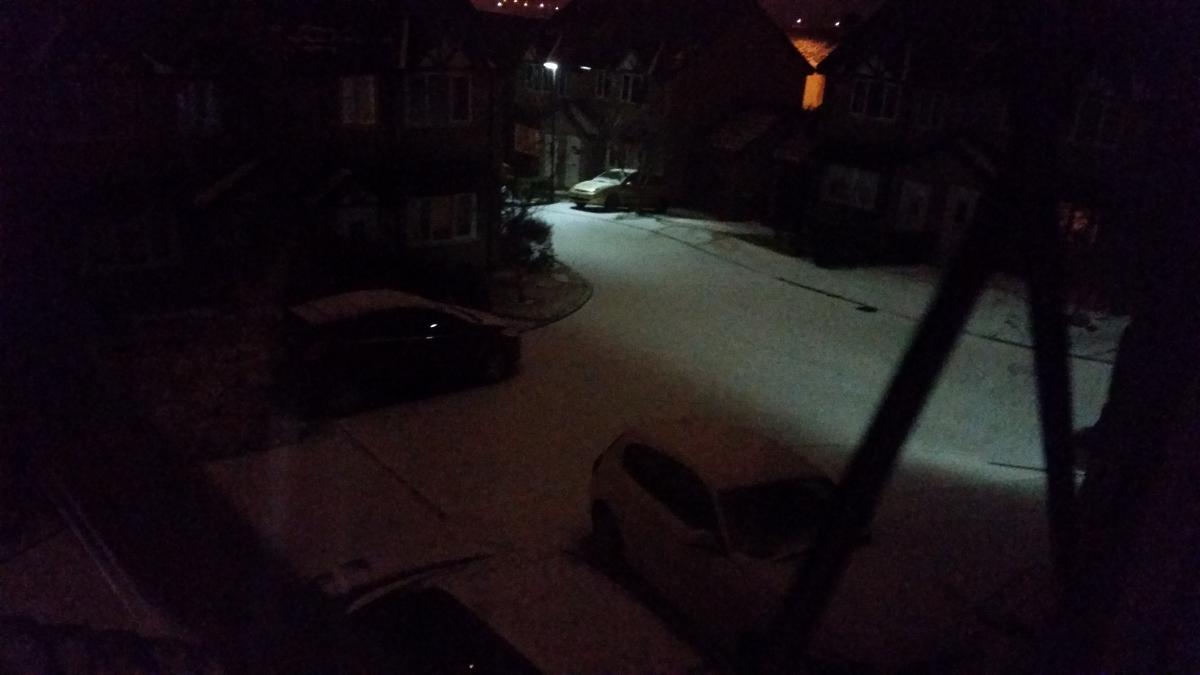
Just had this arrive inside 5 minutes! I`m going out to play before it melts :D

-
That`s reassuring! :o Edit:.........it`s not actually the one I linked to......being lazy I just found the 1st one with the same price. It`s the one with the MPH and KPH, 2015 version. Looks exactly the same. I`ll let you know if it lasts the week out.
-
It`s just a straight Ebay link mate!
-
Just bought one of these for the wifes car. http://www.ebay.co.uk/itm/301191505270?_trksid=p2060778.m2749.l2648&ssPageName=STRK%3AMEBIDX%3AIT Looks a very nice piece of kit, I may just get one for mine and dump the cheapo, which works great but has no GPS MPH readout.
-
Their own stupid rules contradict themselves.
-
Sounds like one of those stupid rules they come out with so must be true Dog. Regardless of the fact you can have your satnav display on. For the price they are pretty good, rule of thumb is usually ya gets what yer pays for!
-
you don`t really need the screen on, it`s rather annoying at night. There`s a setting to have it switched off but I can`t find it so I just taped it over. The IR is on all the time. Night time it`s not brilliant but when you see it on the PC it`s not bad.
-
Cos i Sent from my Galaxy S 5 using Tapatalk
-
Gonna buy one! .....cos u trust your judgement [emoji85] [emoji86] [emoji87] Sent from my Galaxy S 5 using Tapatalk
-
Does it look the part Dave?
-
Like two canaries in a cage
-
It has a built in power supply but I think only to keep the internal clock going. I set mine up plugged into the PC with my reading glasses on, mostly trial and error but go there in the end.
-
But yours is a much better camera, I just bought a cheapo! :)
-
5 minutes is what I have mine set for, 32 gig memory card but less than that is fine as it just re-writes itself when full. Any sharp braking will lock a file so it won`t get written over.
-
How you getting on with the Seat?............I hated those stupid criss-cross wipers. Looks like your forever giving the Team America secret sign. I had a Seat something or other as a courtesy car and the wipers actually parked in the pillars, sounded like I had a roof rack on!
-
That's a work of art oh savage one! [emoji120] Sent from my Galaxy S 5 using Tapatalk
-
We pilots call them ailerons![emoji67] Sent from my Galaxy S 5 using Tapatalk
-
Same as I have. The instructions are pigeon English but eventually with a few sweary words, in time you can set it up.
-
I`m an Autosol man meself :D