RichieT
Members
-
Joined
-
Last visited
-
Is this the car your looking for? n
-
They look good though. Nice.
-
A bonnie wagon. I hope you enjoy it and welcome along.
-
Subaru have worked on this sound track for years now and it's all I like to listen too when the twisties are ahead.
-
welcome along.
-
Welcome along. I had a few Kawaski's myself the latest one I had was a new 2005, 636. Some machine. :-)
-
-
Lovely motor. I'm sure the guys on http://www.p1woc.co.uk/forums/login.php?do=logout&logouthash=1482188704-e873875f5c2c3dc3abe14aeec64e249766996d90 would be happy to see your car too. Enjoy.
-
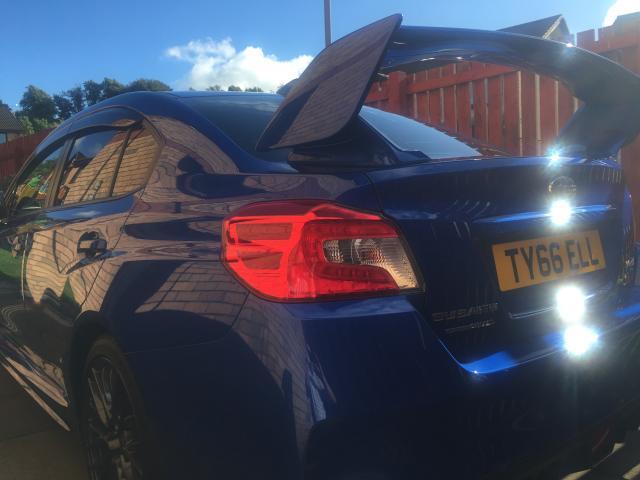
Im 48 years old and my new 2017 WRX STI constantly makes me smile whilst i drive it. That is all that matters.
-
Took the car into the repair shop so that the damage caused by a young driver texting can be assessed. Too busy texting that he ran into the back of me.
-
Welcome along.
-
I had an XV for two years before purchasing my WRX STI. The XV is a fantastic car and you will get many miles of great motoring out of it. All the best and Welcome along.
-
Welcome along and enjoy.
-
Welcome along and enjoy the club.
-