


CboatsTerzo327
Members
-
Joined
-
Last visited
-
+44 7340 738234 Give me a call if interested guys.
-
Hi guys reluctantly putting my restored terzo up for sale. Follow my build on the forum SO IT BEGINS for a full rundown of the build. Looking for offers around £8000
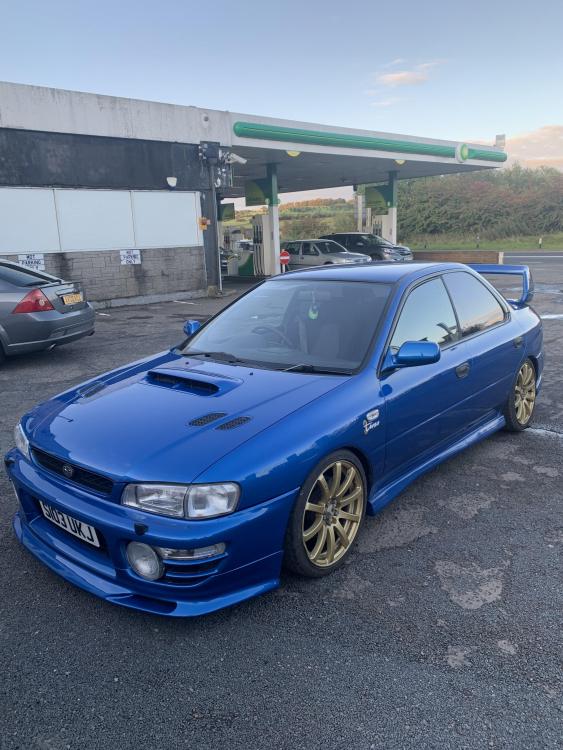
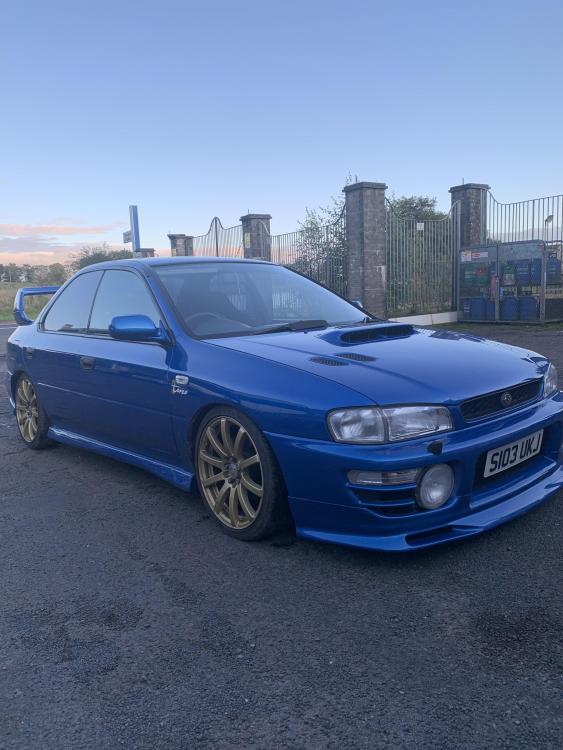
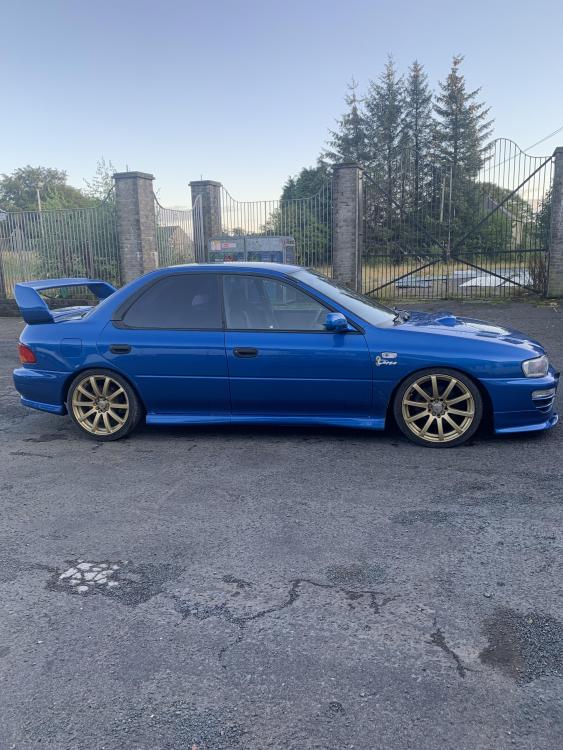
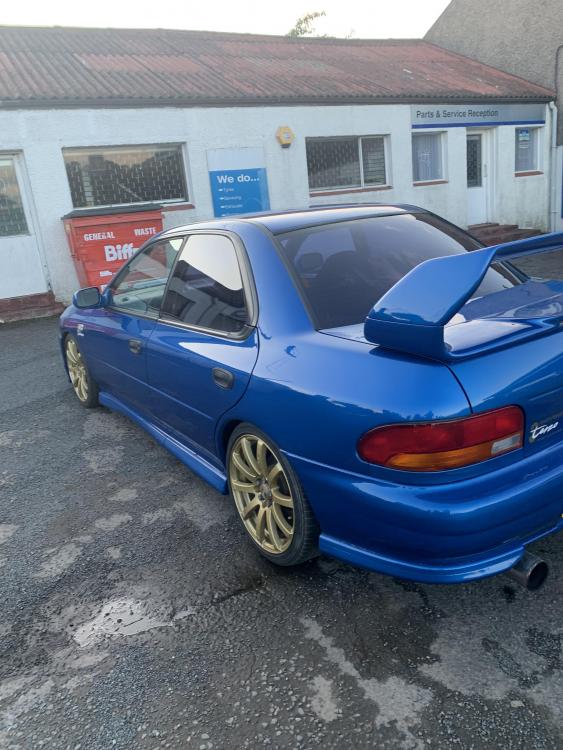
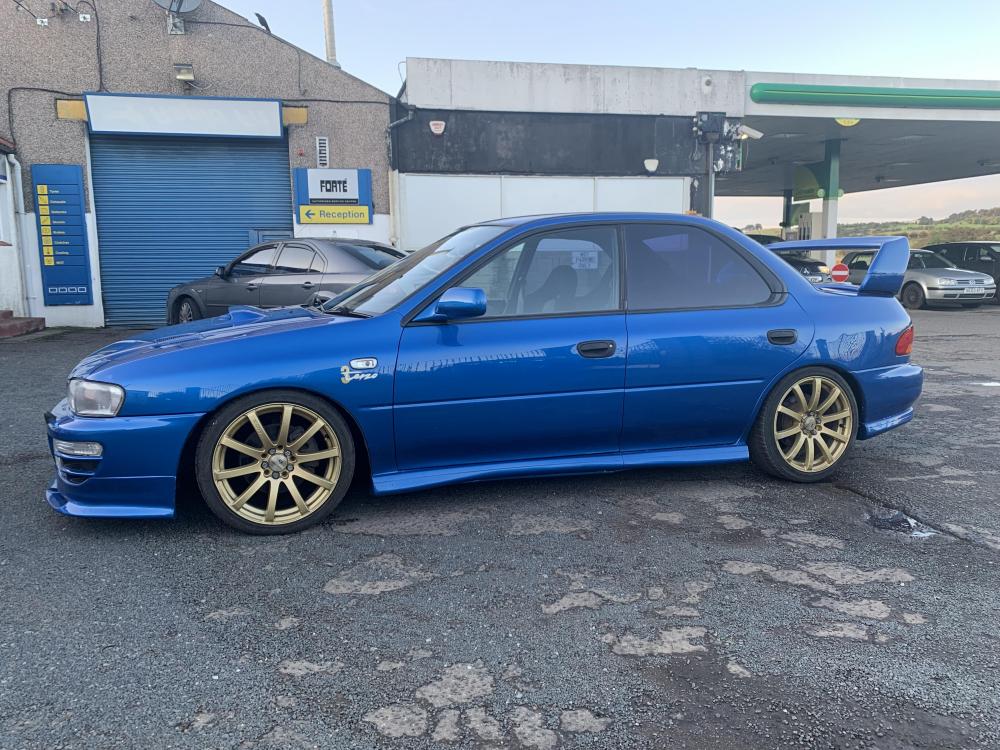
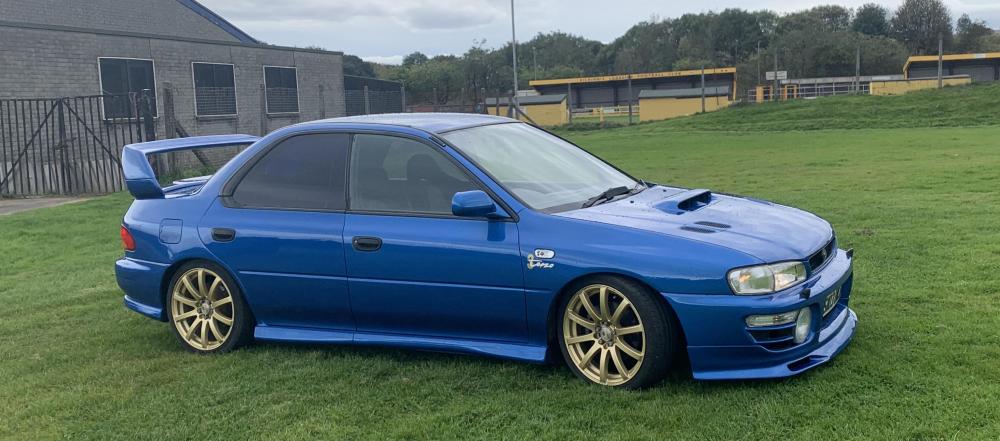
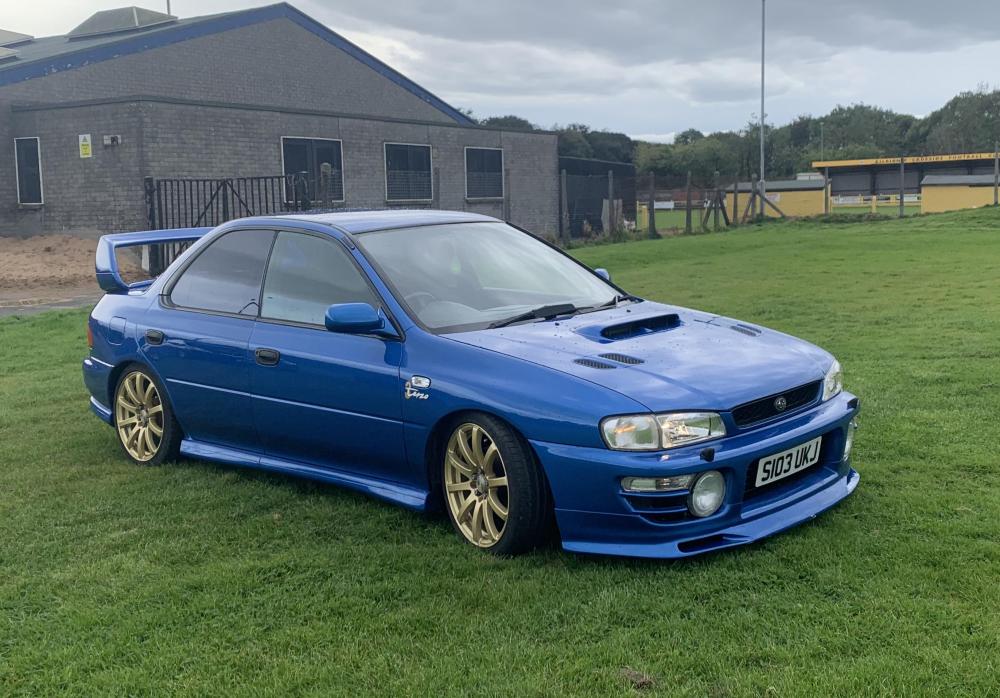
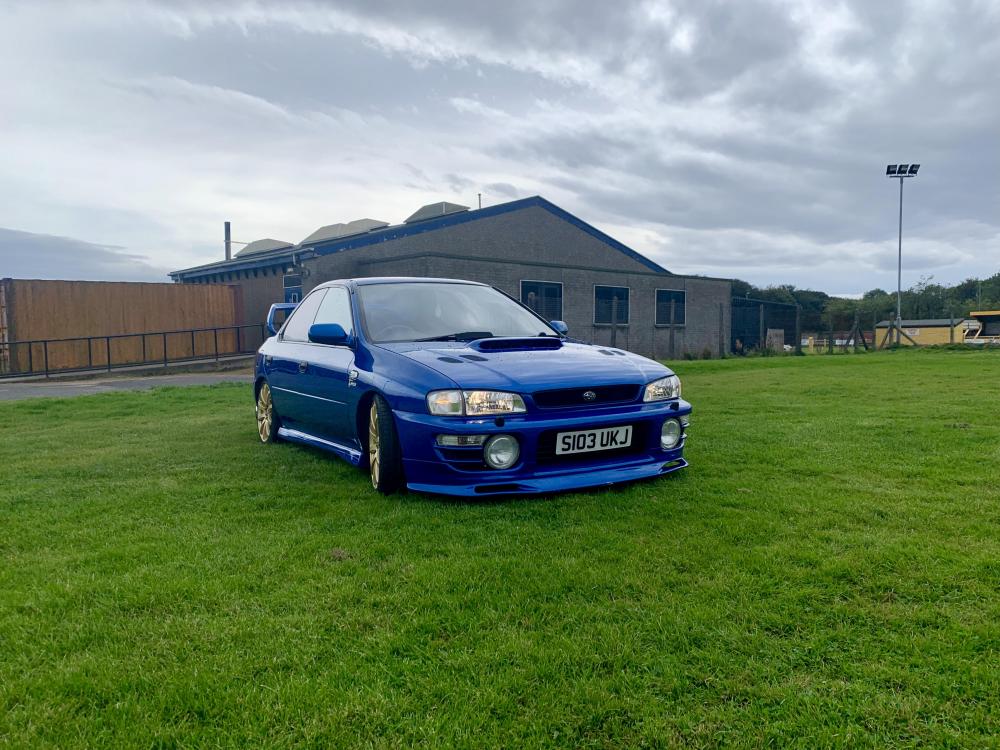
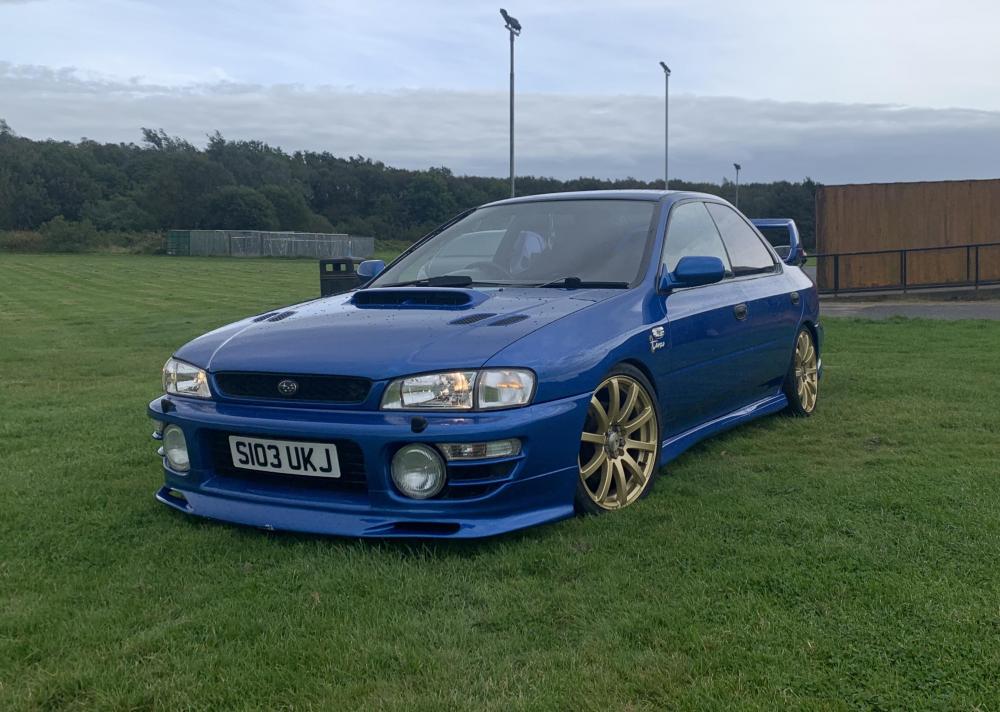
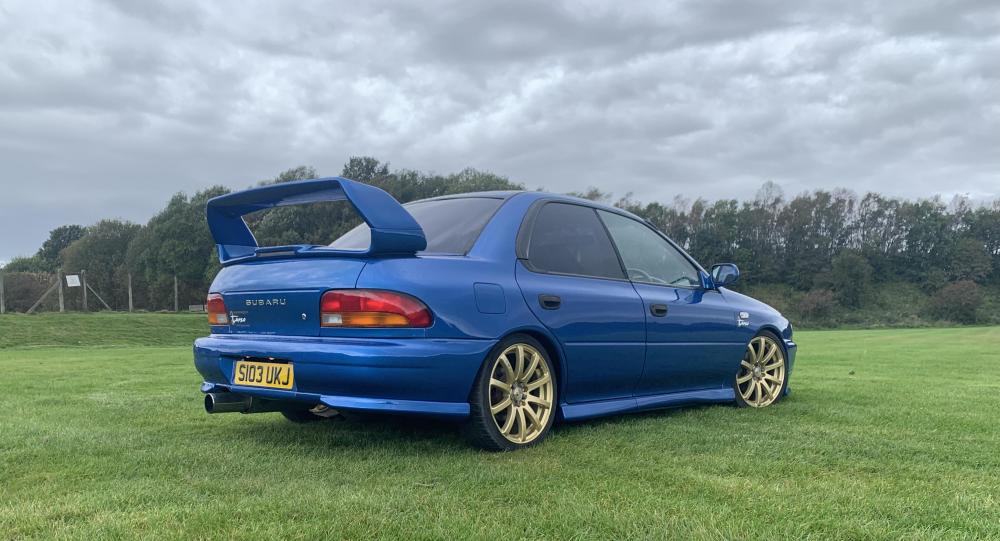 Hi guys. After a long slog restoring my terrain which I documented on here in the post SO IT BEGINS. I am reluctantly putting her up for sale. A lot of time money and effort has went into the build but having started university in August I need to cash it in. Please feel free to get in touch with me regarding the car,I’m looking for offers around the £8000 mark. The build is pretty much complete. Needs the filler neck and the heater fan replaced,both of which I have with car. I would also replace the rubbers at a cost of £200. Willing to come and go a bit with the price. Thanks for reading.

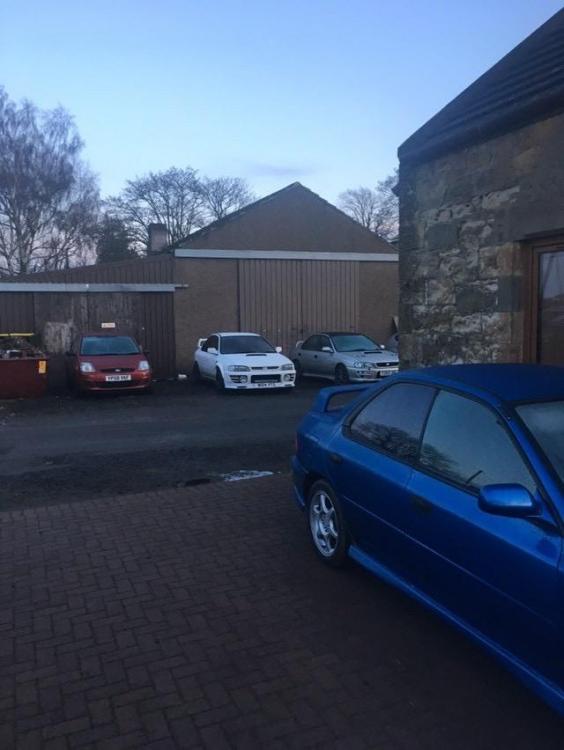

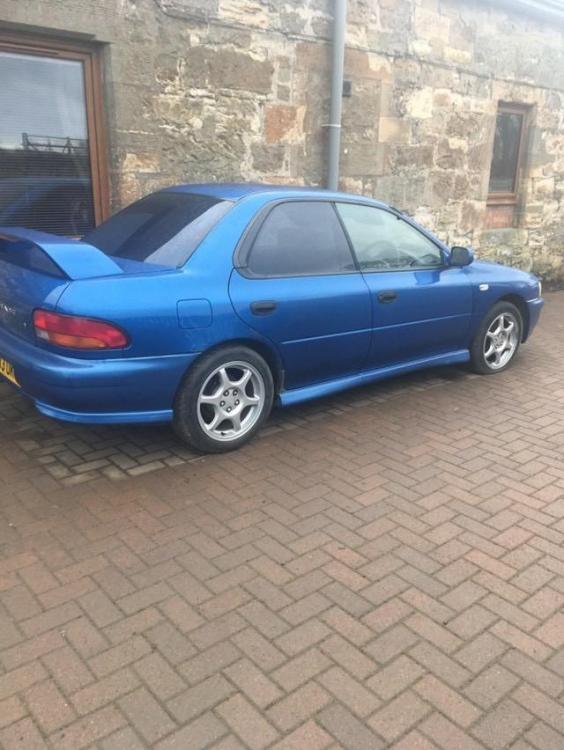
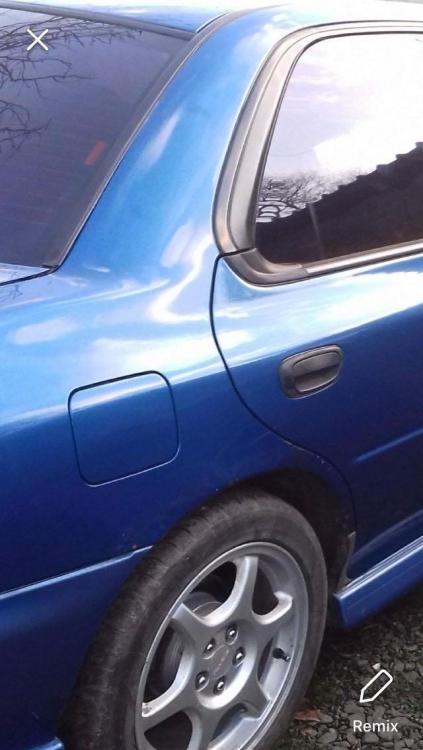
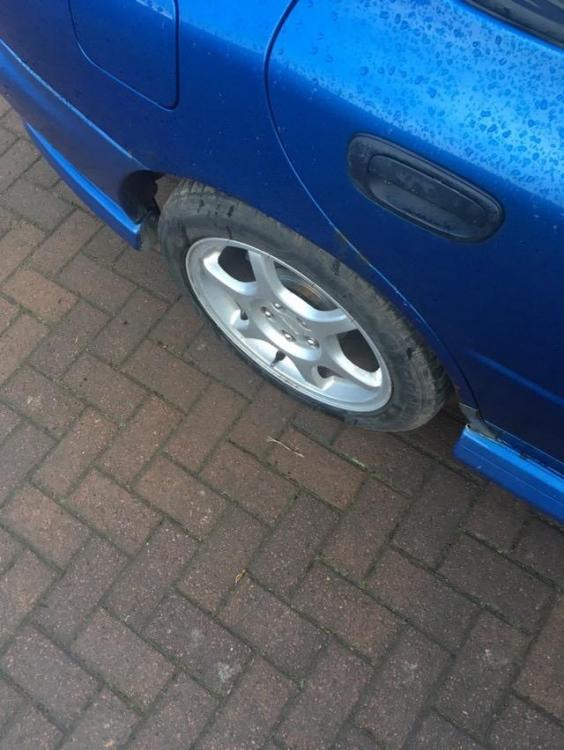
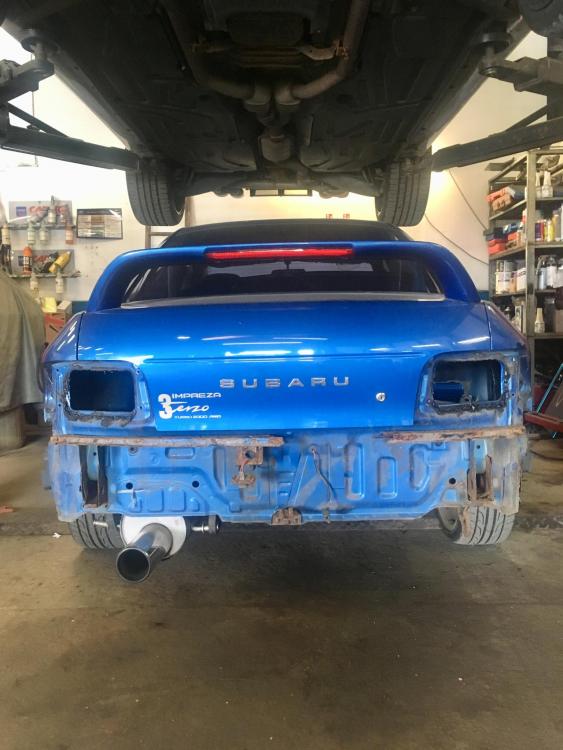
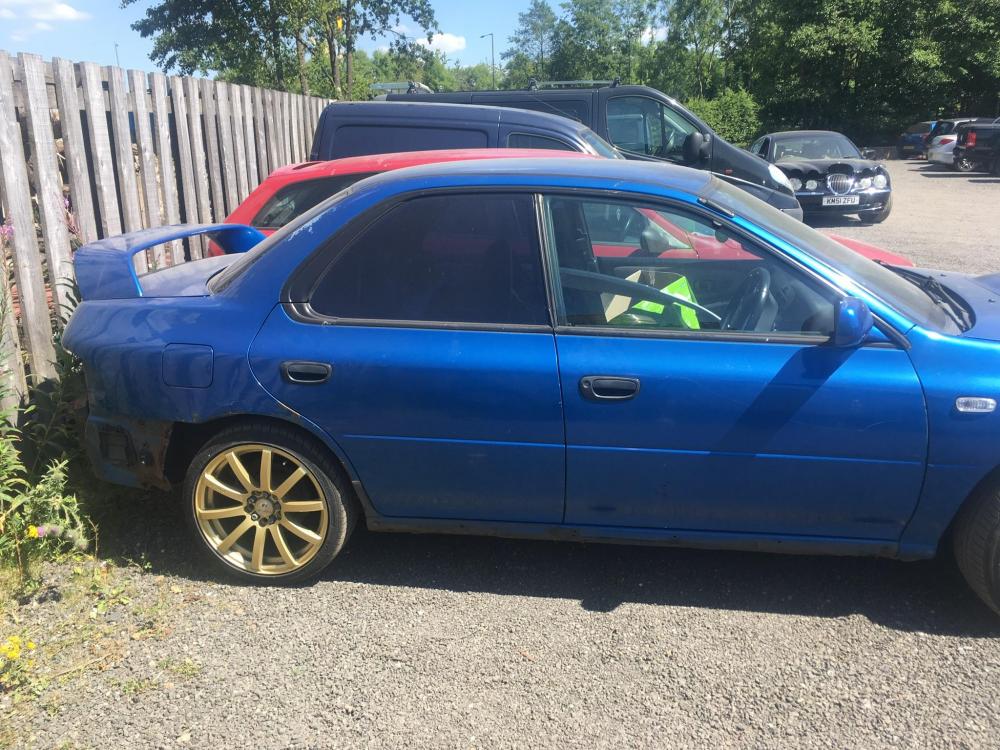
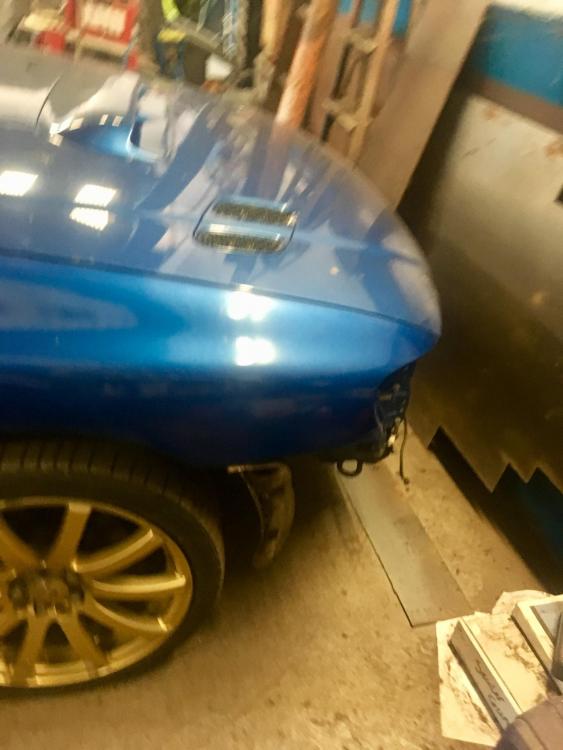
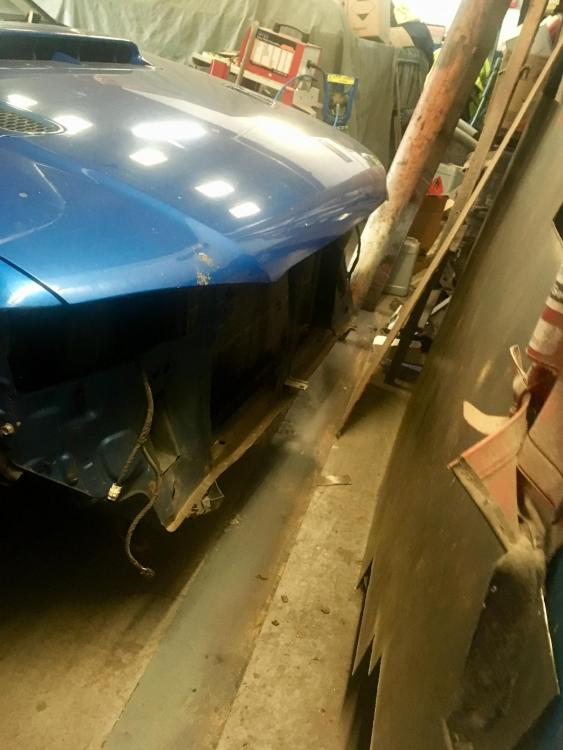
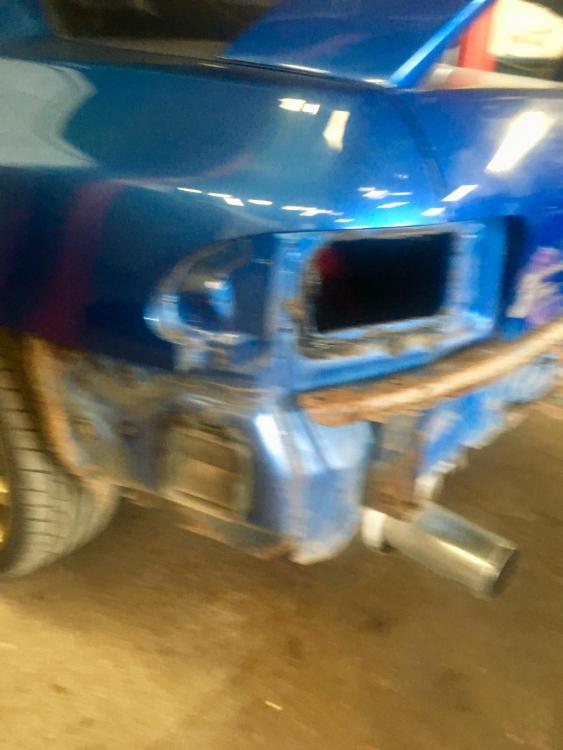
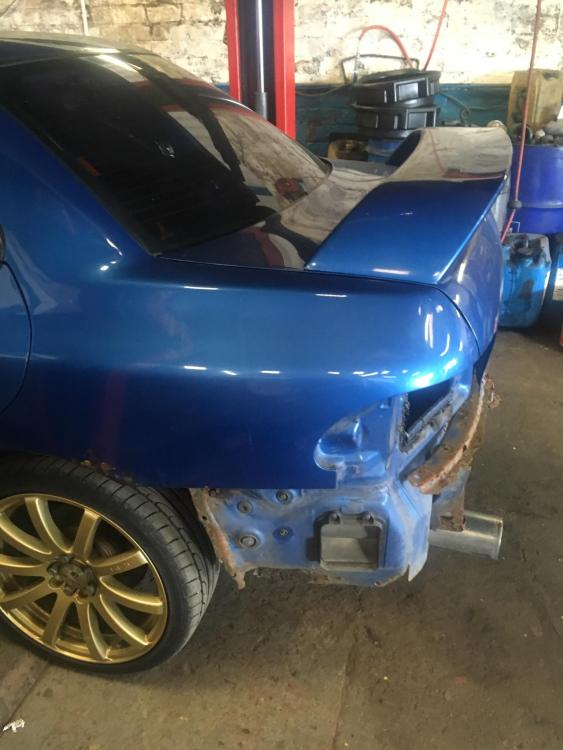
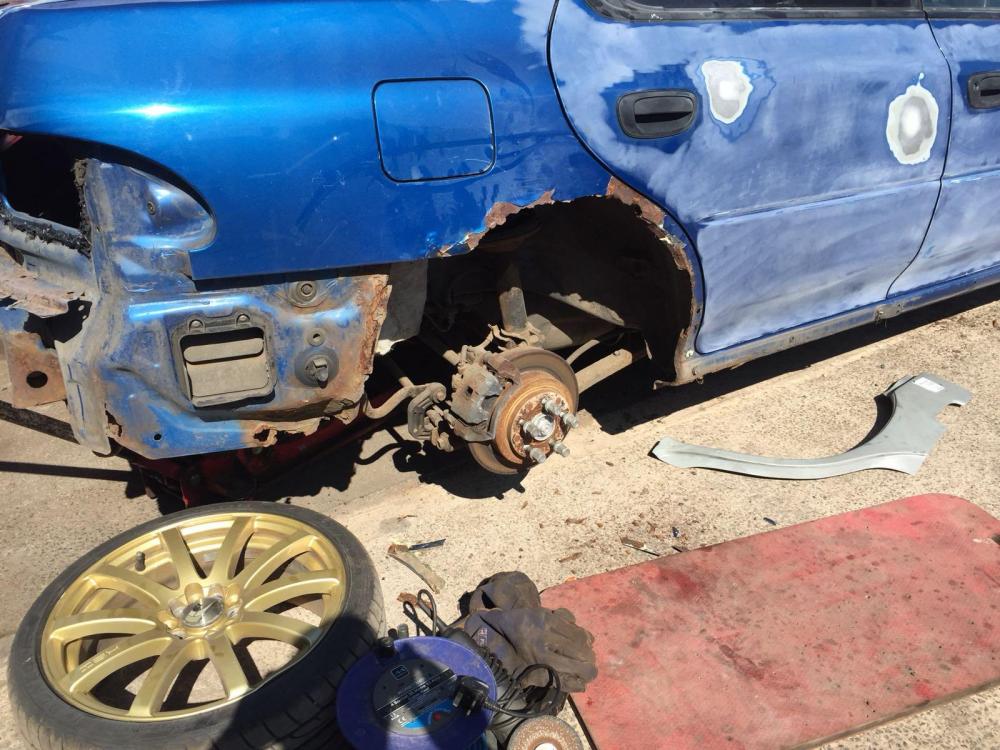
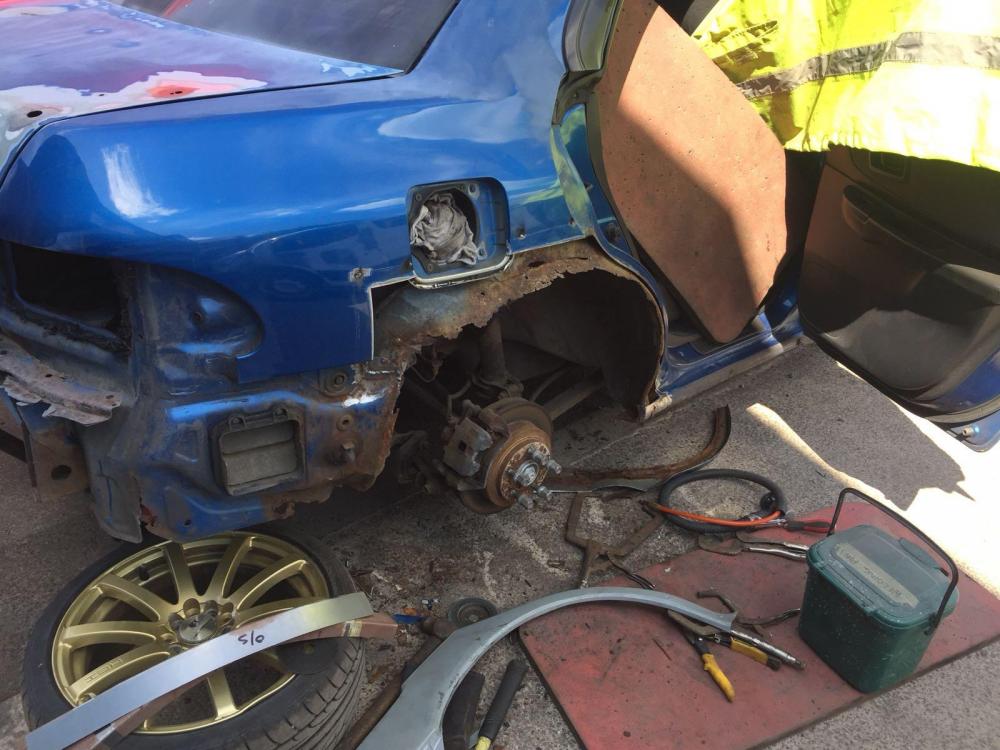
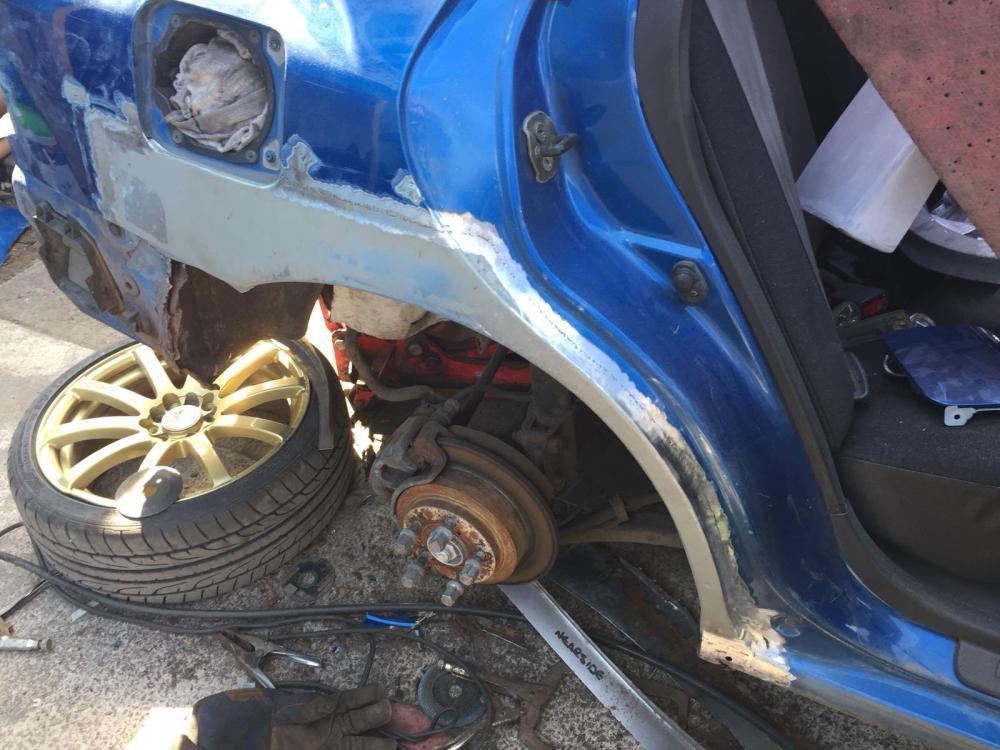
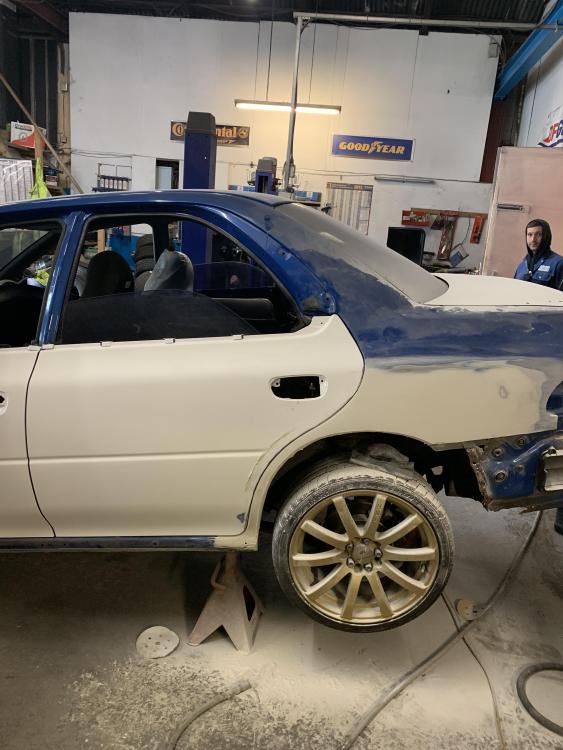
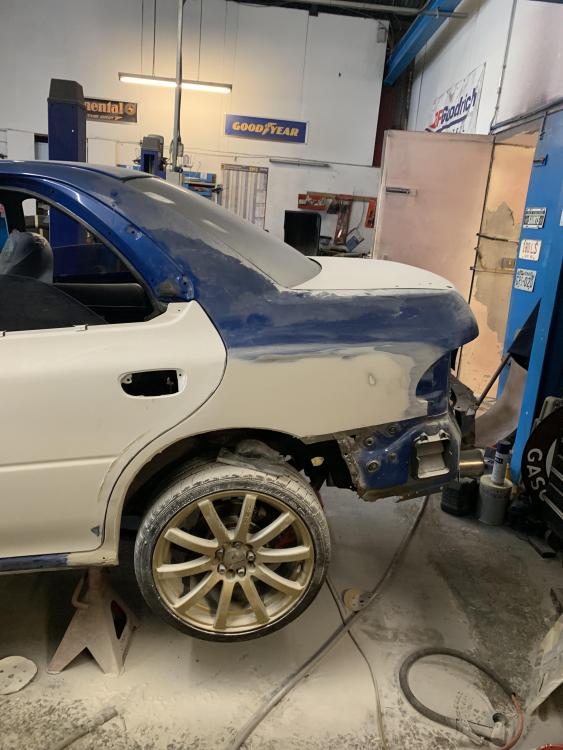
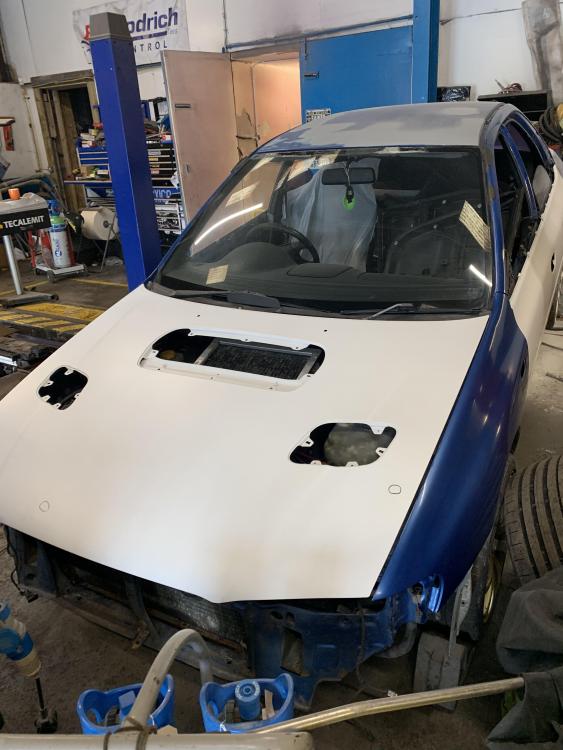
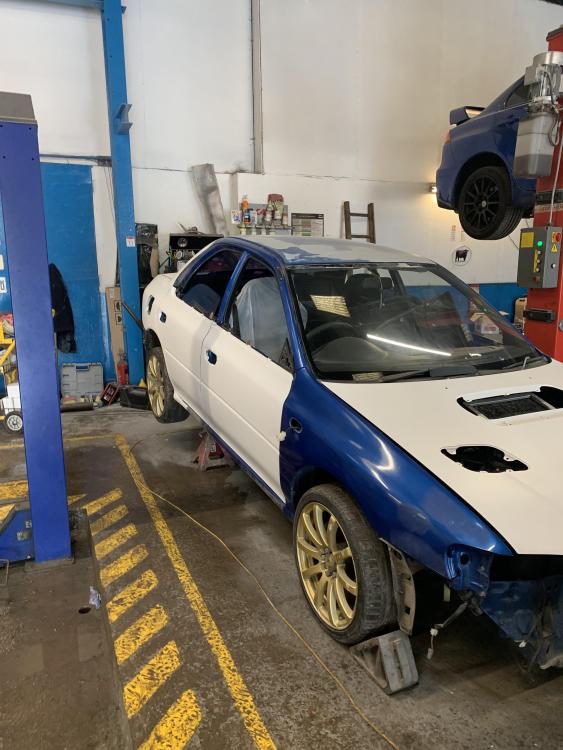
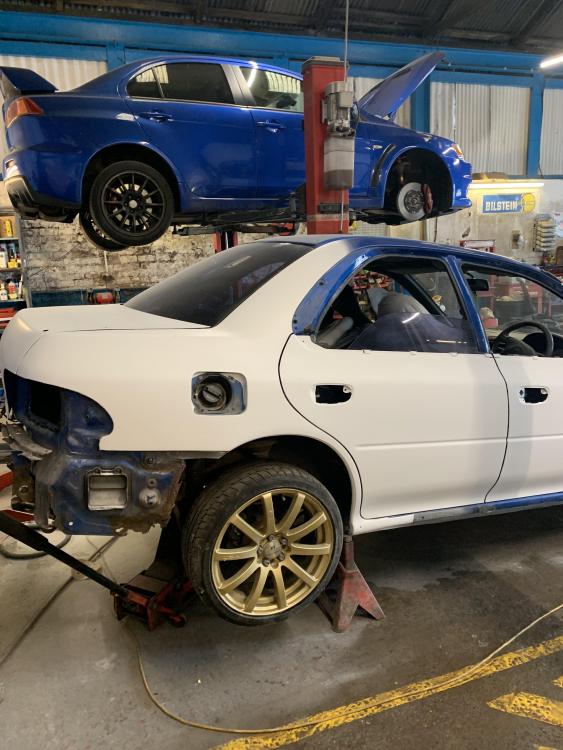
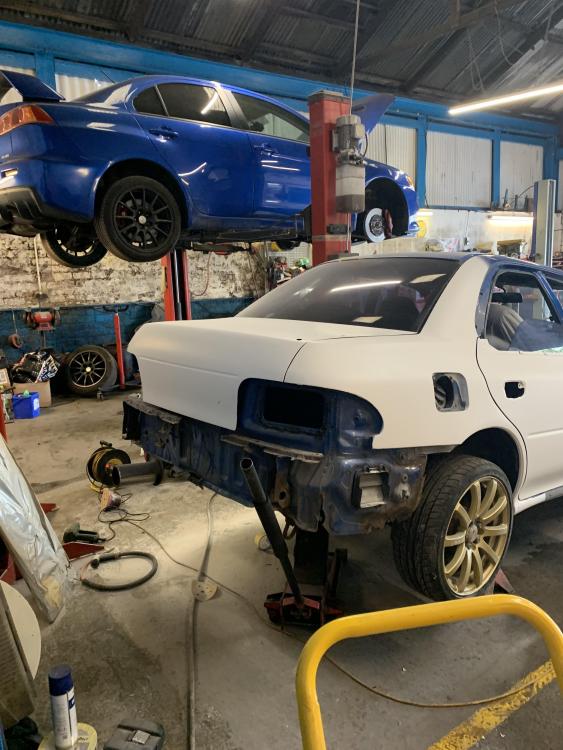
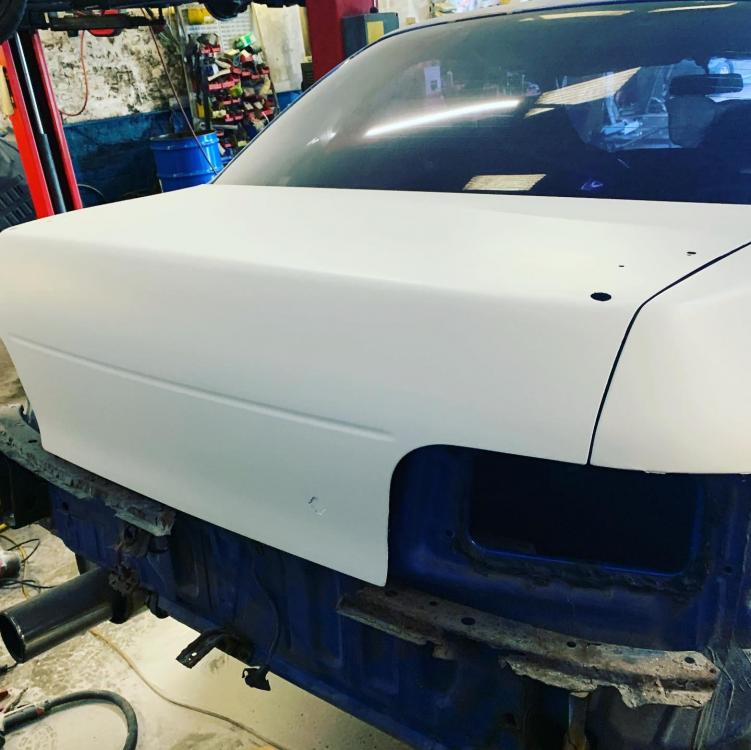
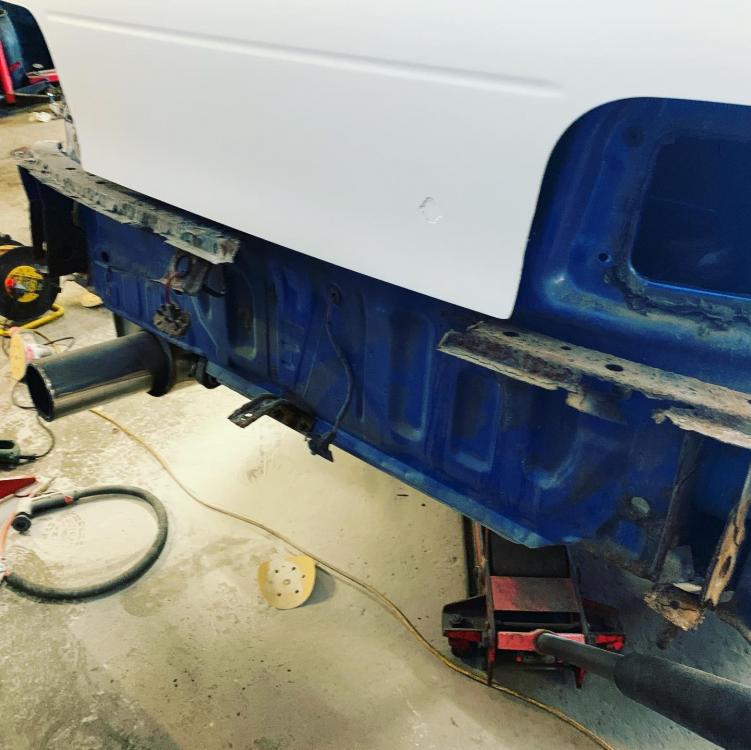
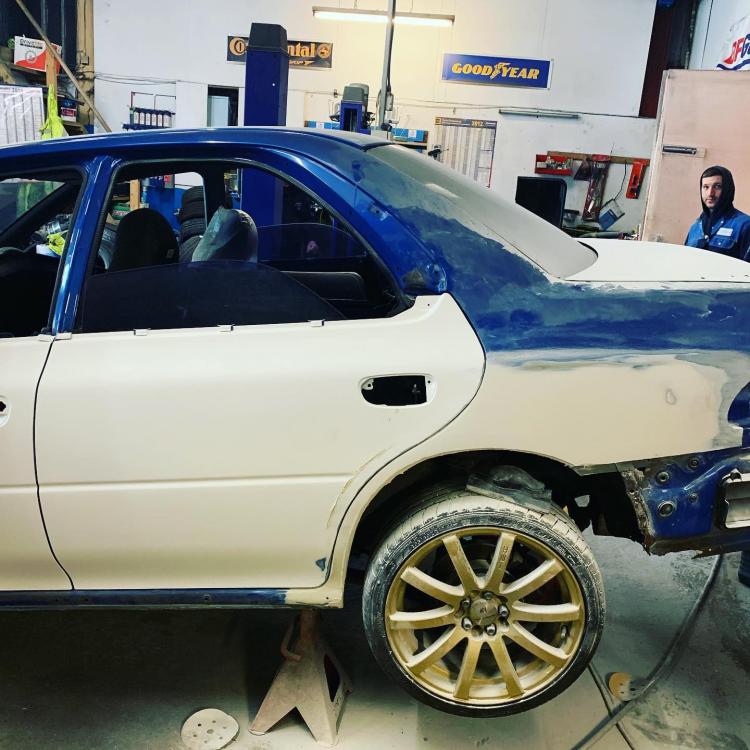
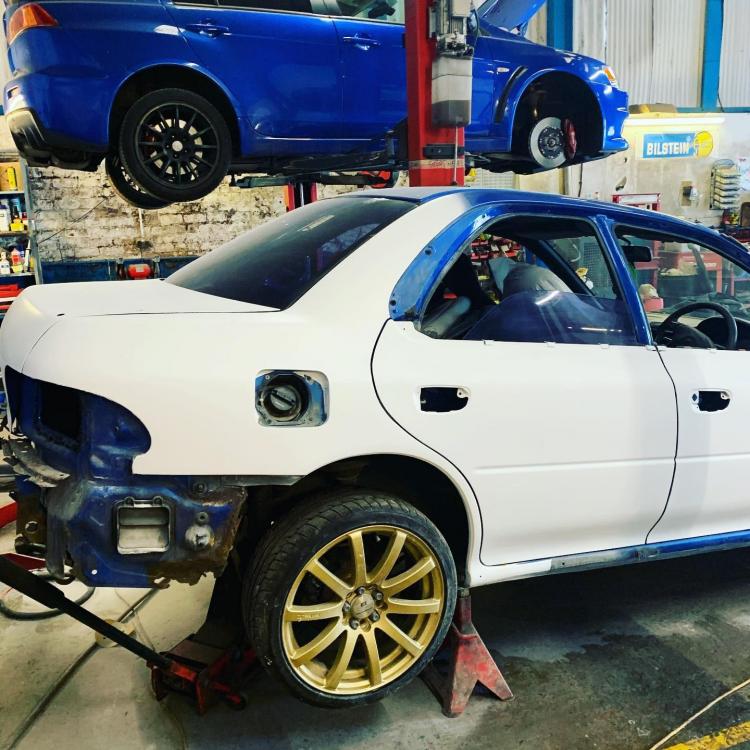
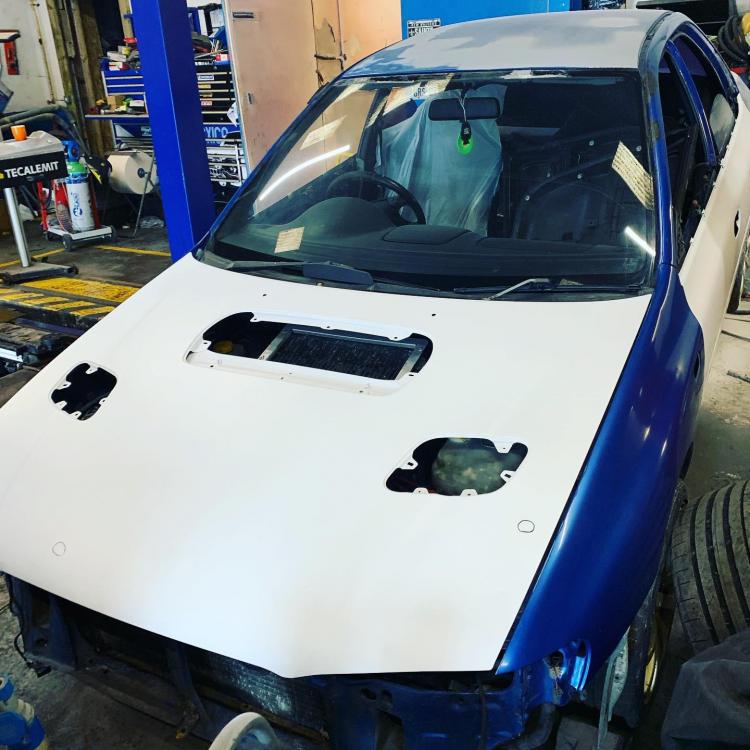
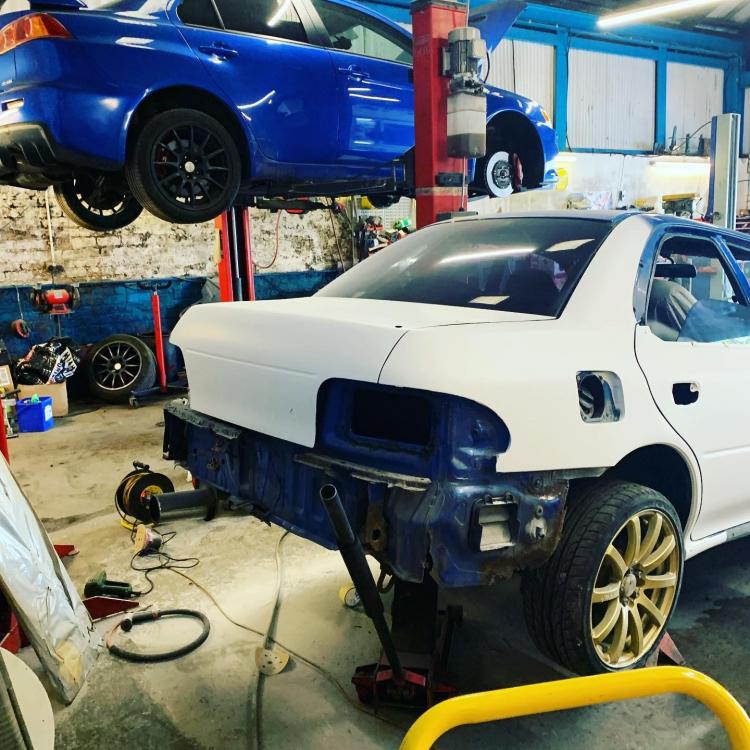
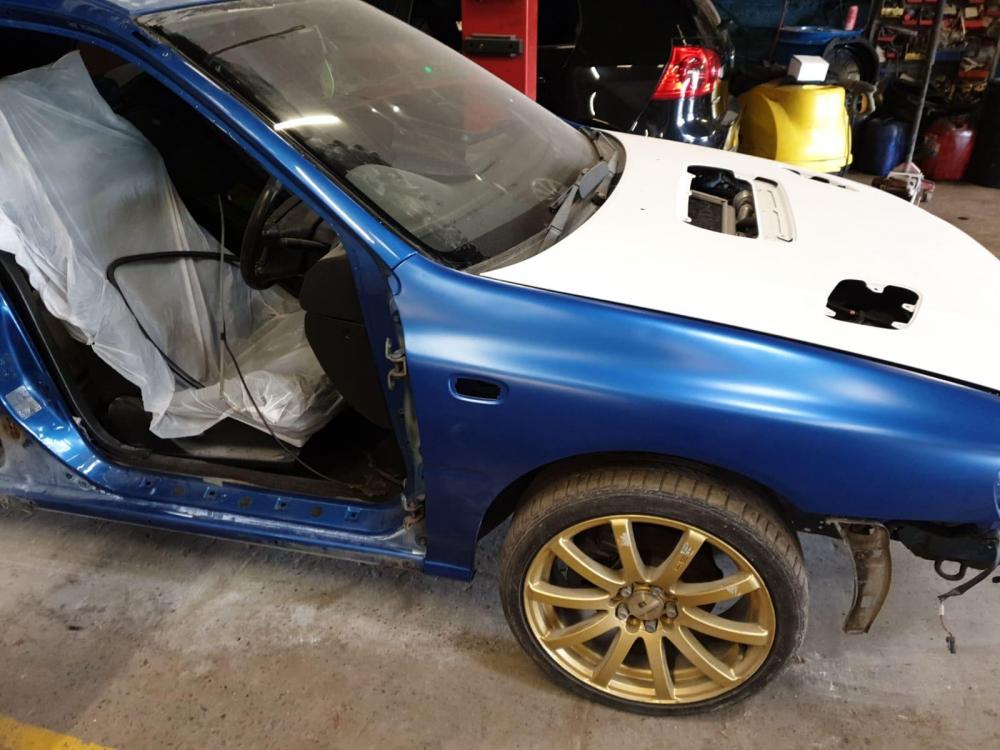
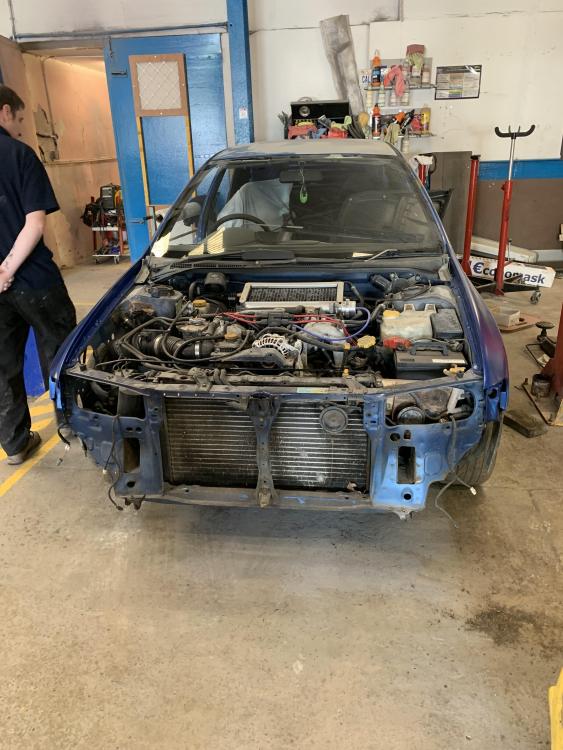
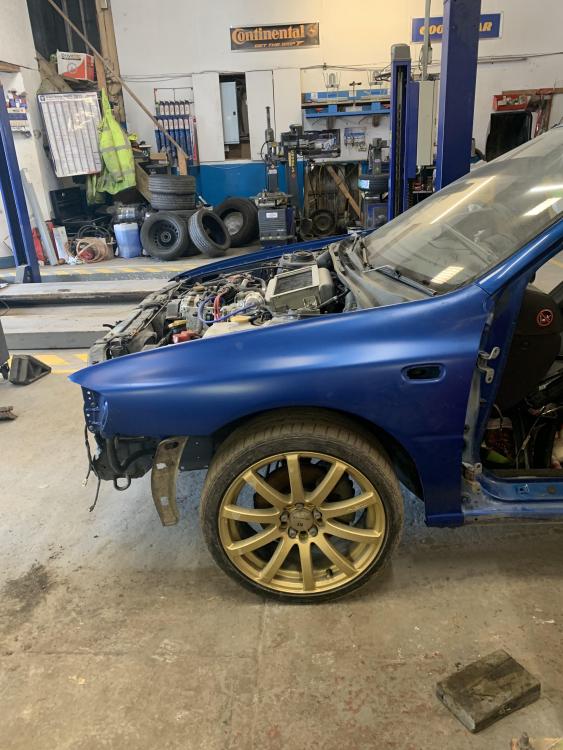
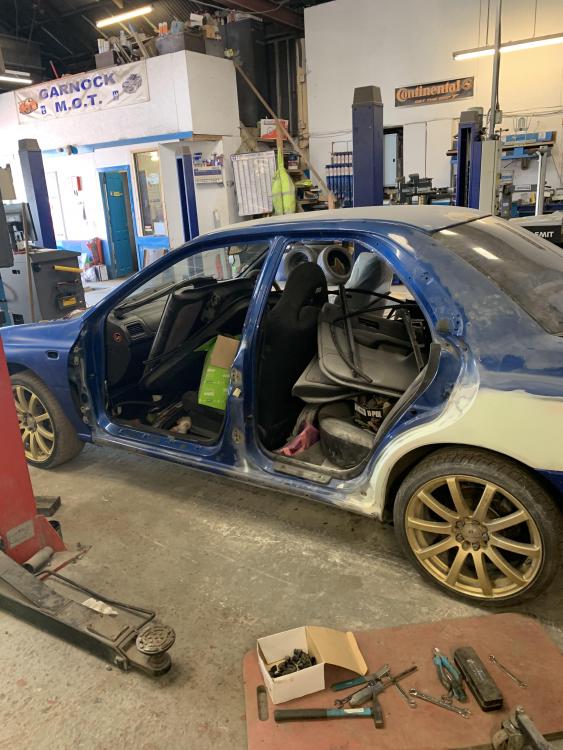
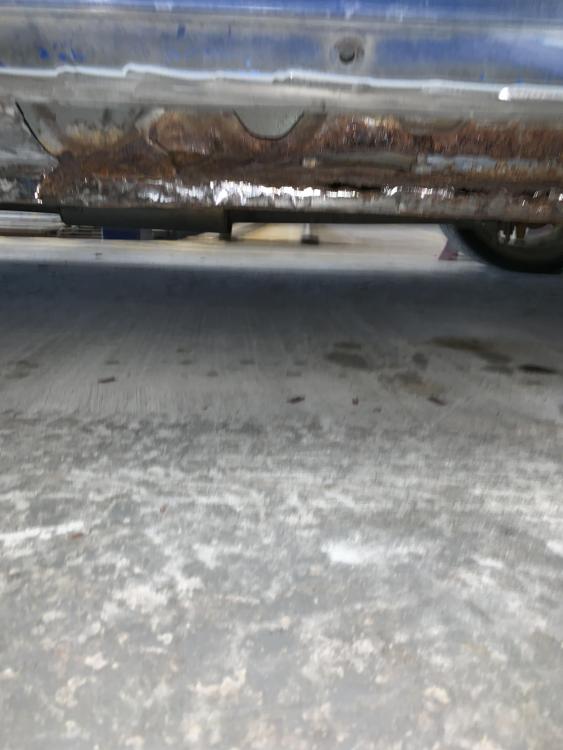
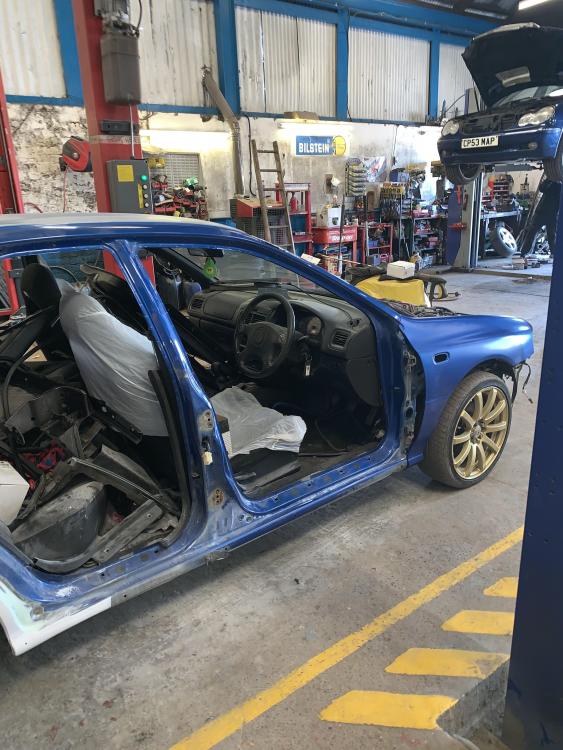
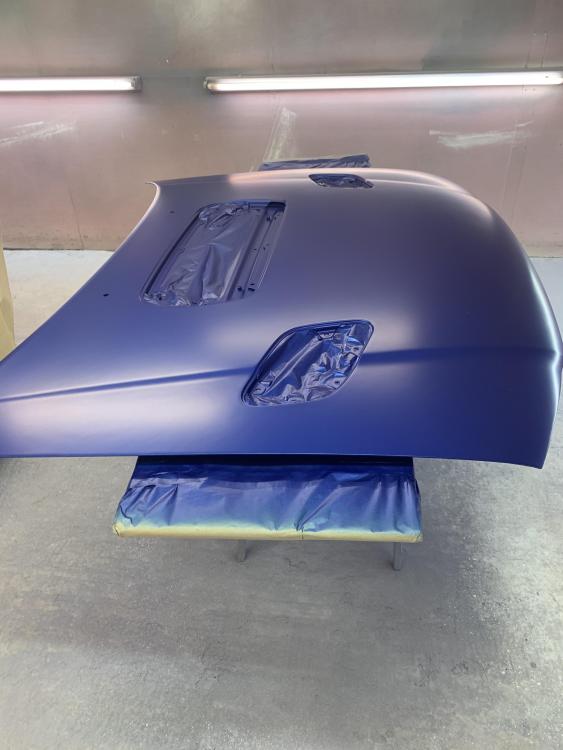
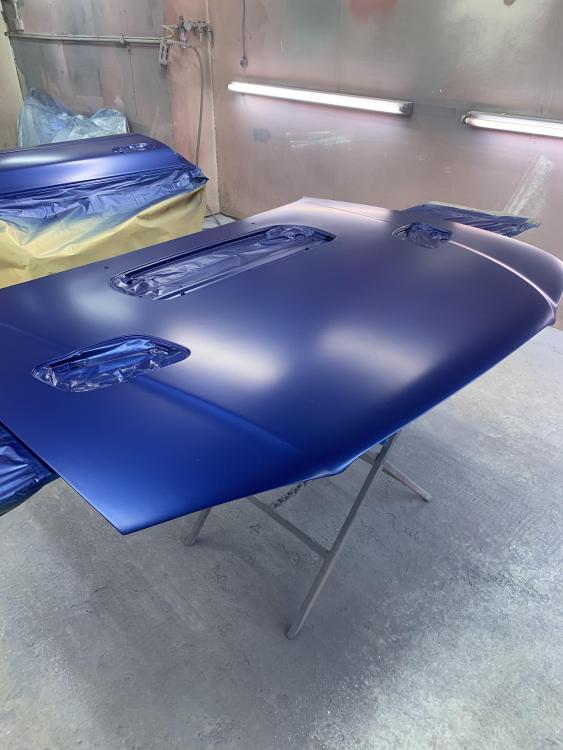
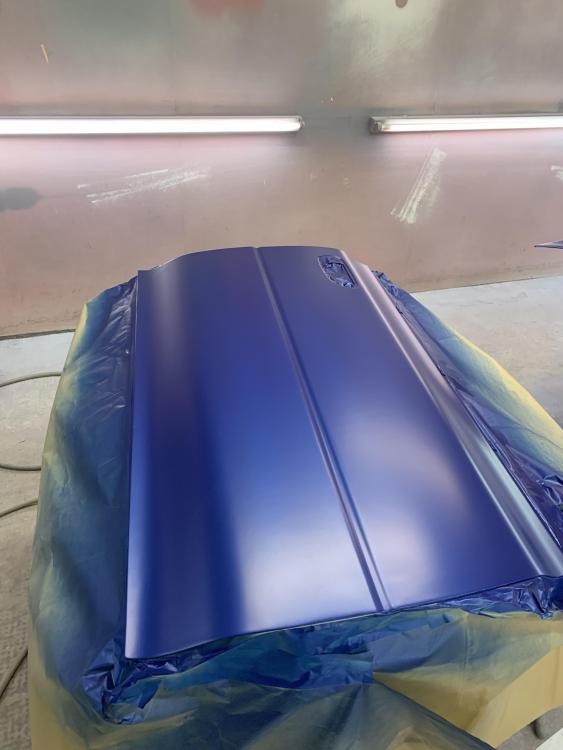
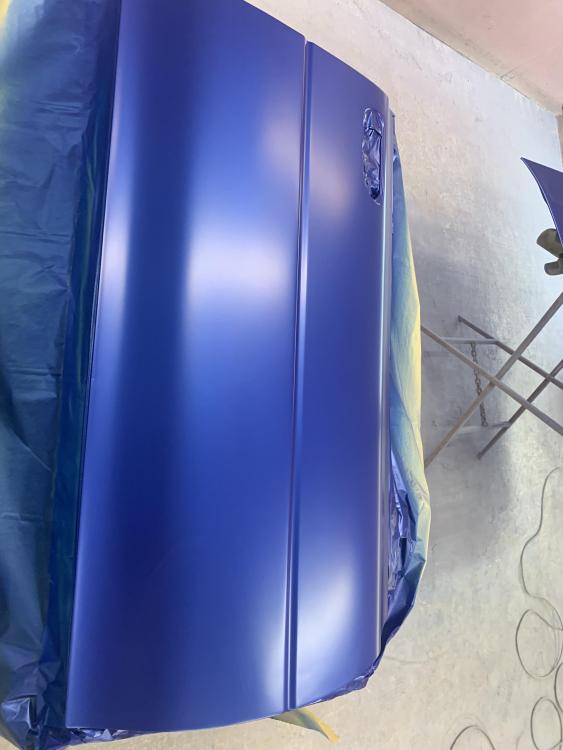
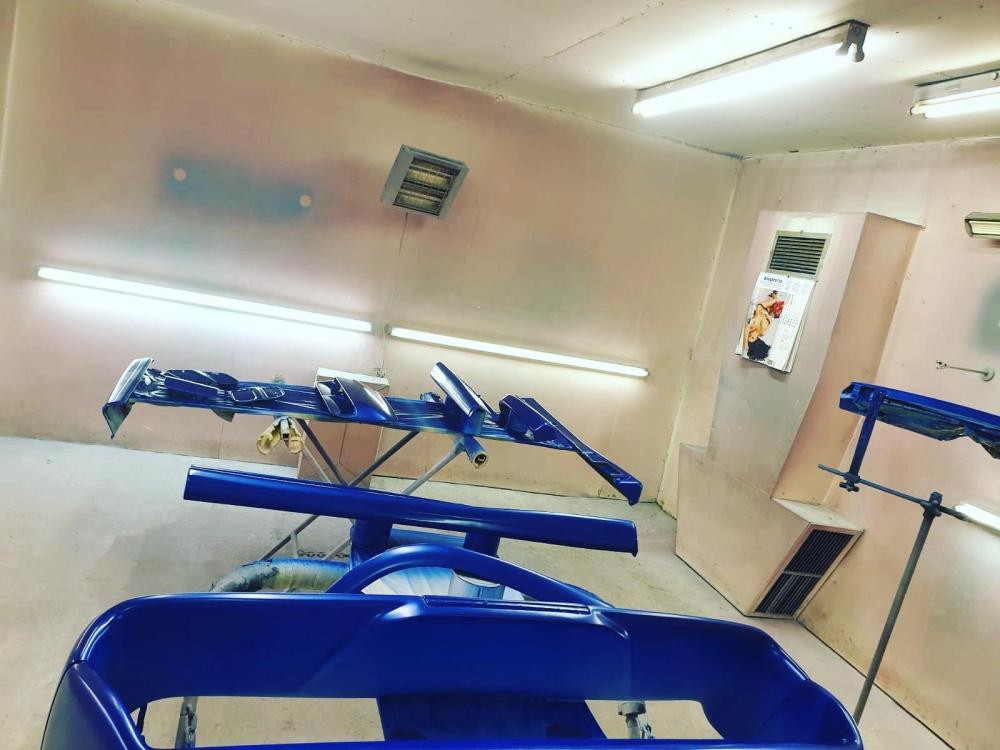
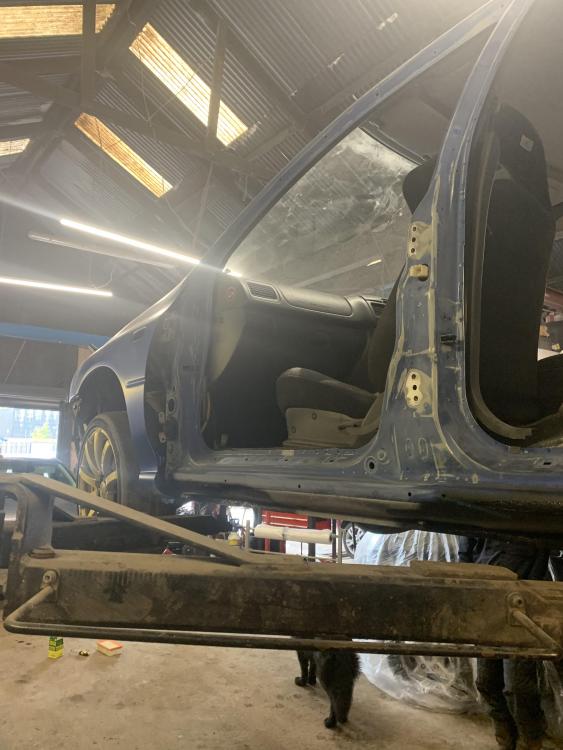
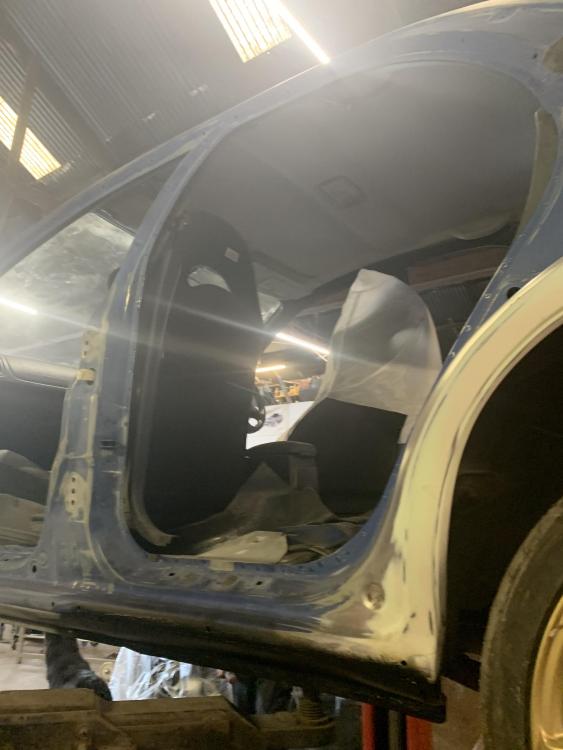
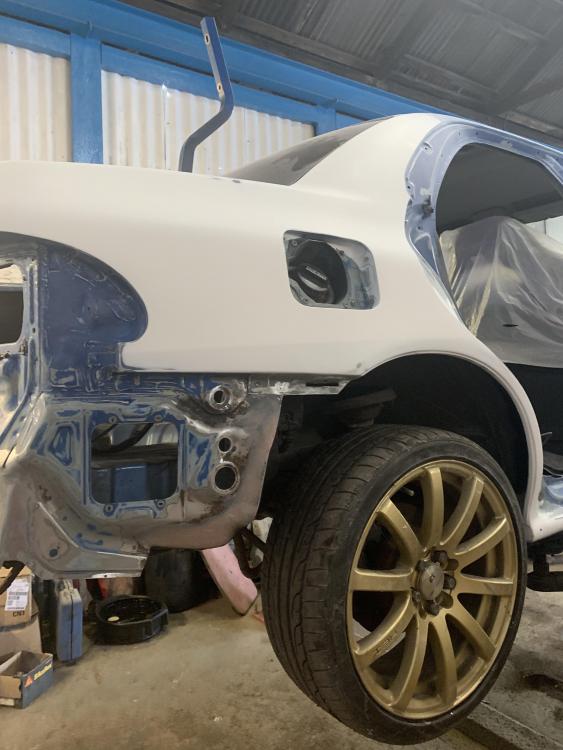
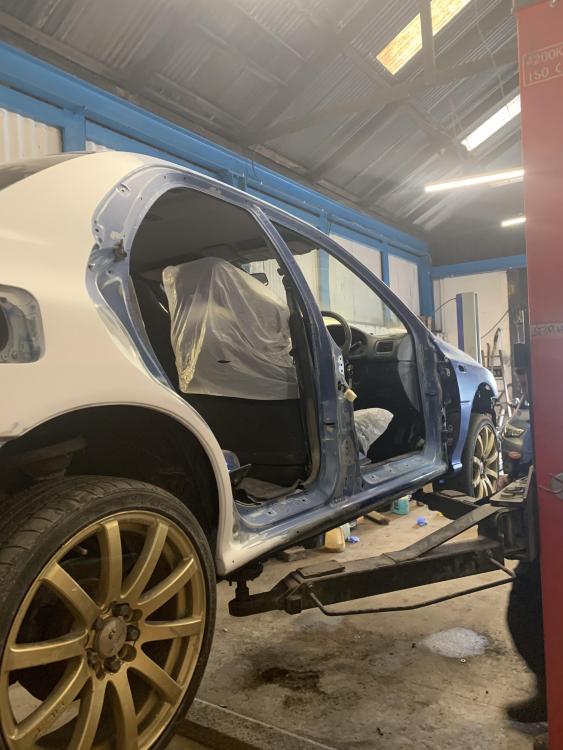
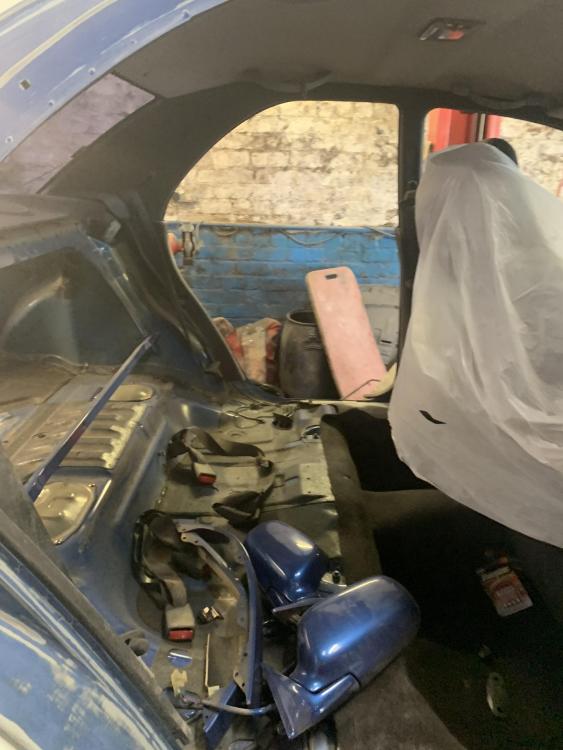
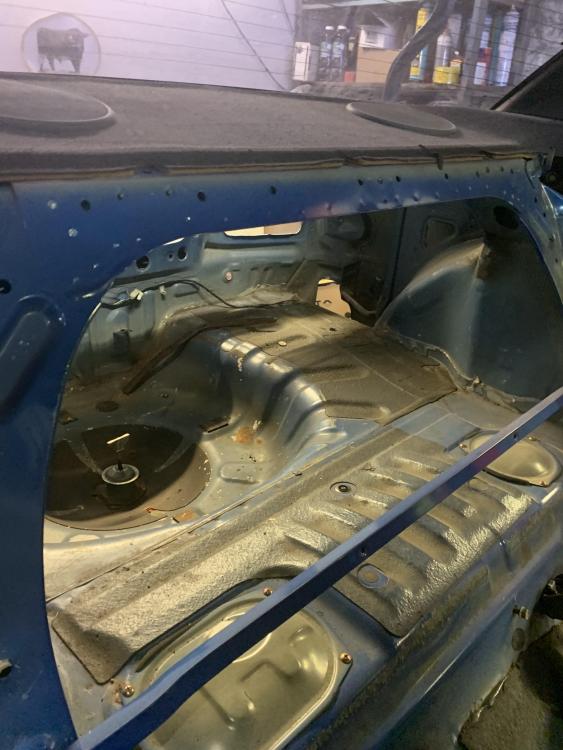
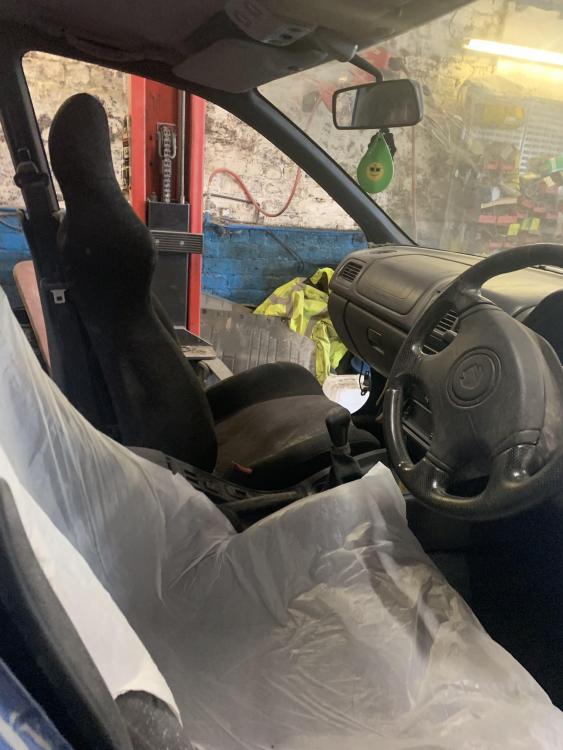
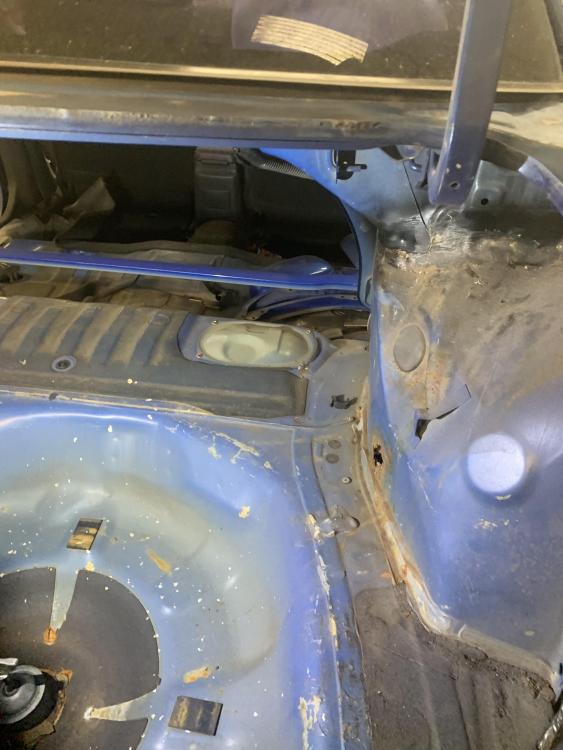
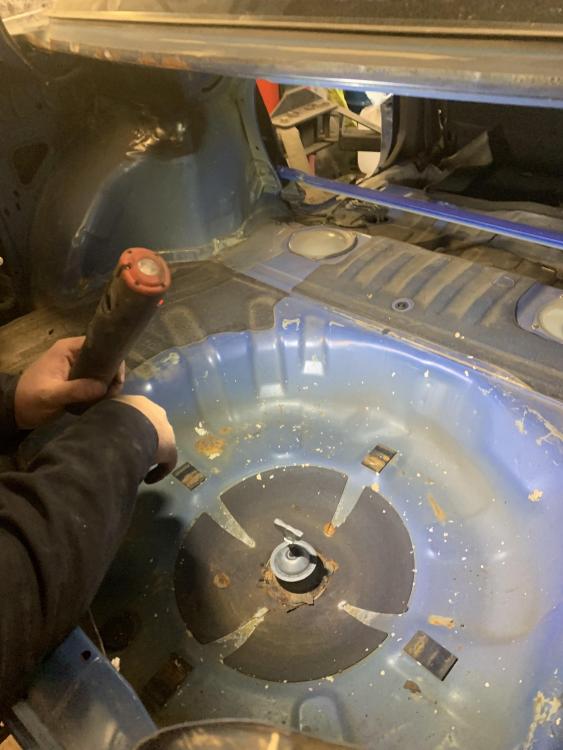
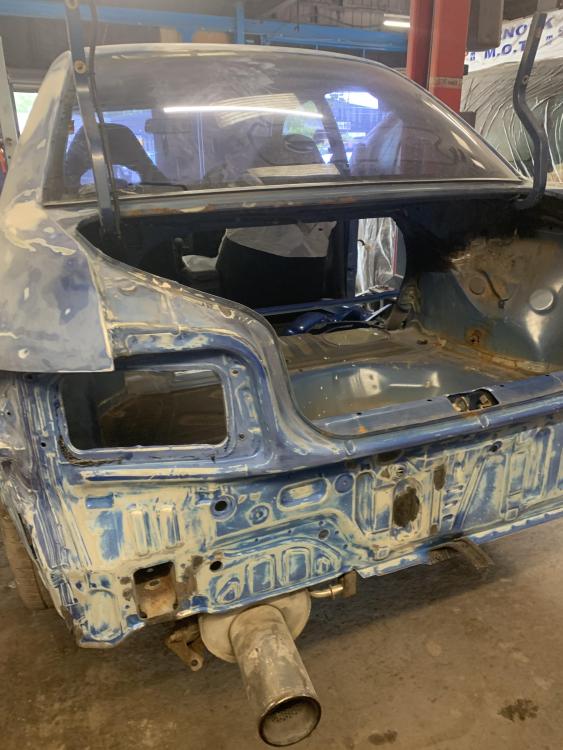
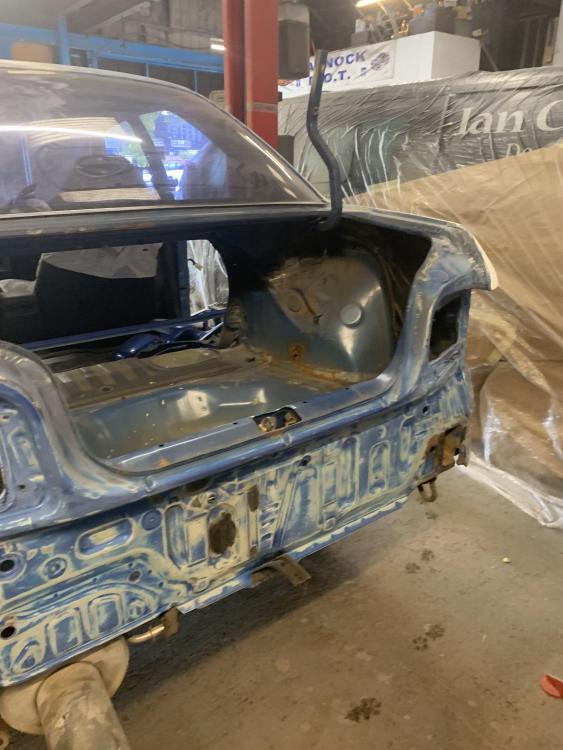
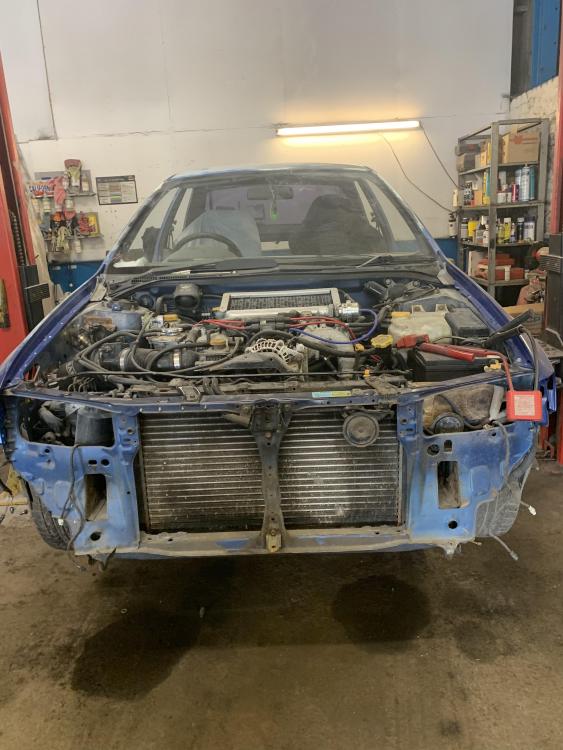
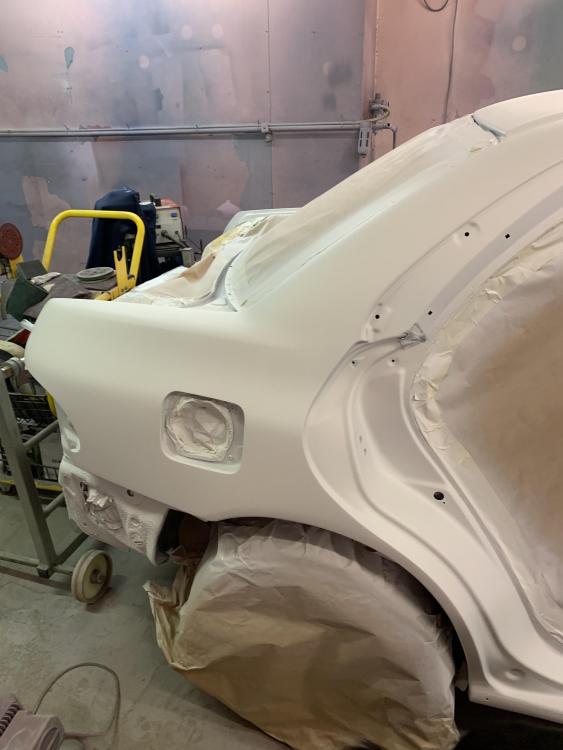
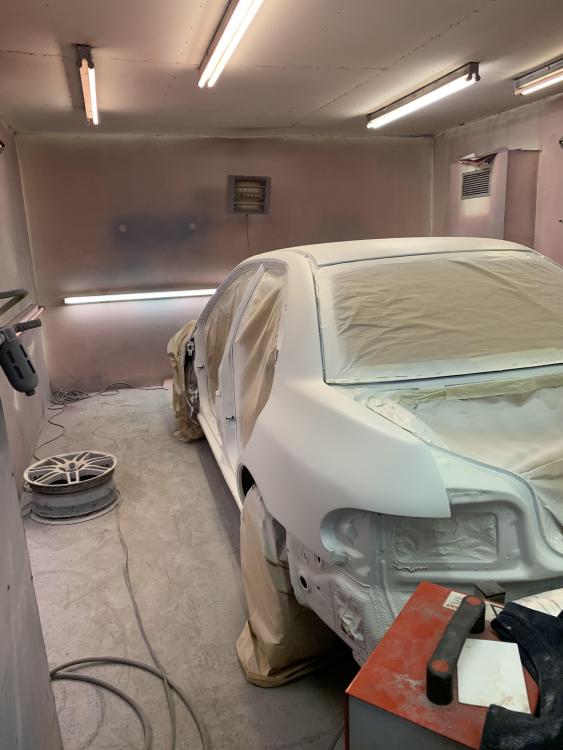
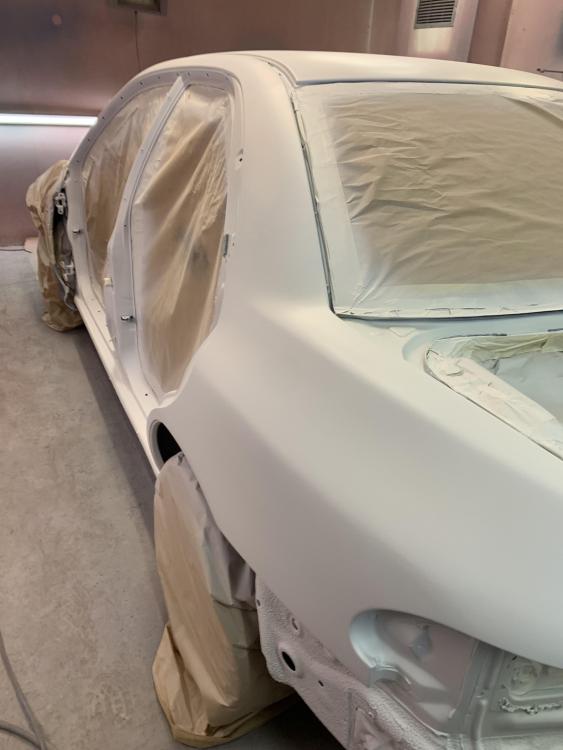
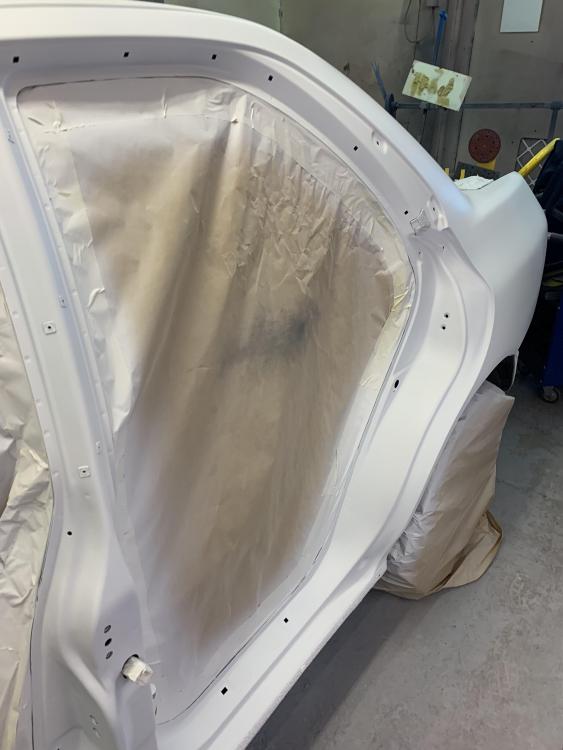
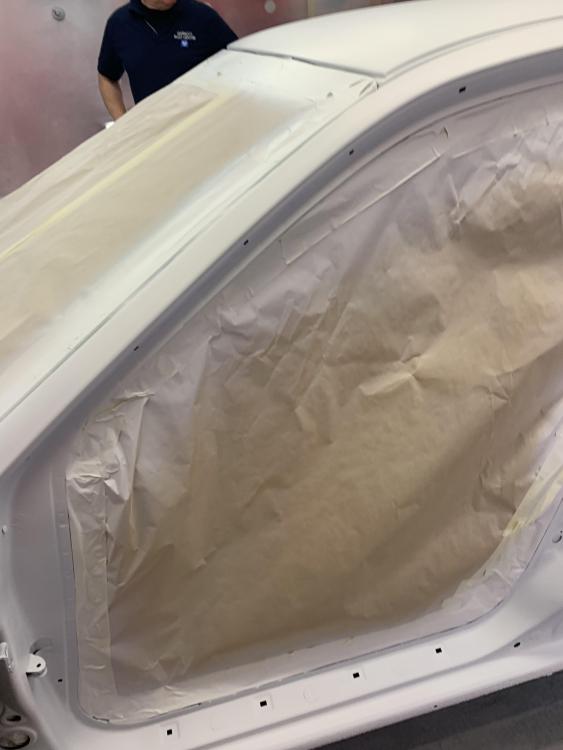
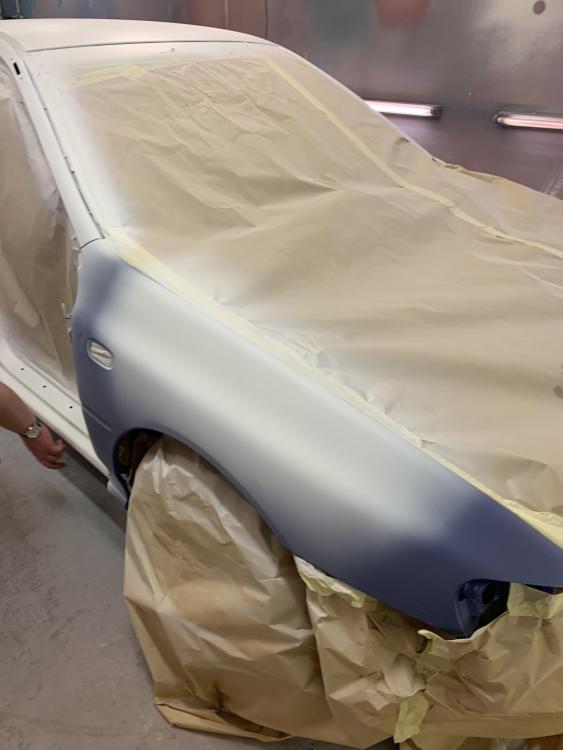
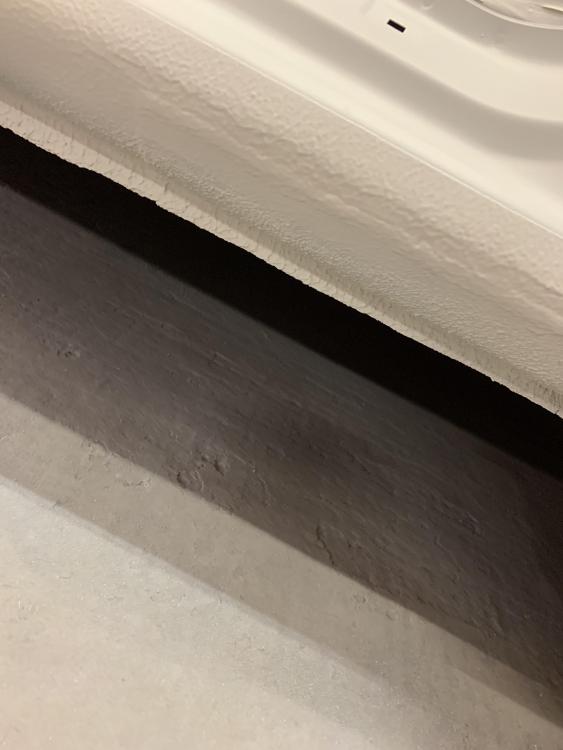
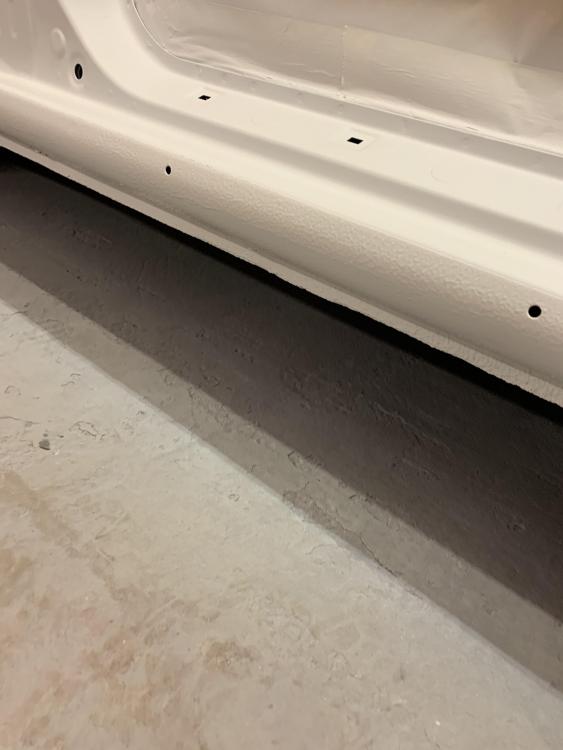
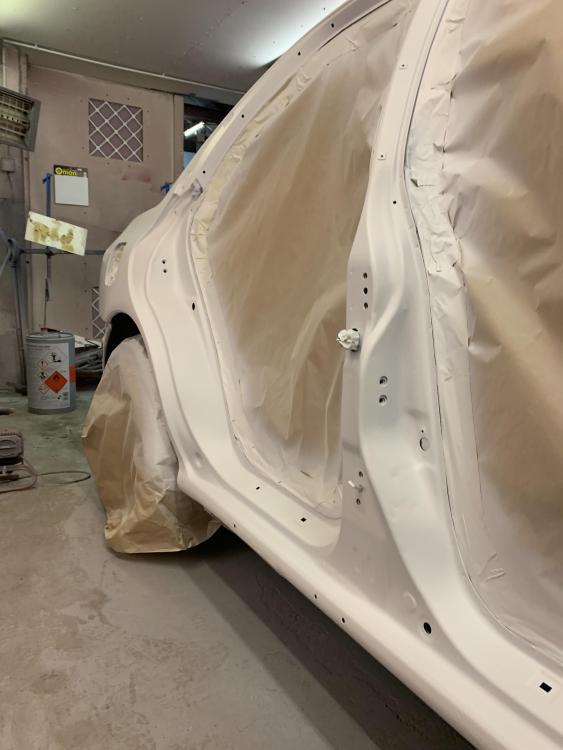
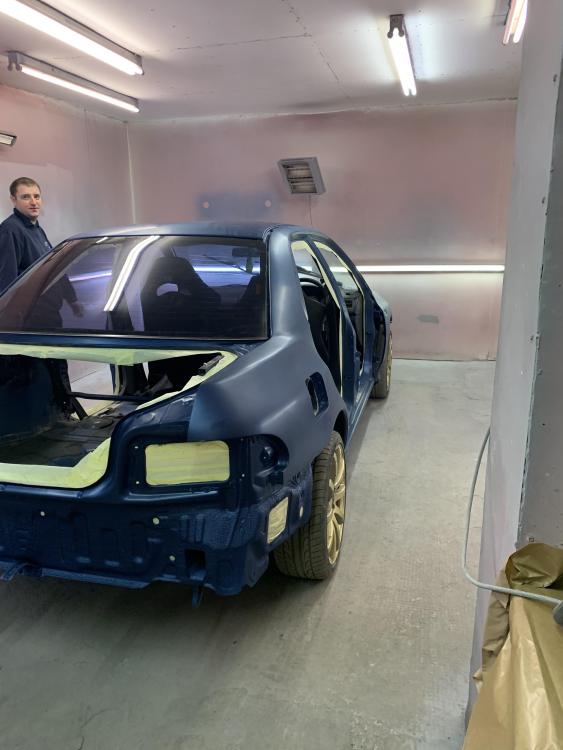
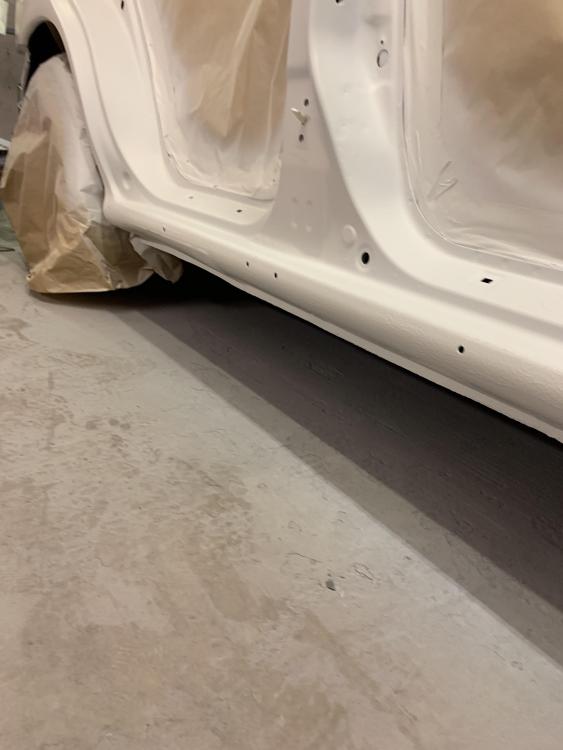
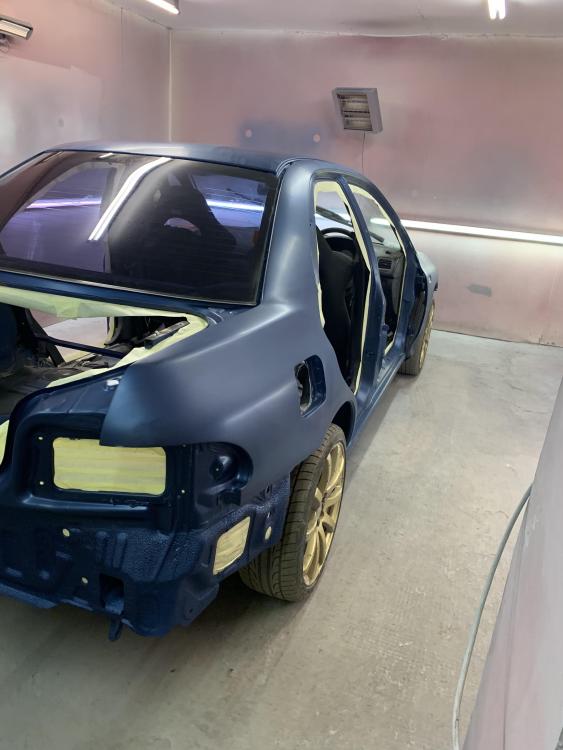
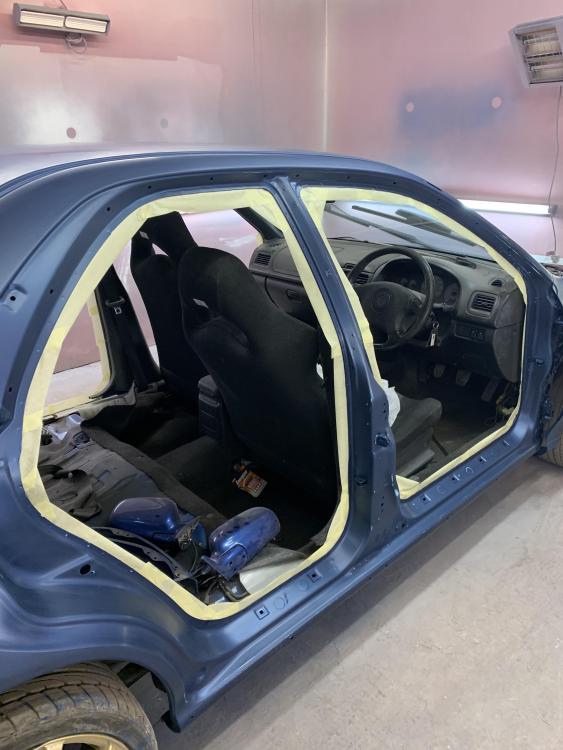
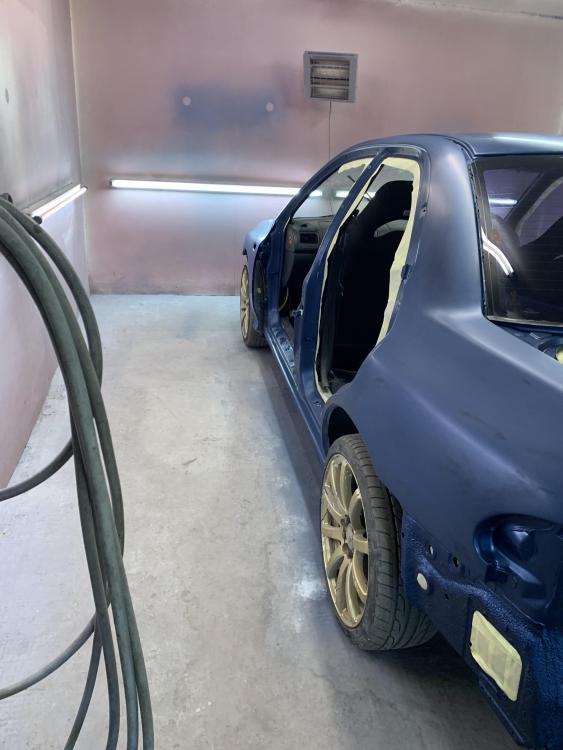
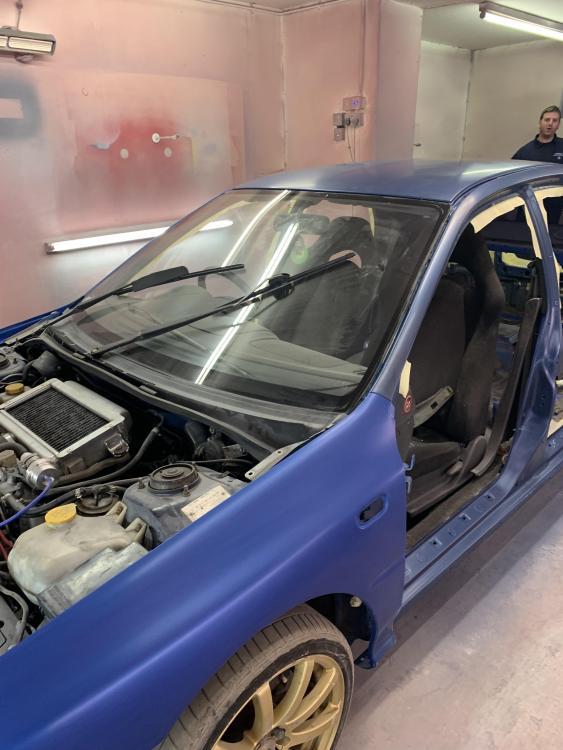
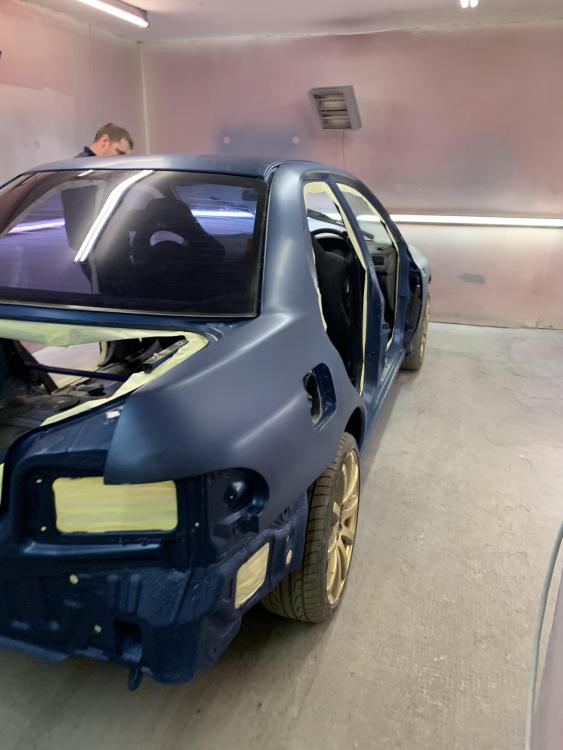
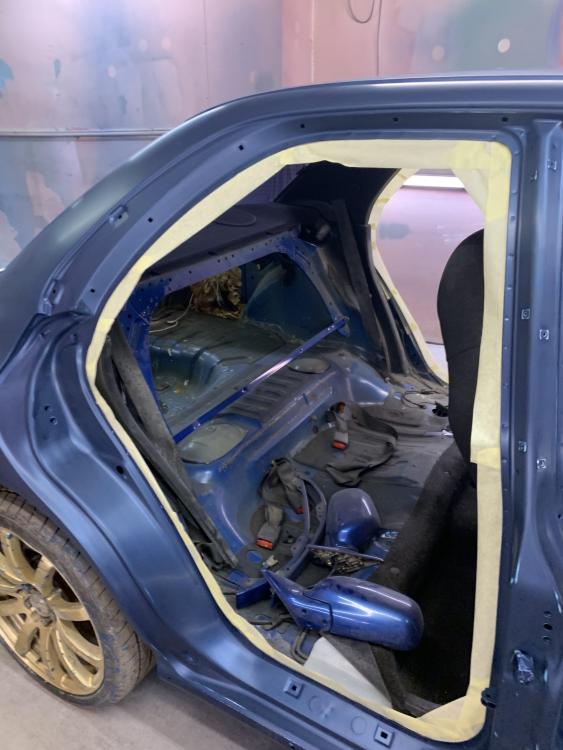
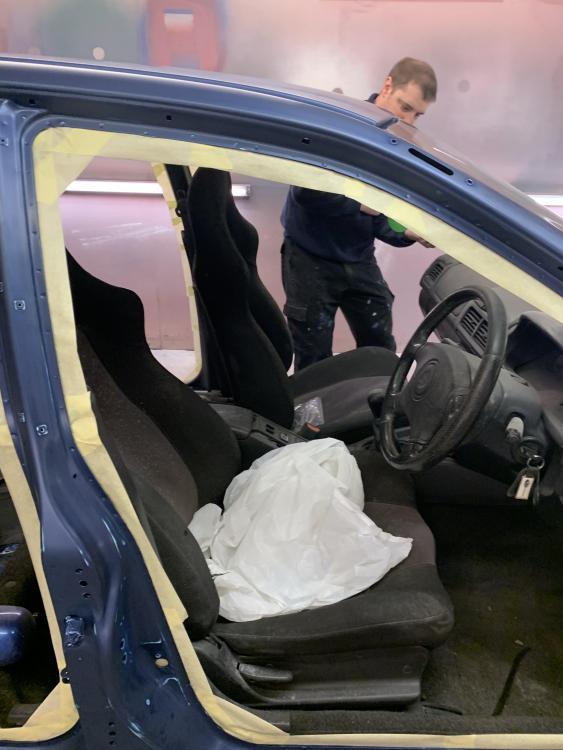
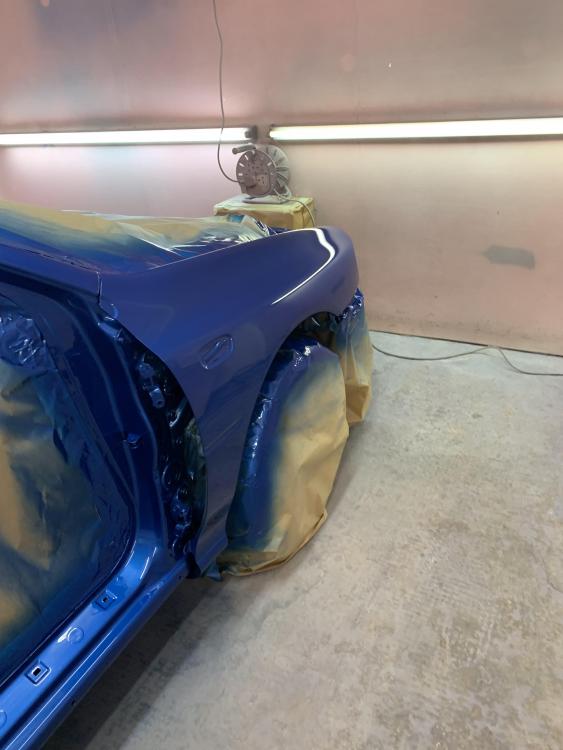
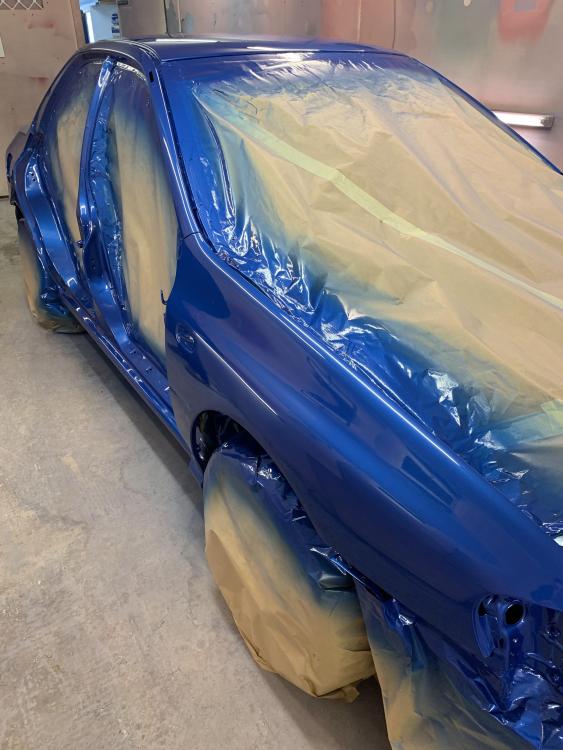
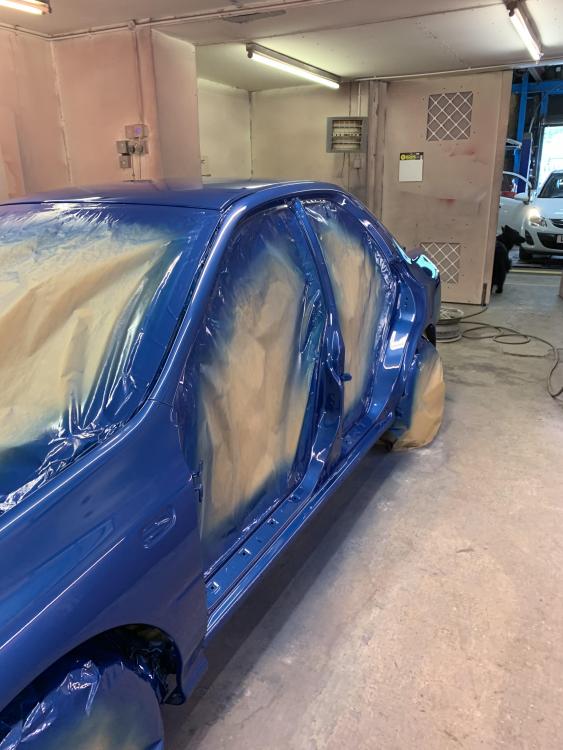
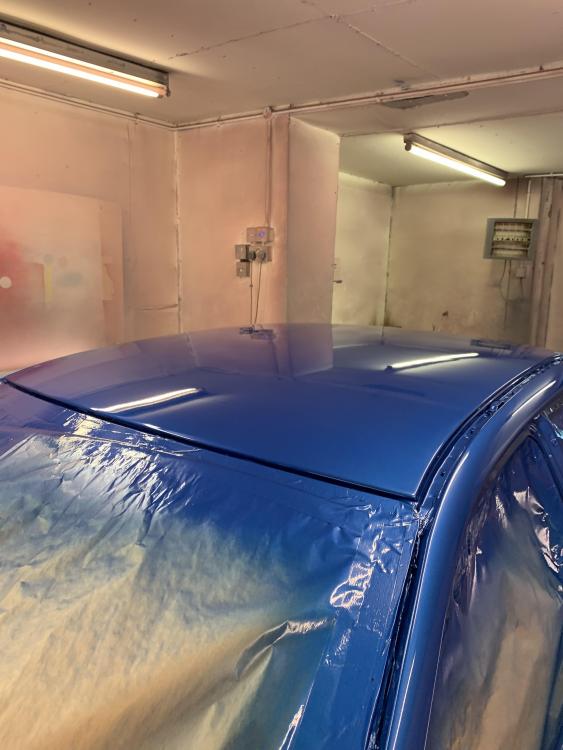
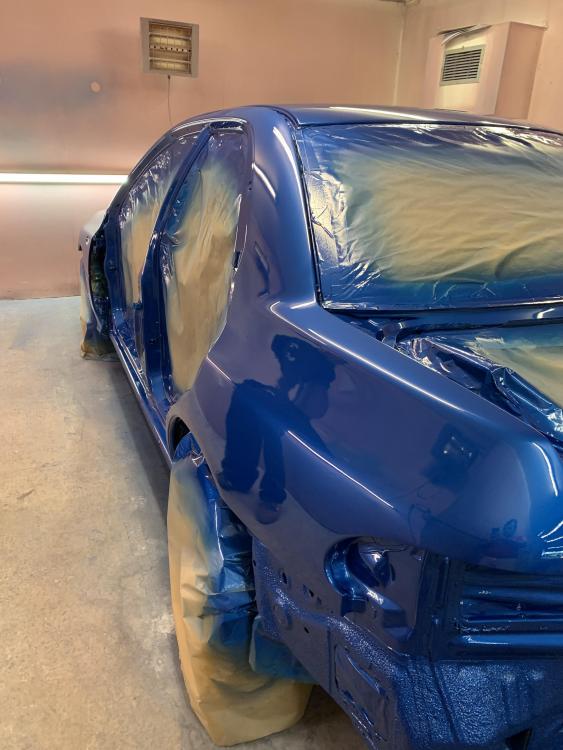
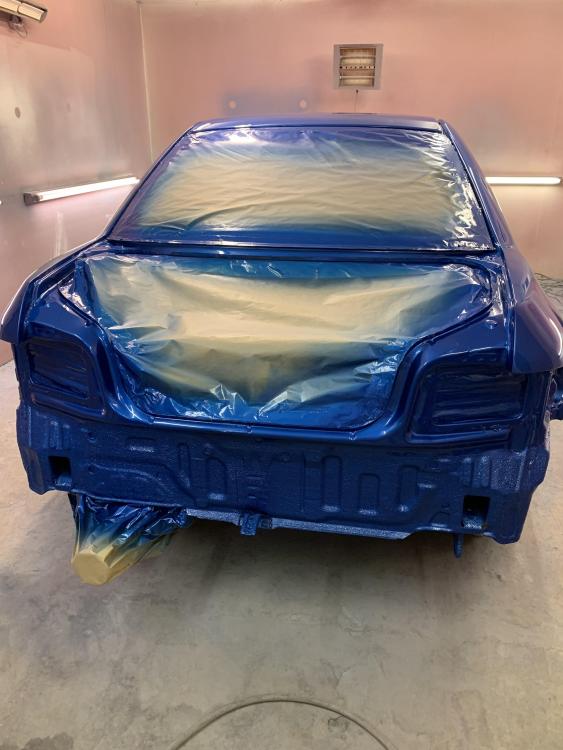
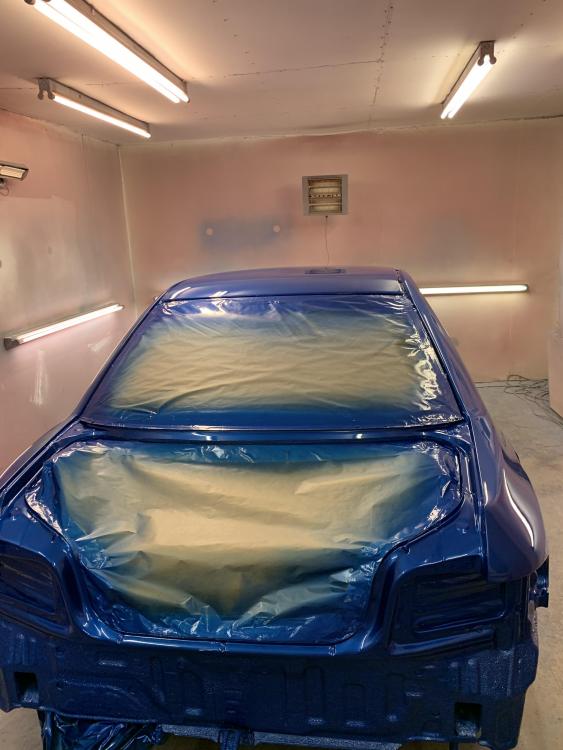
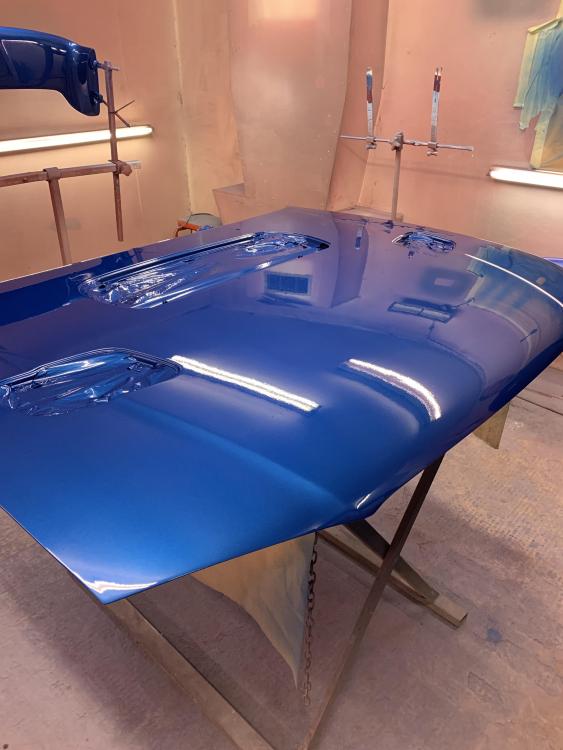
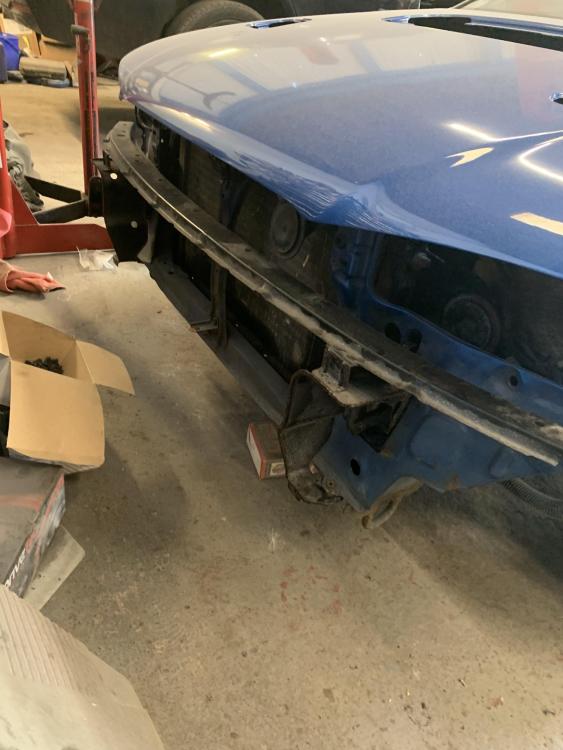
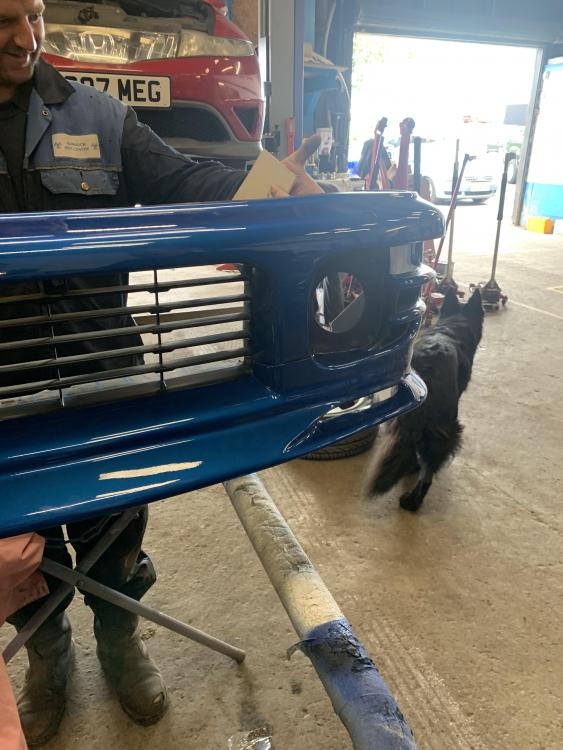
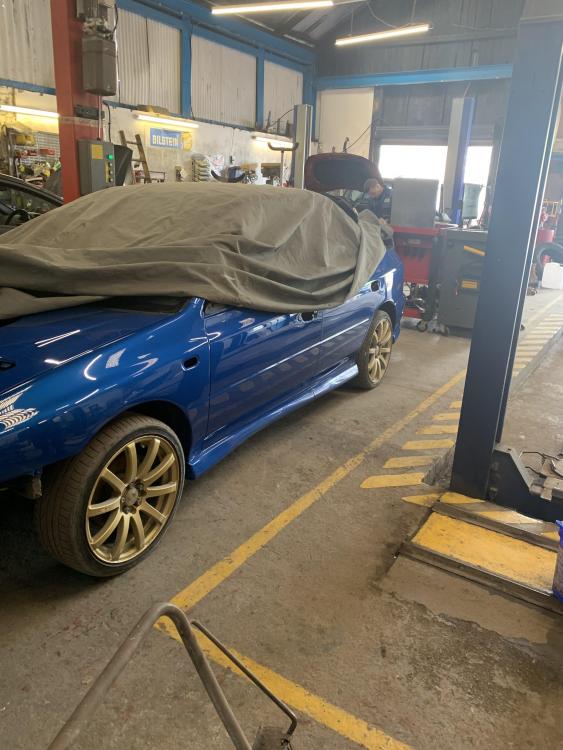
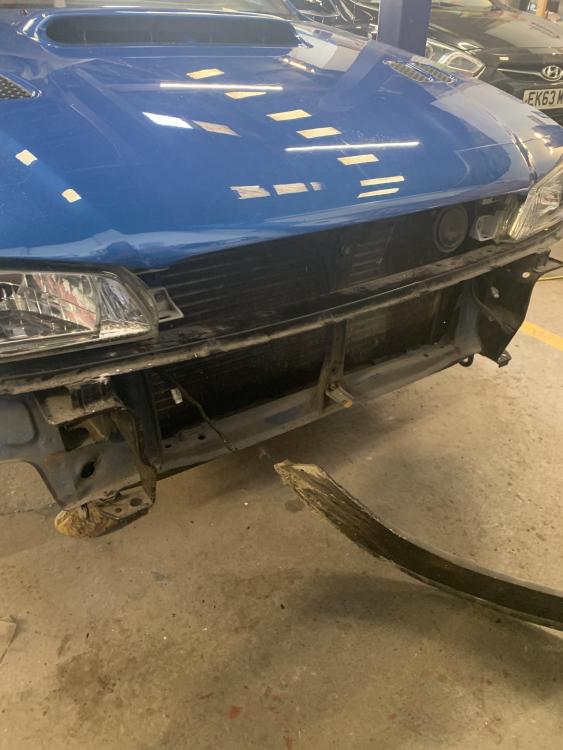
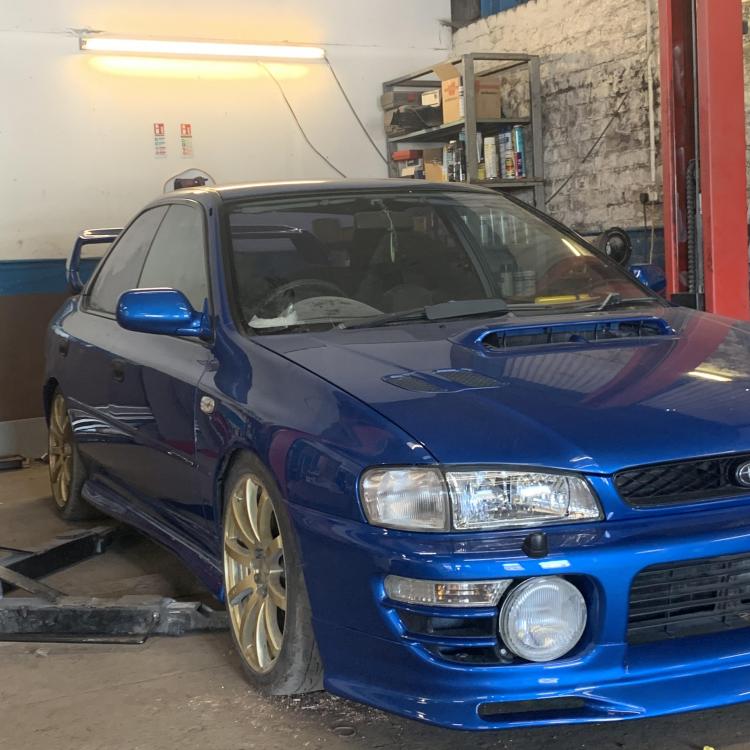
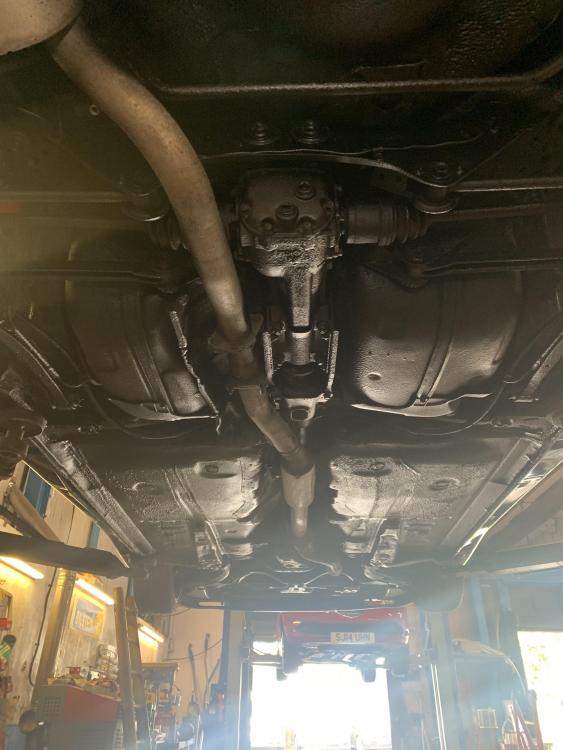
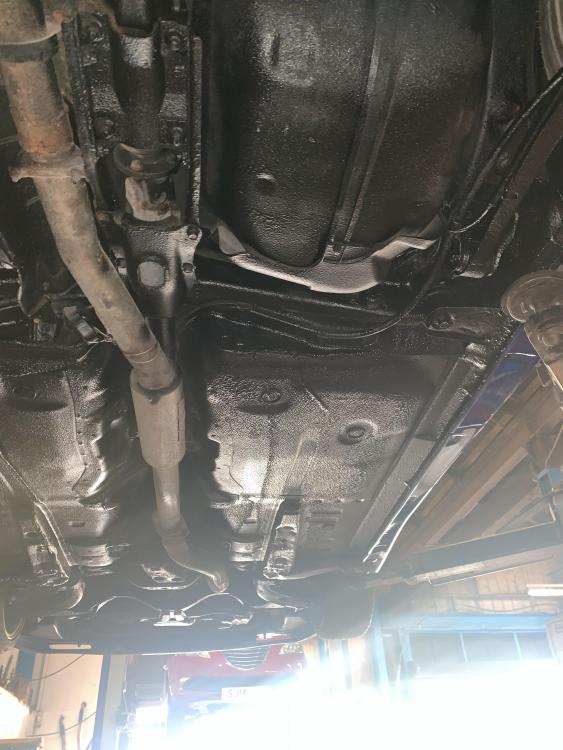
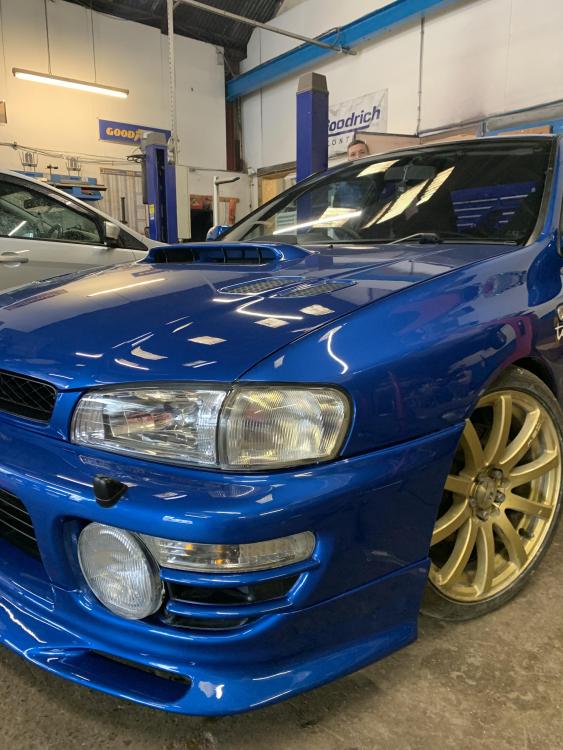
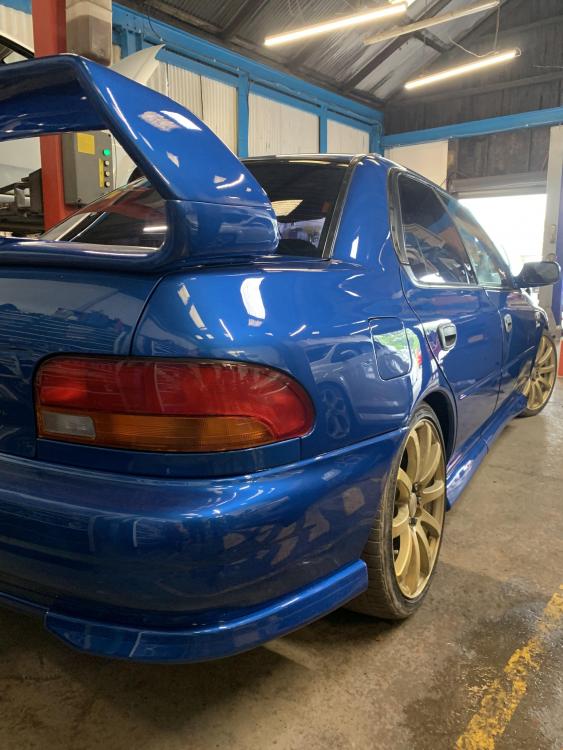
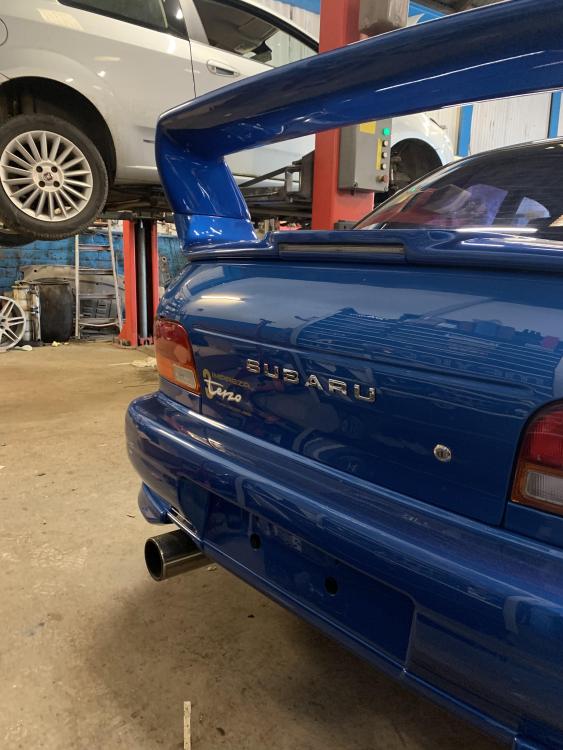
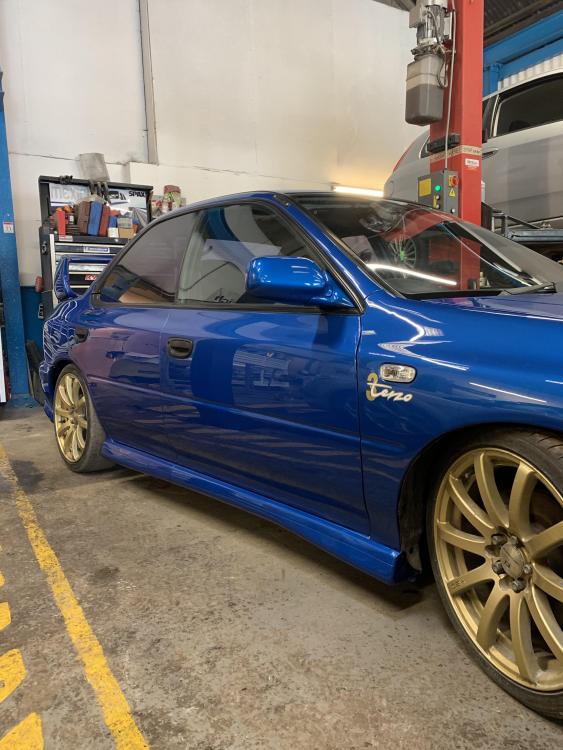
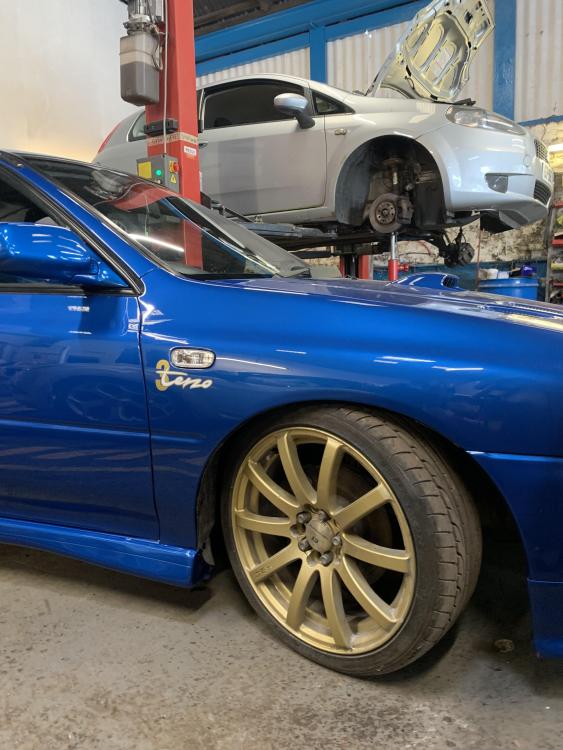
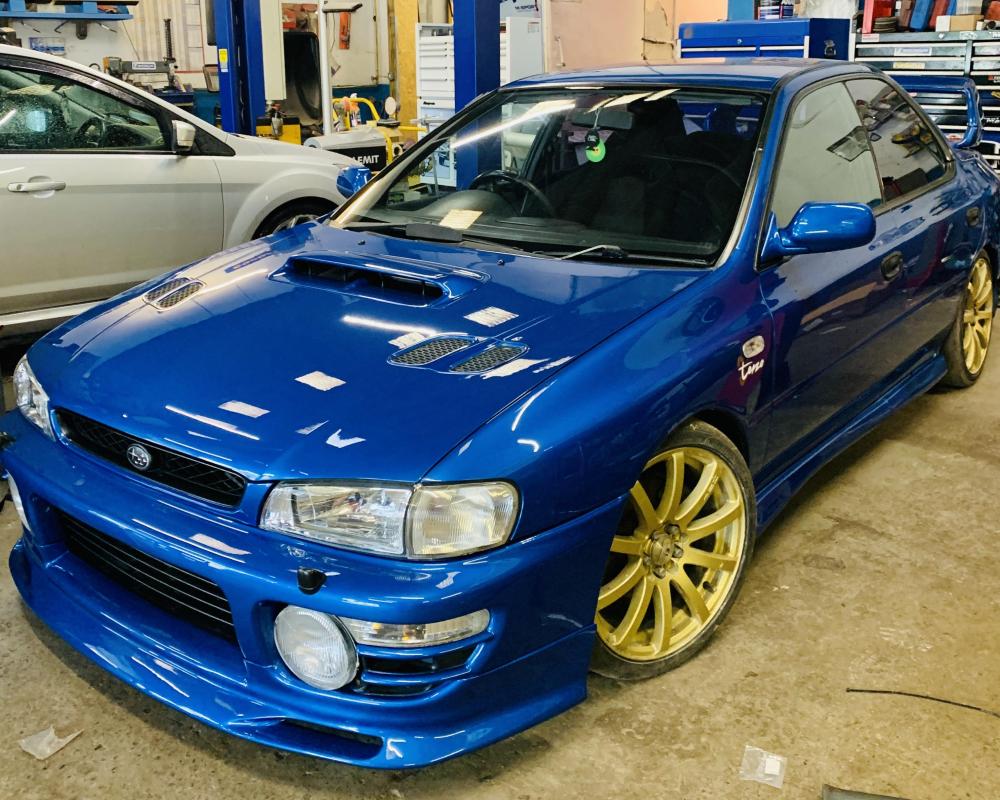
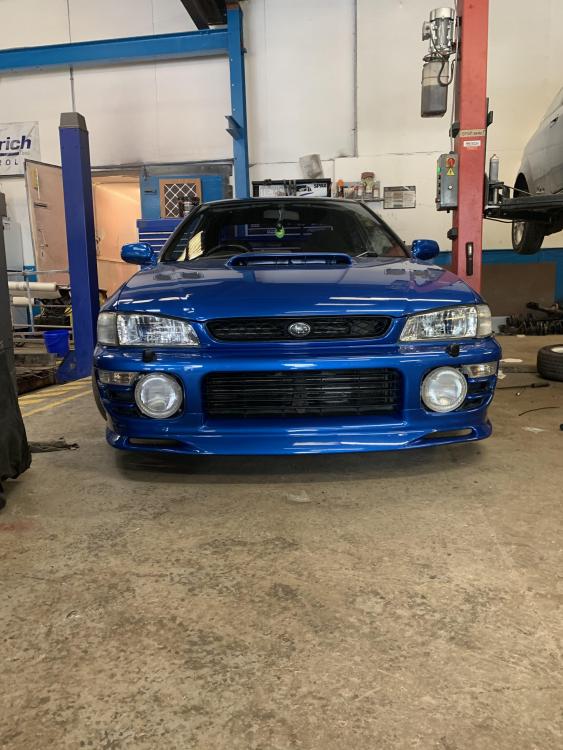
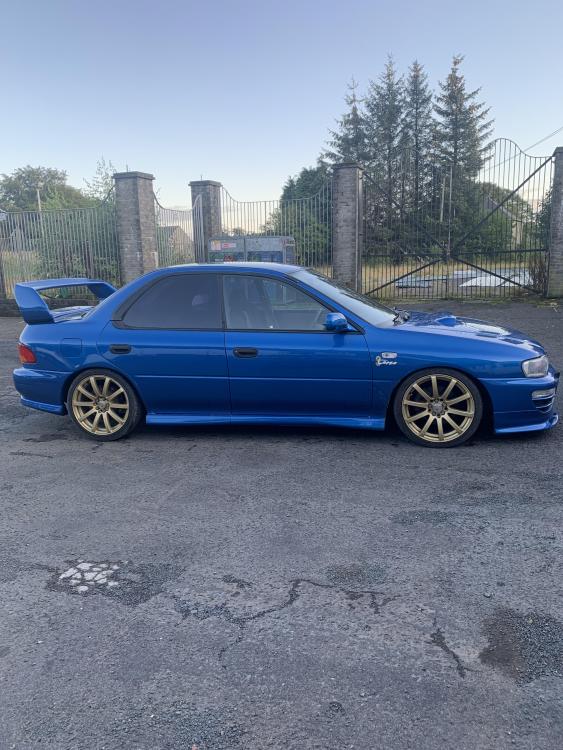
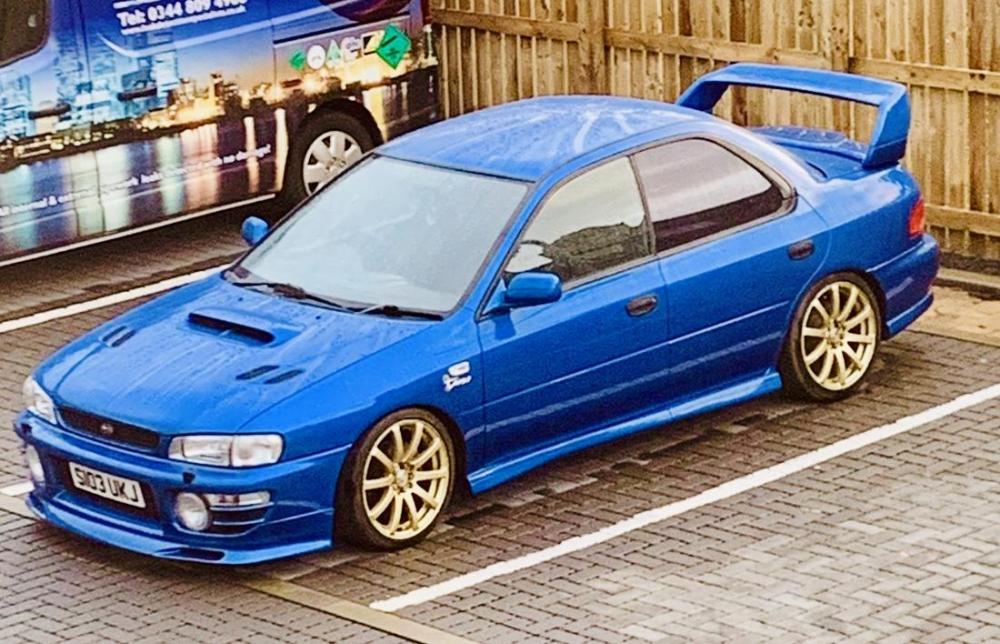
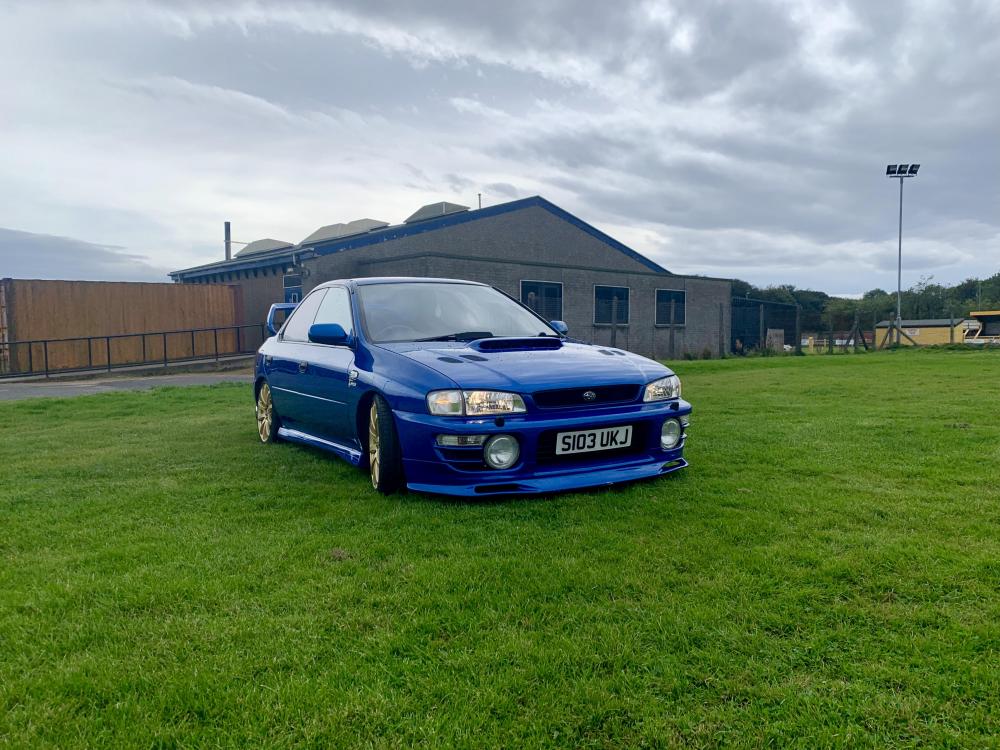
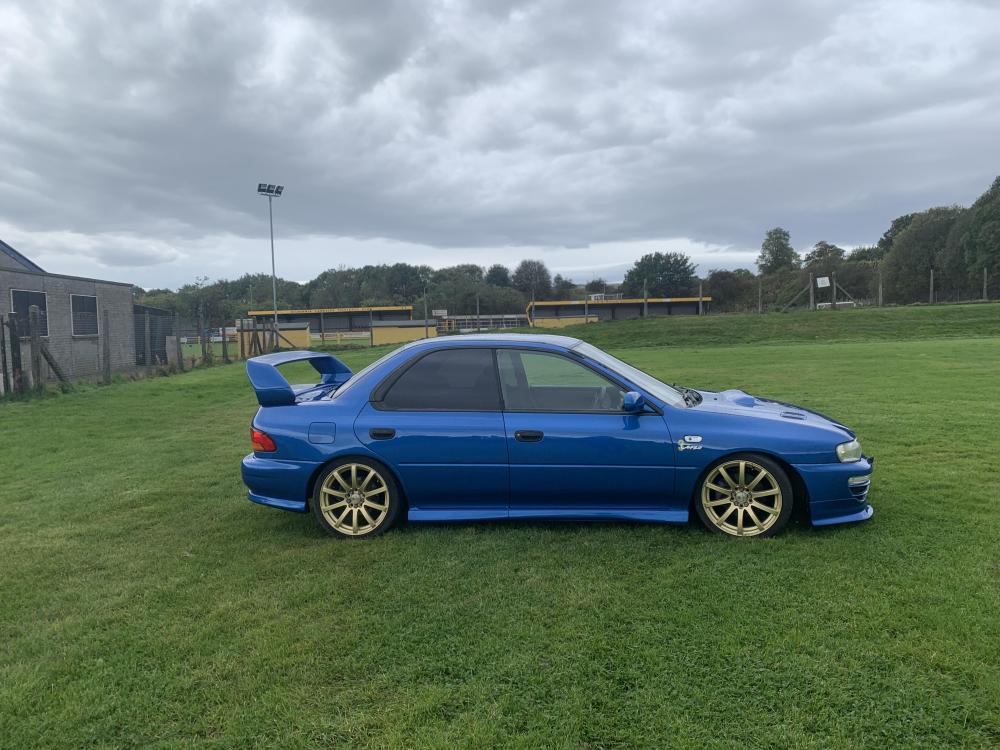
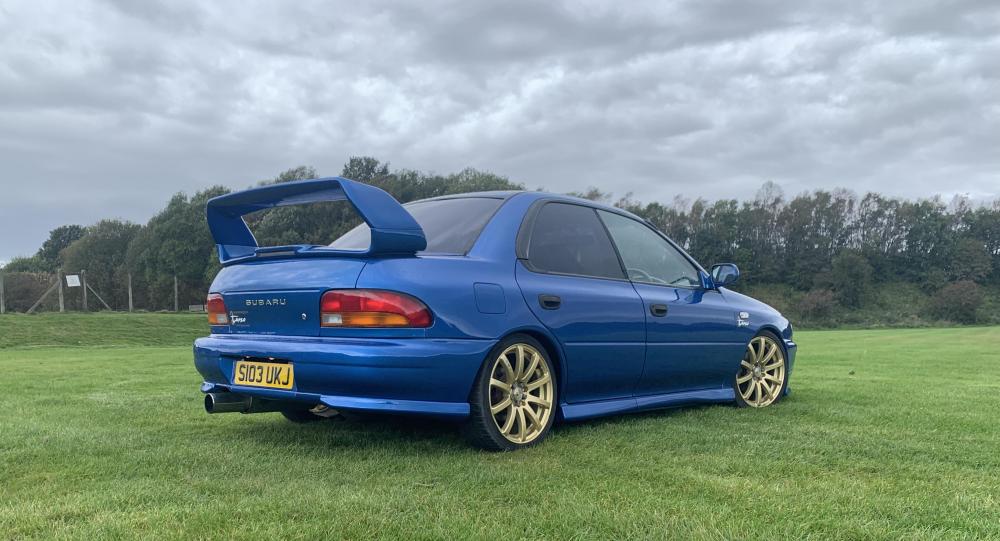 Hi guys,thinking of selling her and being a sensible boy. What kind of money would yous say is in one in this condition?Where and when is this bro?Pretty much is now to be honest mate,every panel has been replaced with brand new original Subaru parts,fully under sealed and full paint job. Custom made exhaust getting made for 17th of September. Only got the suspension set up left to do and then it’ll be fully road ready. Actually felt more excited about it yesterday than I did when I passed my test ❤️❤️❤️Thanks bro 🏁Cheers StewartieYes mate that’s her finished,I’m booked in at Kenneth Brown Motor Engineering on Tuesday for full suspension set up,corner weighting ect then that’s me. Can’t wait ❤️






Account
Navigation
Search
Configure browser push notifications
Chrome (Android)
- Tap the lock icon next to the address bar.
- Tap Permissions → Notifications.
- Adjust your preference.
Chrome (Desktop)
- Click the padlock icon in the address bar.
- Select Site settings.
- Find Notifications and adjust your preference.
Safari (iOS 16.4+)
- Ensure the site is installed via Add to Home Screen.
- Open Settings App → Notifications.
- Find your app name and adjust your preference.
Safari (macOS)
- Go to Safari → Preferences.
- Click the Websites tab.
- Select Notifications in the sidebar.
- Find this website and adjust your preference.
Edge (Android)
- Tap the lock icon next to the address bar.
- Tap Permissions.
- Find Notifications and adjust your preference.
Edge (Desktop)
- Click the padlock icon in the address bar.
- Click Permissions for this site.
- Find Notifications and adjust your preference.
Firefox (Android)
- Go to Settings → Site permissions.
- Tap Notifications.
- Find this site in the list and adjust your preference.
Firefox (Desktop)
- Open Firefox Settings.
- Search for Notifications.
- Find this site in the list and adjust your preference.