Sclark01
Members
-
Joined
-
Last visited
-
I'll ask a couple of people I know too.
-
-
I’m coming from Southampton
-
Yep, I am def going
-
Nice, another Legacy, look forward to seeing it 👍🏼
-
I'm now booked and all paid up. I've also paid for 3 sprint runs, despite vowing never to take this car out as I blew the last one up!! If anyone has a decent camera and doesn't mind grabbing a few photos for me, that would be great and I will repy you with bacon/beer/coffee!
-
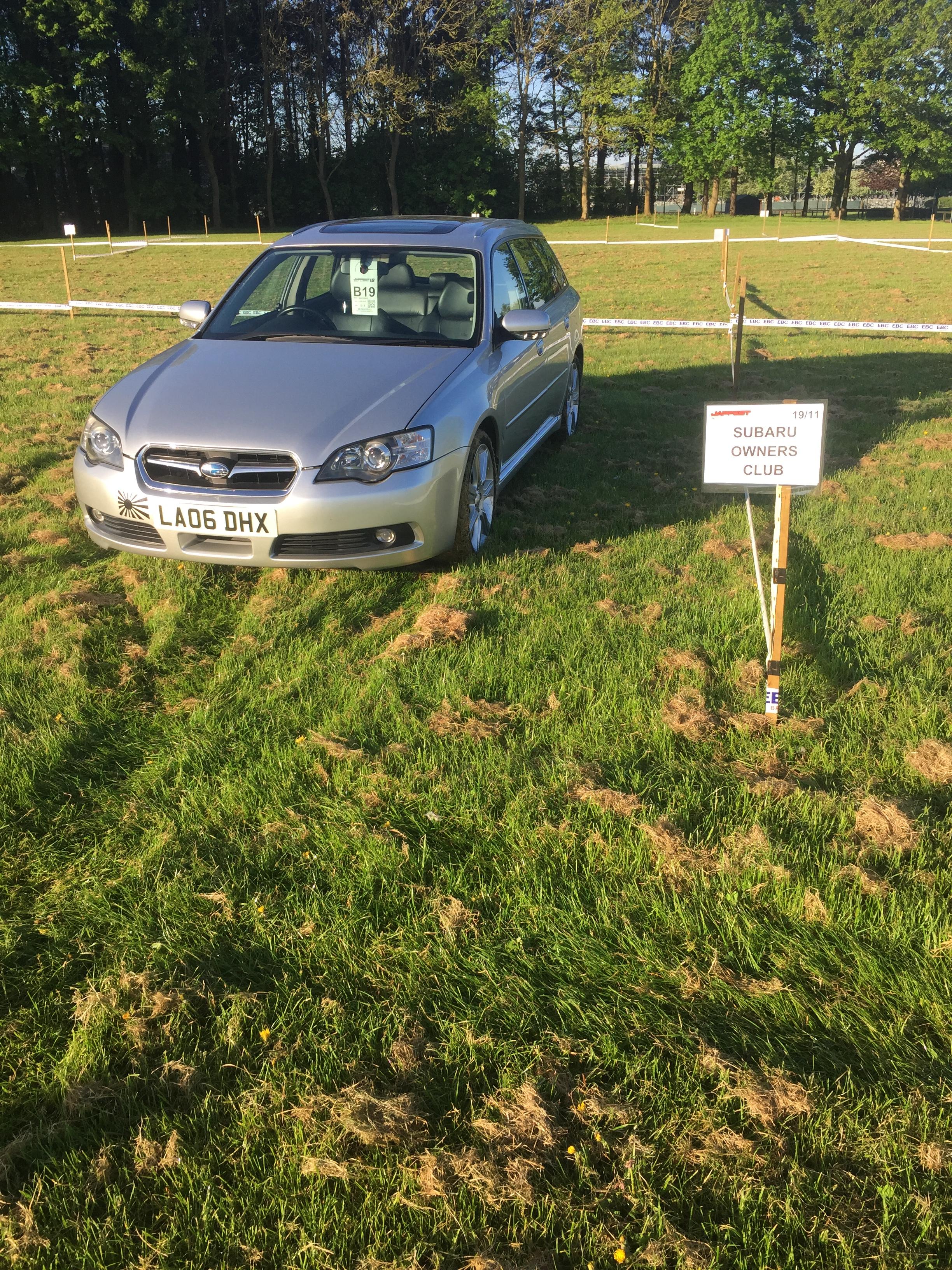
As car show season is just around the corner now, is anyone planning on attending Japfest at Silverstone this year? 5th May
-
Yep, I am up for this
-
Dave spoke to someone who was lined up waiting near our stand....about an hour and a half later he still hadn't been out on the strip and his car wasn't even close to being at the front of the line!
-
@DaveRAC I'm def camping - what time you getting there?
-
@GeoffLeggyI am def up for camping. Will send the money over. Also, if anyone does want to come camping but doesn't have a tent, you can stay in mine, I have 3 bedroom compartments.
-
I'll be up for camping but only if someone can help me set it up! Its a 6 man one so its massive and impossible to do by yourself!
-
@DaveRAC I'm up for camping, means we can do the strip on both days
-
First!
-
Alright guys. What's the plan for this weekend, shall we meet in a service station close to the venue and go in as a group?