KG Tuning
Members
-
Joined
-
Last visited
-
Not done much the last 6 months, wife has been taking my money wanting her car to cooo
-
I need another engine, my last 3 mappers have all told me the engine is fine! I always think mappers should clean the panel air-filter, maf sensor and check for exhaust/air leaks or incorrect turbo pill before a map but they never do.
-
My instagram mainly has pics of a rather large house cat https://www.instagram.com/ludo_worlds_biggest_cat/
-
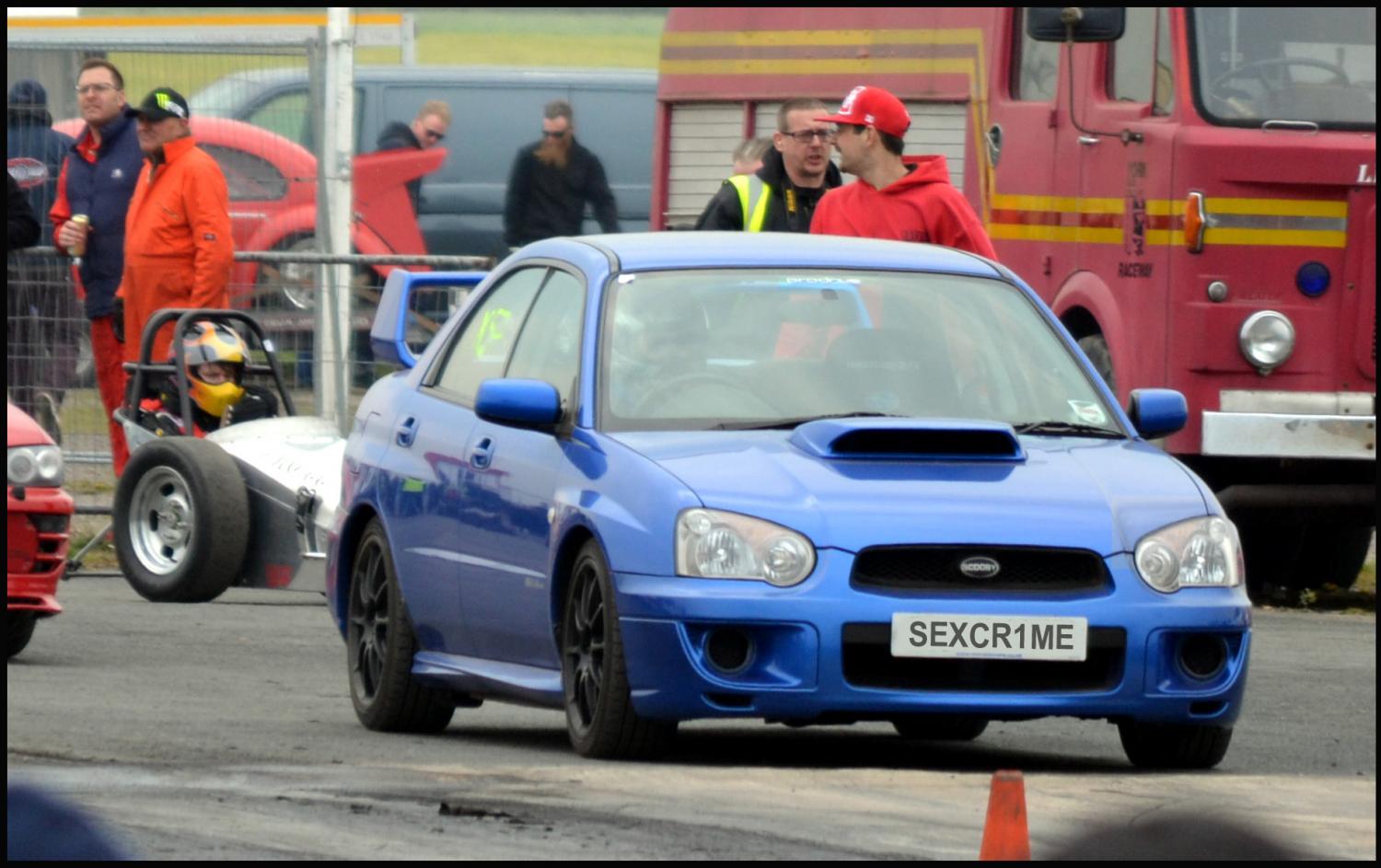
Looks like my mate's old Scooby.
-
We need a drag strip leaderboard!
-
Just ordered 4.
-
And 12.44 with a 3.8 second 0-60mph time, could have gone quicker with decent tyres, but as it was I just couldn't stop spinning in 1st and a little bit in 2nd.
-
Edged a little closer to 11's today:
-
Just followed! My instagram isn't really Subaru orientated https://www.instagram.com/ludo_worlds_biggest_cat/
-
Just 4 nuts! I'm still wondering if I should take it off for the 11.9 attempt. I kinda just want the car to look good on the vids! I read I'd get a hike in torque with uprated headers and I'm trying to avoid going past 310lbft. I'm gonna try and find out which are the lightest tyres I can get, I really don't want to go too sticky. With just 307lbft and a long 1st gear traction shouldn't be an issue on a hot day.
-
Today I took all the speakers out. I was hoping to save over 2kg weight but it totaled just over 1kg in the end.
-
Not much of an update but the car is now 1.15kg lighter. rear speaker nearly blew out of my hand!
-
I was a member of Yorkshire Scoobies and they all used Rotherham or PVD. I stayed with the Scooby Clinic but they were a bit hit n miss. As it stands I've no more localish tuners to try.
-
The fastest stock bottom end Subaru in the world has a 2.5! It has over 600bhp and was run hard for a couple of years before the owner wanted a forged engine. The tuner who built it says the 2.5 tolerances can be a bit hit and miss out of the factory but when you get a good one they can take good power. Another US tuner claimed it was poor ecutek/open source or un-mapped mods mapping that was killing 2.5 lumps coming into their garage with many having failure on the cylinder nearest the hot turbo/up-pipe/downpipe. Apparently the 2.5 is more prone to boost creep and det due to more gasses so a good mapper is essential. These are all US spec Imprezas though
-
Scoobyclinic took my subframe brace off my 2003 WRX when I took the car in for weight saving, they said it was part of what they do to save weight. I felt no difference in handling but tbh I don't push my car on UK bends.