


.jpg.87b264ca2efaa72c8b5597f91edcc875.jpg)
Scoobydoobydan
Members
-
Joined
-
Last visited
Everything posted by Scoobydoobydan
-
 Welcome to the club, if ya need a hand give us a shout I'm only Arundel way and I've got family in Horsham so normally around....... Dan
 -
Never had an issue, most cars that are in the mod world have been changed at some point....... I had a Mk2 Escort standard 1.3 engine and exhaust system ripped that out and changed it to a 1.6 twin 40's and an Ashley race system to a 2 and a 1/4" from the manifold back!! Lol never got any problems. Agreed with above tho, if you take the 'hiss' and sit outside poor Doris's house testing the revs and backfire then I'm sure the cops might have something to say!!! All in moderation and respecting the surroundings Villages to SantaPod raceway we just need to know what's right for the right times!
-
It was a quick get together, but car park is big enough for loads of cars has a cafe and loos and it's great views too!! (Not just the cars) lol Could turn it into a monthly meeting point if we had the interest, Friday's is when we go down at the mo!! A nice drive after a long week to chill out before the weekend!!
-
And a Golf 3L V6 Subaru wasn't ready!! Lol

-
There's a few coming up from 6:30pm, so you know
-
As the weathers still good, anyone fancy a drive up to Whiteways cafe top of Bury Hill tomorrow after work????? If so, come and say hi
-
It was a cheeky BOGOF!!!!! Lol (happy to receive bribes)
-
Big D was very helpful and helped me get what I wanted!!! Can recommend!!!!!
-
New caps and battery clamp fitted


-
 Good old e-bay - lol
 -
Hey and welcome, I'm only down the road near Arundel so give us a shout!!!!
-
Count me in, I'll be there!!
-
My car just started doing this....... Speedo stopped working from 0-20mph but 20+ is fine no problems? It's cutting out too, but think it might be a low idle speed...... But read on google it could be a split speedo cable? But this was for another car/manufacturer....... Thoughts?
-
Didn't work after a good squirt, will look at a new unit
-
Will give her a quick once over after lunch ready in time for tomorrow - will be good........... Weather is looking cooler for tomorrow with a 40% chance of rain between 9-10am so we'll be ok.....
-
Thank you, fingers crossed for a good sunny day!! See you there.
-
I'll be there!! Pease Pottage will be where I'll meet up. Hope to see a few of you there!!
-
Yes it's the latter, I'll give that ago before buying another switch panel.
-
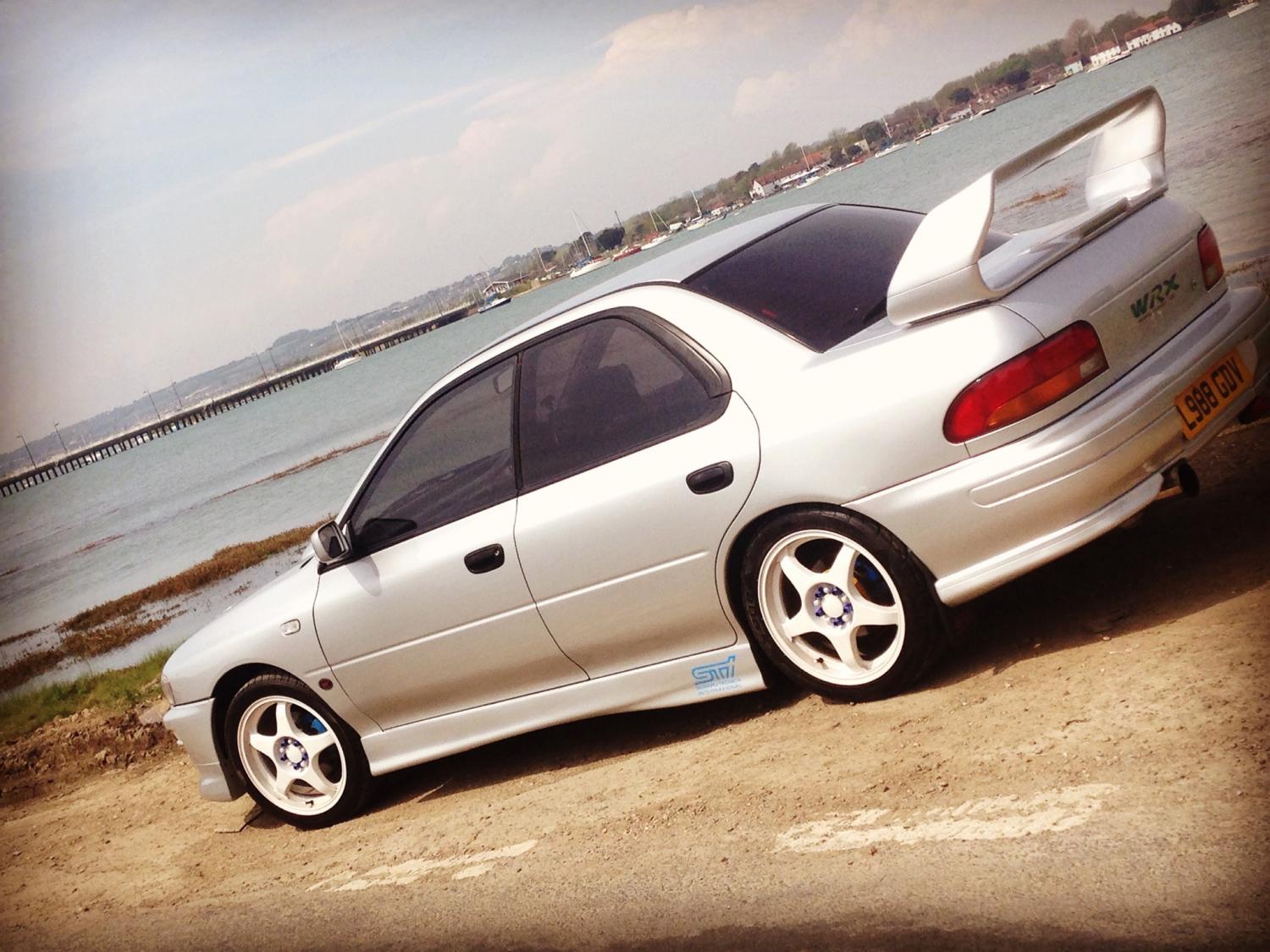
My electric window switch on my Scooby STI '94 Classic is playing up, just on my drivers one..... To get it to work I have to turn the car off and on again, it will work once, then stops working again, turn the car off and on, then it works once again??? Any ideas???
-
Cheers guys for all the advice and tips..... I'll go and spend a few pennies and see what happens!!
-
Good man, thanks for the advice..... Forgot about 3M stuff
-
Thanks mate, don't want to be doing that then.
-
Your a good man....... Thanks
-
Thanks.. Is that the Auto Glyn rubber cleaner?? I'll go and grab some today at some point
-
Good old ebay!!!! Lol Worth a shout then, if there's time Friday will help ya out...... I've had other Toys in the past from Fast road/track bikes to Mk2 Escorts.... Now the Scooby STI. Boys and there toys!!! Lol



