chris1978
Members
-
Joined
-
Last visited
Everything posted by chris1978
-
Stunning looking car.
-
-
Ah hope this is just a glitch. It's a great discount. I managed to get £80 of my Sony head unit the other week, made it a lot cheaper than even Amazon so it makes quite a difference; despite the odd looks from staff !
-
Im 39 so thats middle aged i guess. Im on my second scooby now, first one I was 32. I don't really think age comes into car ownership. Although I have one friend who is continually telling me I'm too old for a boy-racer "chav" car, which is a bit nasty, probably down to their total lack of interest in cars. I use mine as my daily drive for the 20 miles to work each day and its great :0)
-
Lovely looking car always been my favourite the blob-eye shape!
-
At the moment I'm keeping it as it is. It was given a ecutek re-map and miltek exhaust system by previous owner at scoobyclinic.... Although i say I'm keeping it as it is the previous one i had I ended up spending a few grand doing bits to it so see what happens :0)
-
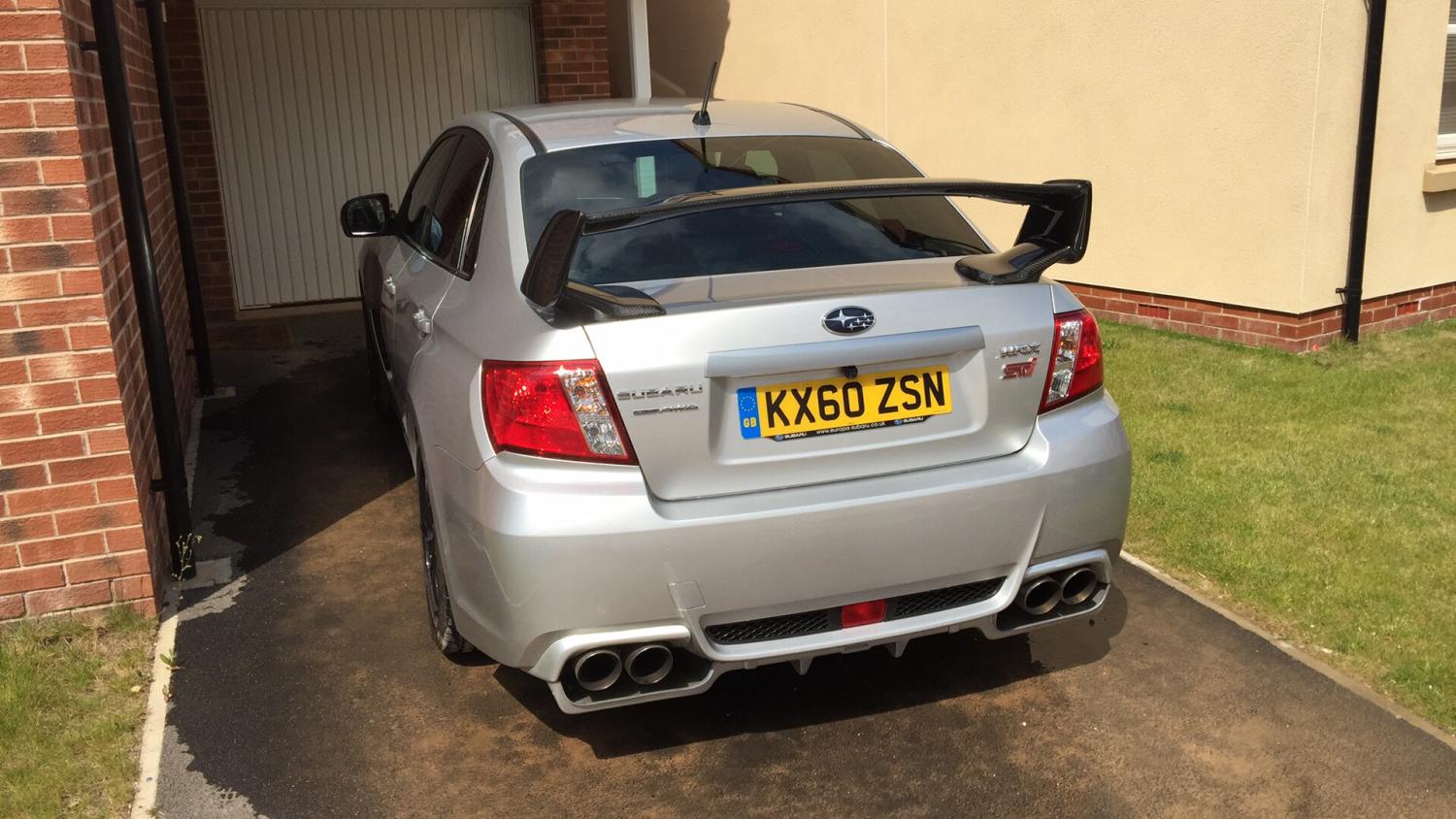
Hi. I found this owners forum as it popped up on my Facebook feed whilst looking about so I thought I would join. I own a 2010 Impreza WRX-STI, have only had it since April. A few years back I owned a 2007 Hawkeye WRX in blue. Regretted selling though and missed it which is why I've now got another one. Really happy with it and use it to drive to work every day. .. Just saying hi really :0) Chris.