


stants
Members
-
Joined
-
Last visited
Everything posted by stants
-
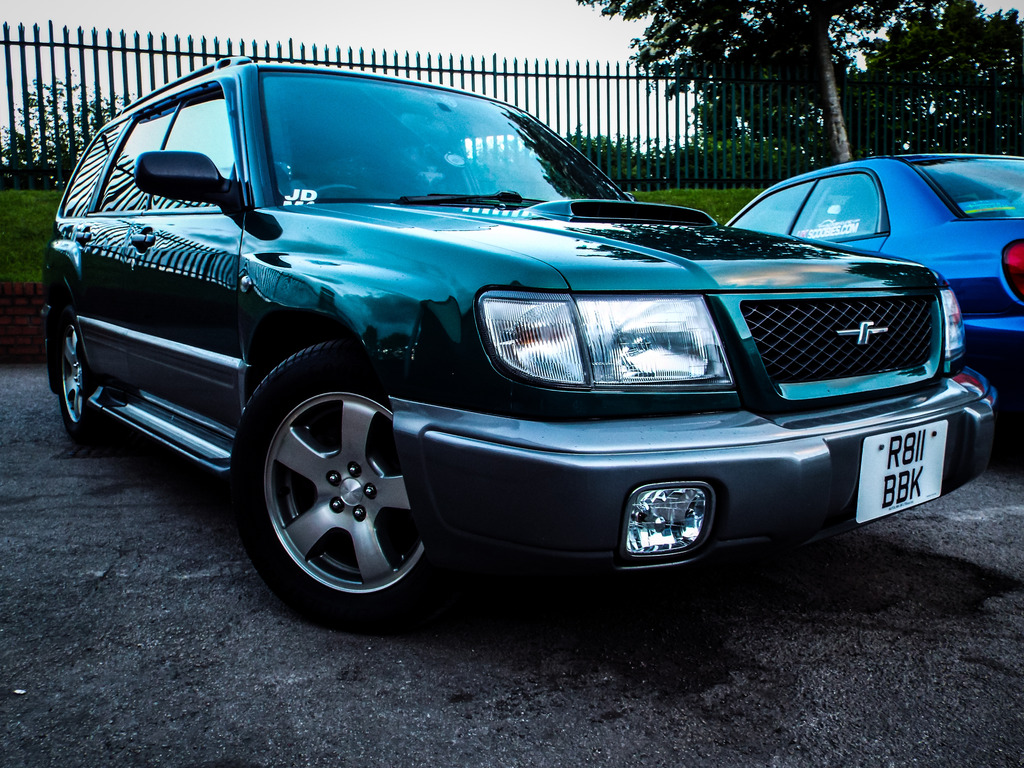
thanks for the warm welcome. the sale of my mx5 fell through so i'm still looking. it really is a toss up between a n/a old shape impreza waggon and a t/forester. unexpected baby news means what ever i get has to be large ish. safe and not too fast (her words) the forester has more of an understated q car look and the misses won't be any the wiser haha
-
Hello everyone, I've joined as a future owner i thouht i'd get on here soak up as much info as possible before buying, Family needs are forcing me to get rid of the hairdresser mobile and buy something a bit more practical :( So once mine is sold i'm hoping to buy a forester, looking a a few at the mo a couple have caught my eye an 01 s turbo for starters, my budget isn't going to be massive up to 2k i think. If anyone has buying info pointers what to look out for etc or links to threads would be a massive help. And if you may be able to answer a few questions for a start ? The car i'm going to view this week has jus under 100000 on it and has just had all belts changed at last service, should i expect major expense to outlay on servicing if this has been done already ? How bulletproof is everything ? Turbos etc . Thanks again and sorry for all the stupid questions i'm doing this from workon me phone and the search function won't work
